How To Charge Robot Vacuum Cleaner: Easy Guide
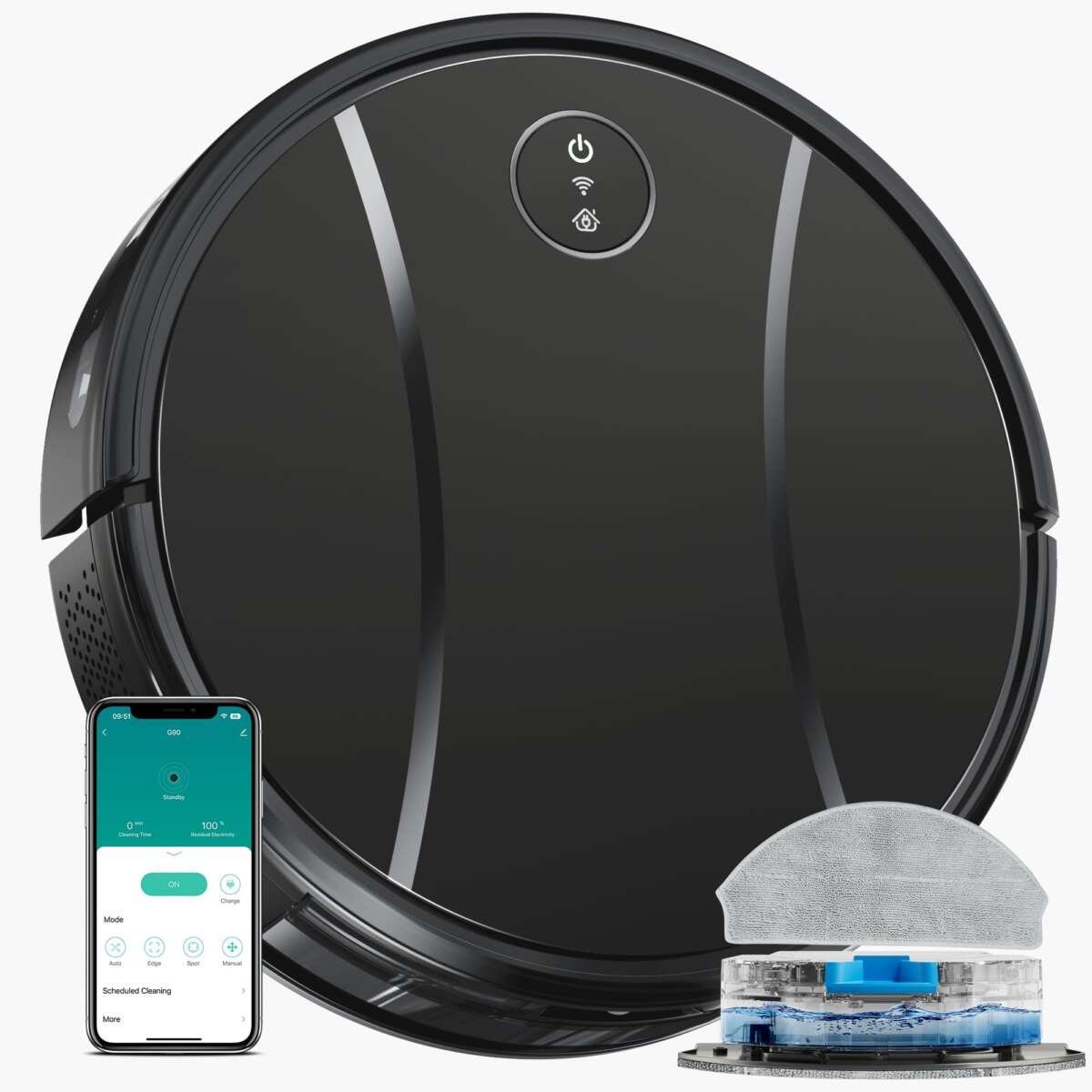
In U.S. homes, most robot vacuums charge through a dock connected to a standard wall outlet. To charge one, place the dock on a hard, level floor, plug it in, and guide the robot onto the charging contacts. The robot should beep, light up, or show a charging symbol in its app when the connection works.
Most models return to the dock on their own when the battery is low. If yours does not, place it on the dock by hand with its metal charging points lined up with the dock contacts.

What You Need Before Charging
You need the robot vacuum, its charging dock, and the power adapter that came with it. Use the original charger whenever possible. A charger from another model may have a different voltage, current, or connector.
Choose a location that meets these basic conditions:
- A level, hard floor
- A nearby wall outlet
- Enough open space for the robot to enter and leave
- Clean, dry charging contacts
- No loose cords, rugs, or furniture blocking the dock
Many robot vacuum makers suggest leaving open space in front of the dock and some space on each side. The exact amount varies by model. Check the manual if the dock sits in a narrow hall or beside furniture.
Do not place the dock in a wet area, near a sink, or where direct heat may reach it. Keep the power cord away from the robot’s cleaning path so the vacuum does not pull or chew the cord.
A robot vacuum may use one of two common charging methods:
- Automatic dock charging: The robot finds the dock and drives onto it.
- Manual charging: You place the robot on the dock or connect it to a charging cable.
Most newer robot vacuums use automatic dock charging. Some compact or older models use a plug that connects directly to the robot.

How to Charge a Robot Vacuum Cleaner Step by Step
Follow these steps for a standard robot vacuum with a charging dock.
1. Assemble the charging dock
Connect the power cord to the dock. Push the plug in fully. A loose connection can make the dock appear dead even when the wall outlet works.
If the dock has a removable power cable, connect that cable to the correct port on the back or bottom of the dock.
2. Place the dock in a clear area
Set the dock against a wall on a hard, flat surface. Do not place it on a thick rug unless the manufacturer says that the dock supports it.
Keep the dock away from stairs and sharp drops. The robot needs a clear route to approach the dock and align its charging contacts.
3. Plug the dock into the wall
Connect the adapter to a working U.S. wall outlet. Do not use a damaged adapter, frayed cable, or loose power strip.
Some docks have a power light. Others show no light until the robot is seated. The manual will explain what your model’s lights mean.
4. Turn on the robot
If the robot has a power button, press it once. Some models turn on as soon as they touch the dock. A completely drained battery may need several minutes before the robot responds.
5. Place the robot on the dock
Aim the front or rear of the robot toward the dock, based on your model’s design. Push it gently onto the dock until the charging contacts touch.
Do not force the robot into place. If it does not sit flat, check for dust, a blocked wheel, or a dock that is not level.
6. Confirm that charging has started
Look for one or more of these signs:
- A charging light
- A battery icon
- A voice message
- A sound or beep
- A charging status in the mobile app
- A battery percentage that increases over time
A light that pulses or slowly flashes often means charging. A solid light may mean that the battery is full. Light colors and patterns differ by brand, so use the model’s manual for an exact meaning.
7. Leave the robot on the dock
Most robot vacuums are designed to remain on the dock between cleaning runs. Their charging system stops or reduces active charging when the battery reaches its target level.
If your manual gives different storage instructions, follow those instructions. For long-term storage, some makers advise charging the battery first and then turning the robot off.

How Long Does a Robot Vacuum Take to Charge?
A robot vacuum often needs several hours to reach a full charge, but the exact time depends on the battery, charger, temperature, and model. Many products take about two to five hours, while some models may take longer.
Use the manufacturer’s stated charge time as the best guide. The battery may charge more slowly when:
- The robot or dock is very hot or cold
- The battery is aging
- The contacts are dirty
- The power adapter is incorrect
- The robot is running a software update
- The robot is not fully seated on the dock
A short charging session can still provide some cleaning time, but it may not fill the battery. If you need the robot to clean soon, let it charge until the app or indicator shows a useful battery level.
A simple charging estimate
Suppose a robot has a battery capacity of 3,200 milliamp-hours (mAh). That number describes battery capacity, not a guaranteed charge time. The actual time depends on the charger and the robot’s charging controls.
Do not calculate charging time by dividing battery capacity by an adapter’s advertised current unless the manufacturer provides the needed specifications. Robot vacuums reduce and control charging current as the battery fills.

Can a Robot Vacuum Charge Without Its Dock?
Some robot vacuums can charge without the dock, but many cannot. The answer depends on the model.
A robot may support direct charging through:
- A barrel-style charging port
- A USB cable on a small portable model
- A removable battery charger
- A special charging base
If the robot was designed to charge only through its dock, connecting another power source can damage the battery or electronics. Never guess the voltage or polarity of a replacement charger.
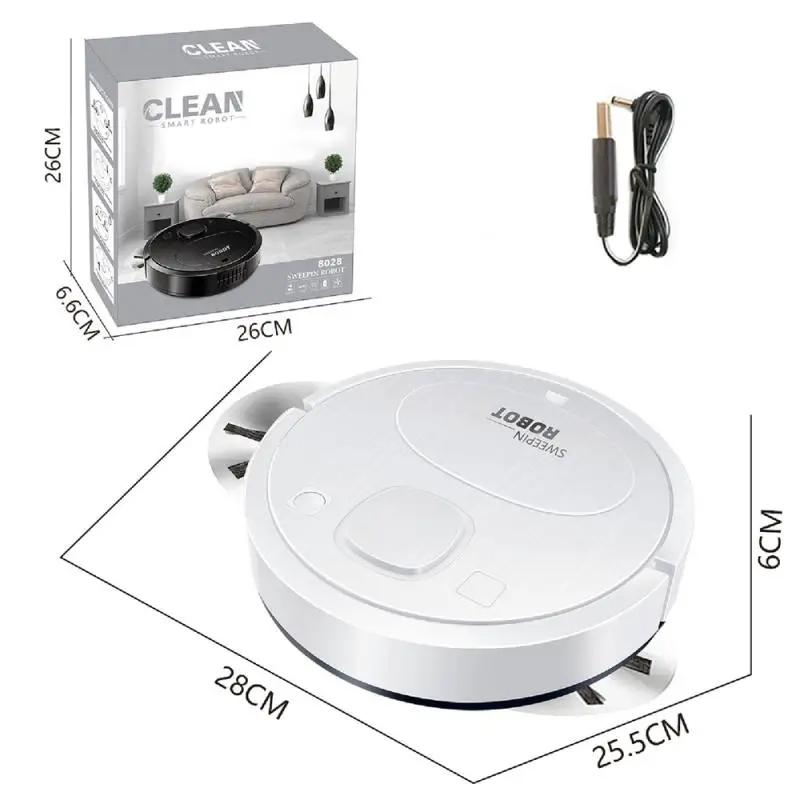
For a direct-charge model, connect the approved charger to the robot and then to the wall outlet, if the manual gives that order. Place the robot on a stable, nonflammable surface while charging.
If the robot has a removable lithium-ion battery, use only the charger made for that battery system. Do not charge a swollen, cracked, leaking, or unusually hot battery.
How to Make a Robot Vacuum Return to the Charging Dock
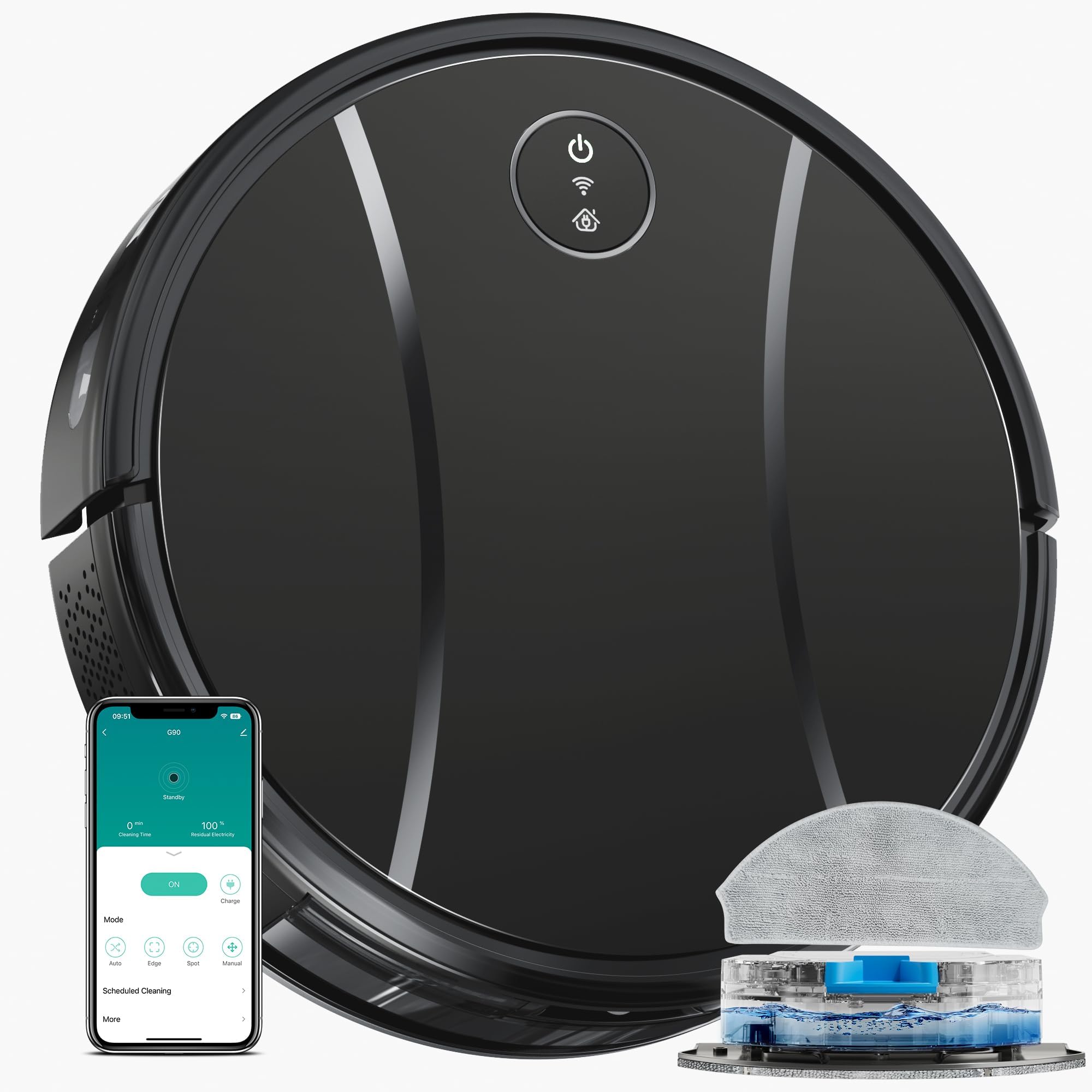
Press the Home, Dock, or Charge button on the robot or in its app. The robot should stop cleaning and navigate back to the dock.
If it cannot find the dock, check these points:
- The dock has power.
- The robot’s wheels are not trapped.
- The path is clear.
- The dock has not been moved since mapping.
- The dock is not behind a closed door.
- The robot’s sensors are clean.
- The dock is not in a tight corner or under furniture.
- The robot has enough battery to make the trip.
Some robots use saved maps to navigate. Moving the dock can confuse the robot until it updates the map. If you must relocate the dock, move it only a short distance when possible, or follow the app’s instructions for setting a new dock position.
A robot that starts from the dock usually has a better chance of returning to it. If you carry the robot to another room, it may not know where it is.

What to Do if the Robot Vacuum Is Not Charging
Check the simple and safe causes first. Do not open the battery compartment unless the manual allows it and you understand the risk.
| Symptom | Likely cause | What to check |
|---|---|---|
| No light or sound | No power or loose connection | Test the outlet and inspect the adapter |
| Robot sits on dock but battery stays low | Dirty contacts or poor alignment | Clean and realign the contacts |
| Robot leaves the dock | Dock is unstable or blocked | Place it on a level floor with a clear path |
| Charging stops quickly | Battery, heat, or software issue | Let it cool and check the app or manual |
| Robot does not find dock | Dock moved or path blocked | Restore the dock position and clear obstacles |
| Dock light works but robot stays off | Battery may be deeply discharged | Leave it on the dock for the time stated in the manual |
Clean the charging contacts
Unplug the dock before cleaning it. Use a dry, soft cloth to wipe the metal contacts on the robot and dock.
Do not spray cleaner, water, or rubbing alcohol directly into the dock. Moisture can damage electrical parts. If the contacts are heavily corroded, bent, or loose, contact the manufacturer or an authorized repair service.
Test the wall outlet
Plug a small device into the same outlet. If that device also fails, reset the circuit breaker or use a different outlet if it is safe to do so.
Do not use an outlet that is warm, sparking, loose, or damaged. Contact a qualified electrician for electrical problems.
Check the power adapter
Look for cuts, crushed sections, exposed wires, bent pins, or a hot adapter. Stop using a damaged charger.
A replacement adapter must match the robot’s required specifications. The connector may fit even when the electrical output is wrong, so physical fit alone is not enough.
Allow the robot to cool
Lithium-ion batteries may stop charging when temperatures are outside the allowed range. Move the robot to a dry indoor area at normal room temperature and let it cool naturally.
Do not place the robot in a freezer, on a heater, or in direct sun to change its temperature quickly.
Restart the robot
If the manual provides a restart procedure, use it. A restart can clear a temporary software problem. Avoid repeated resets if the robot shows an error that points to a battery or electrical fault.
If the robot still will not charge after these checks, record the model number, error code, light pattern, and purchase date before contacting support.
Robot Vacuum Charging Safety
Robot vacuums commonly use lithium-ion batteries. These batteries need proper chargers and reasonable heat control.
Follow these safety rules:
- Use the supplied charger or an approved replacement.
- Keep the dock and robot dry.
- Do not cover the robot while it charges.
- Keep paper, fabric, and other flammable items away from the dock.
- Do not use a swollen, leaking, cracked, or smoking battery.
- Stop charging if you smell burning or see smoke.
- Unplug the dock if the adapter becomes unusually hot.
- Keep cords away from pets and children.
- Do not modify the battery or dock.
- Do not throw a lithium-ion battery in household trash.
If you see smoke or flames, move away and call emergency services. Do not handle a burning battery. Follow local U.S. battery recycling or household hazardous-waste rules for disposal.
The U.S. Consumer Product Safety Commission provides battery safety information, and the robot’s manufacturer remains the best source for model-specific charging instructions.

Should You Leave a Robot Vacuum on the Charger?
Usually, yes. Most robot vacuums are built to stay on their charging dock when they are not cleaning. The robot’s charging circuit controls the process after the battery fills.
Leaving the robot on its dock helps it start the next scheduled cleaning with a full battery. It also allows some models to install updates, communicate with the app, or empty the dustbin through a self-emptying base.
Remove it from the dock for long storage only if the manufacturer recommends doing so. For storage lasting several weeks or months, follow the manual’s battery percentage and power-down instructions. Check the robot from time to time for heat, swelling, or damage.

Common Charging Mistakes to Avoid
The most common mistake is placing the dock where the robot cannot approach it in a straight or open path. A clean dock does not help if a chair, rug edge, or wall blocks the robot.
Other mistakes include:
- Using a third-party charger without checking its specifications
- Cleaning contacts with too much liquid
- Moving the dock after mapping without updating the app
- Placing the dock on an uneven rug
- Assuming a flashing light means full charge
- Ignoring an error code
- Charging a wet robot
- Covering the dock or adapter
- Pulling the robot off the dock by its bumper
- Storing the robot in a hot garage or damp basement
If the robot charges only when you press it against the dock, the contacts may be dirty, bent, or worn. That condition needs attention because intermittent charging can leave the battery empty when cleaning begins.

How to Know When the Robot Vacuum Is Fully Charged
The app usually shows a battery percentage or a “fully charged” message. Without an app, look for the model’s full-charge light, voice alert, or manual description.
Do not rely on a single light color unless you know what that color means for your model. A flashing light may indicate charging, a low battery, an error, or a network status.
If the battery percentage never rises after several hours, treat that as a charging problem. Check the contacts, outlet, dock alignment, and adapter before assuming the battery has failed.

Frequently Asked Questions
Can I use a robot vacuum while it is charging?
Most robot vacuums do not clean while they are seated on the dock. They normally charge first and then leave for a cleaning run. Do not use the robot while connected to a charger unless the manufacturer specifically designed it for that use.
Why does my robot vacuum keep leaving the charging dock?
It may not be charging correctly, or the dock may be unstable. Clean the contacts, check the power cable, and place the dock on a level floor. A damaged battery or charging fault can also cause repeated departures.
Does a robot vacuum need to be turned on to charge?
Many models charge when switched on or in standby mode. Some require the power button to be on. Check the manual if the battery does not charge after the robot is placed on the dock.
Can I charge a robot vacuum overnight?
Manufacturers generally design docked robot vacuums to charge without constant supervision. Use the original dock, keep the area clear, and stop using the system if the battery or adapter becomes hot, swollen, damaged, or gives off an unusual smell.
How often should I charge a robot vacuum?
Let the robot return to its dock after each cleaning cycle. Most models manage charging automatically, so you do not need to remove and recharge the battery by hand.
Why does my robot vacuum say “not charging”?
The robot may be misaligned, the contacts may be dirty, the dock may lack power, or the battery may be too hot or damaged. Start with the outlet and contact checks. If the message remains, contact the manufacturer with the exact error code.
Conclusion
To charge a robot vacuum cleaner, connect its dock to a working wall outlet and place the robot on the dock until its charging indicator appears. Keep the dock level, dry, and easy to reach. Clean the charging contacts with a dry cloth, use the correct adapter, and follow the model’s manual for light codes and long-term storage.
If the robot still will not charge, check the outlet, cable, dock position, contacts, temperature, and error message in that order. Stop using the system if you find heat damage, smoke, swelling, leaks, or exposed wires.

Liora Pennings is a seasoned chef and kitchen enthusiast with a passion for turning everyday cooking into an effortless experience. With years of hands-on culinary expertise, she specializes in practical techniques, ingredient know-how, and smart kitchen solutions that help home cooks elevate their meals. At KitchFlair.com, Liora shares her best tips, time-saving tricks, and honest product reviews to guide readers toward a more efficient, enjoyable, and inspired cooking routine. Whether you’re a beginner or a seasoned home chef, Liora’s friendly, knowledge-packed insights make every visit to the kitchen a little easier—and a lot more delicious.