How A Robot Vacuum Cleaner Works: Simple Guide
A robot vacuum cleaner uses sensors, brushes, suction, software, and smart navigation to clean floors on its own.
Understanding how a robot vacuum cleaner works helps you choose the right model and use it more effectively. These small machines do far more than move around randomly. They scan rooms, avoid obstacles, adjust cleaning routes, collect dirt, and return to a charging dock when their battery runs low. This guide explains the technology in simple terms, including its benefits, limits, maintenance needs, and real-world performance.
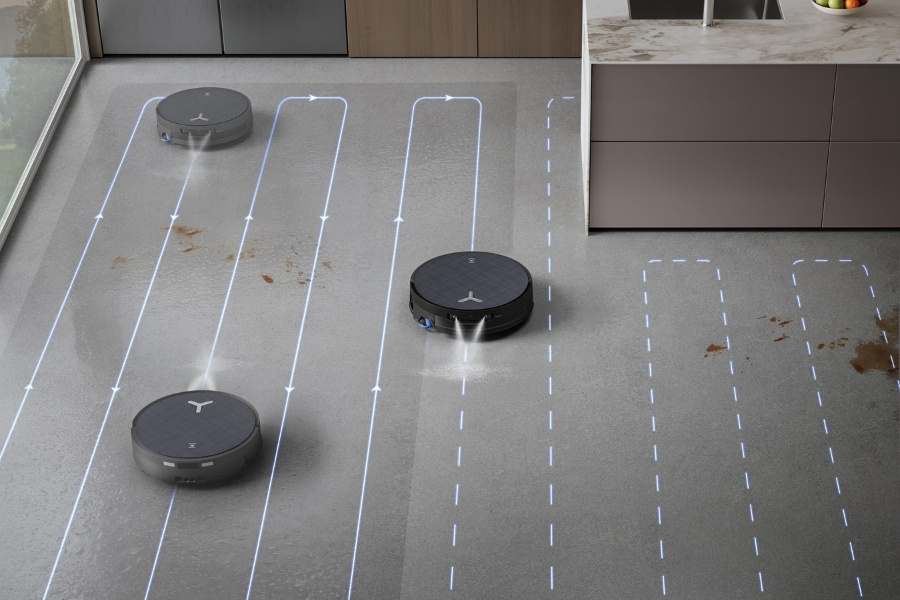
How a robot vacuum cleaner works
A robot vacuum cleaner combines mechanical parts, sensors, software, and a rechargeable battery. Together, these systems allow it to move across a floor, loosen dirt, pull debris into a dustbin, and follow a planned cleaning route.
The basic cleaning cycle usually follows these steps:
- The robot leaves its charging dock.
- Sensors scan the area and detect walls, furniture, stairs, and other objects.
- Side brushes sweep dirt away from edges and corners.
- A central brush lifts hair, dust, and crumbs from the floor.
- The motor creates suction and pulls debris into the dustbin.
- Software guides the robot through the room.
- The robot returns to its dock when cleaning ends or the battery becomes low.
The easiest way to picture how a robot vacuum cleaner works is to imagine a small floor-care team in one body. The sensors act as its eyes, the wheels act as its legs, the brushes act as its hands, and the computer acts as its brain.
Most models can clean hard floors and low-pile carpets. Some premium models also mop, empty their own dustbins, wash their mop pads, and refill water without help.
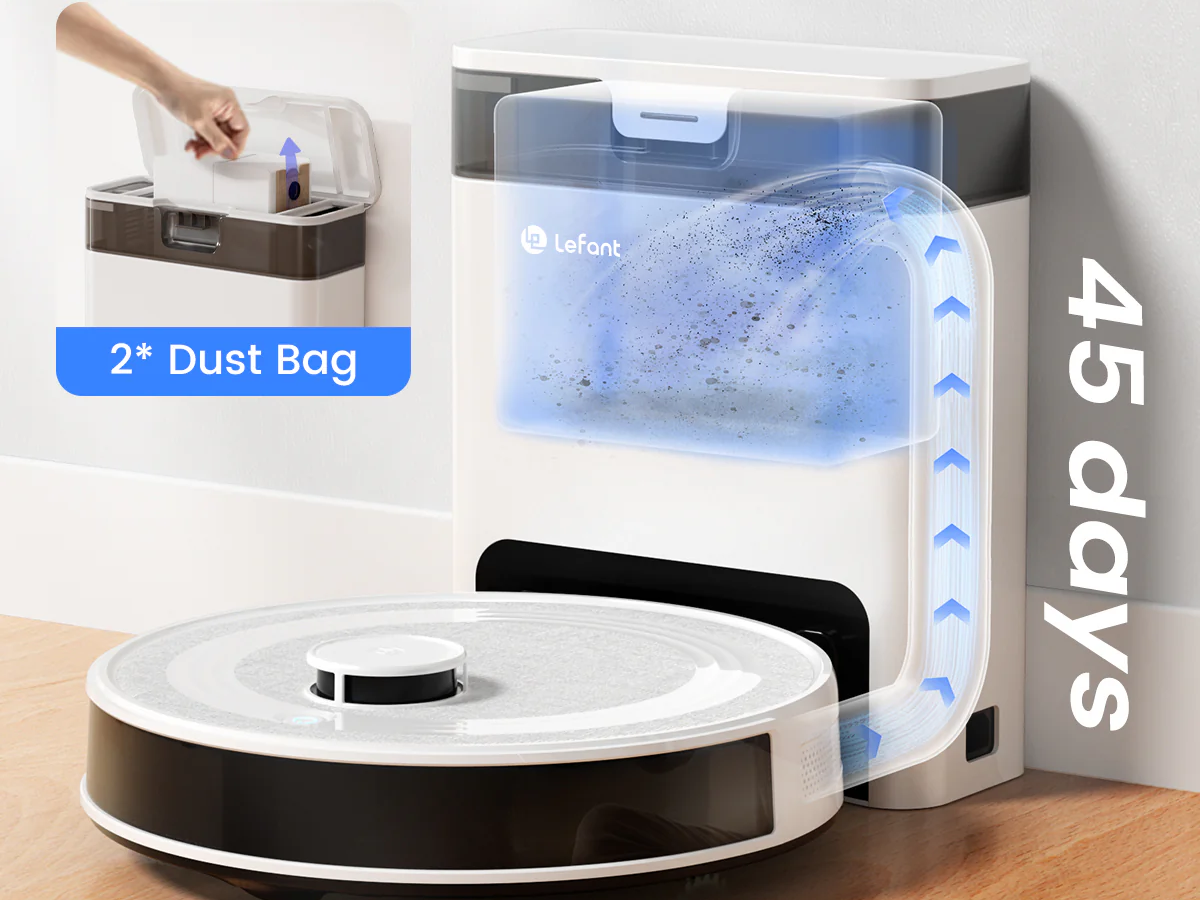
The main parts inside a robot vacuum
Each part has a specific job. A robot may look simple from the outside, but its cleaning ability depends on how well these parts work together.
Suction motor
The suction motor pulls air through the cleaning head. As air moves quickly, it carries dust and debris into the dustbin.
Robot vacuums often use less suction power than full-size upright vacuums. However, they make up for this by cleaning more often and using brushes that guide dirt toward the intake.
High suction settings can help with:
• Fine dust in carpet fibers
• Sand and crumbs on hard floors
• Pet hair
• Larger particles near baseboards
High power also uses more battery and may produce more noise.
Main brush roll
The main brush sits under the robot. It loosens debris and sends it toward the suction opening.
Many brush rolls use rubber fins. Others use a mix of bristles and rubber. Rubber rollers often resist tangles better, while bristle rollers can lift dirt well from some carpets.
Homes with pets should look for a brush designed to reduce hair wrapping. Even the best anti-tangle brush still needs regular inspection.
Side brushes
One or two side brushes spin near the robot’s outer edge. They push dirt from walls, corners, and furniture legs toward the main brush.
A side brush does not always move debris directly into the dustbin. It may first place dirt in the robot’s cleaning path. The main brush and suction system then collect it.
Dustbin and filter
The dustbin stores collected dirt. Its filter traps fine particles before the cleaned air leaves the robot.
Common filter types include:
• Standard mesh filters for larger dust
• Fine-particle filters for household dust
• High-efficiency filters that capture very small particles
A full dustbin reduces airflow. A dirty filter can have the same effect, so both parts need regular care.
Wheels and drive system
Two powered wheels control movement. A smaller front wheel helps the robot turn and stay balanced.
The drive wheels can rotate at different speeds. If the left wheel moves faster than the right wheel, the robot turns. This simple design lets it navigate around furniture and follow curved routes.
Battery and charging contacts
Most robot vacuums use lithium-ion batteries. The battery powers the motors, sensors, computer, and wireless connection.
Metal charging contacts on the robot connect with matching contacts on the dock. If dust builds up on these contacts, the robot may fail to charge.
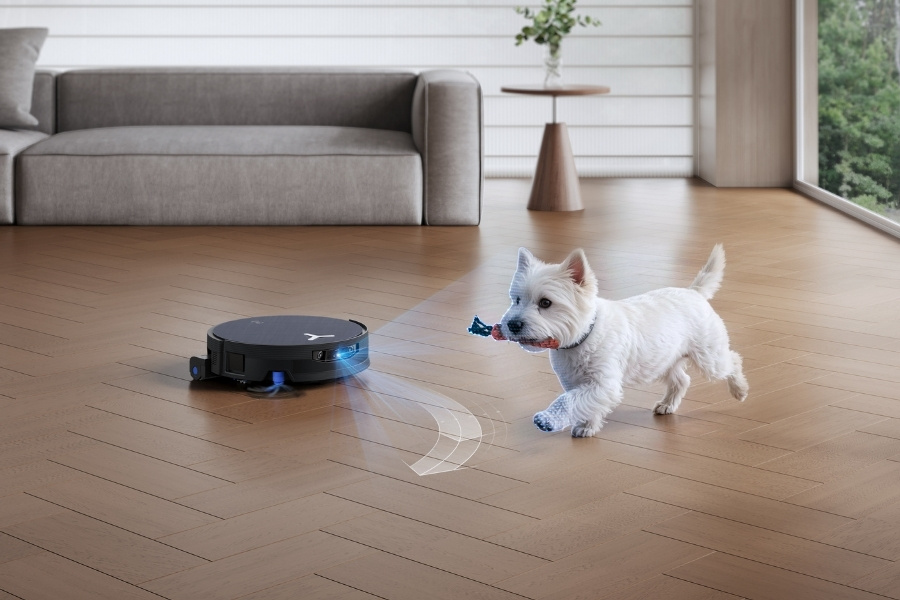
How robot vacuum navigation works
Navigation is one of the biggest differences between basic and advanced models. Older or inexpensive robots may move in changing patterns. Newer models can create maps and plan more efficient routes.
Random navigation
Basic robot vacuums use bump sensors and simple movement rules. They travel in one direction until they detect an obstacle, then turn and continue.
This method can still clean a room, especially when the robot runs often. However, it may take longer and can miss some areas during a single cleaning cycle.
Gyroscope navigation
A gyroscope measures changes in movement and direction. The robot uses this data to travel in straighter lines and remember where it has been.
Gyroscope navigation is more organized than random movement, but it does not create the same detailed map as laser or camera systems.
Camera-based navigation
Some models use a camera to recognize walls, furniture, and room features. Software compares visual information as the robot moves.
Camera systems can work well, but they may struggle in very dark rooms. They may also raise privacy concerns because the robot uses an image sensor inside the home.
LiDAR navigation
LiDAR uses laser pulses to measure the distance between the robot and nearby objects. The robot can use these measurements to create a map of the room.
LiDAR is often accurate and works in low light. A raised laser module may make the robot taller, though, so it might not fit under every couch or cabinet.
Visual and sensor fusion
Many advanced robots use more than one navigation method. They may combine LiDAR, cameras, infrared sensors, gyroscopes, and wheel movement data.
This combination improves navigation because each sensor covers another sensor’s weakness. For example, a camera may identify an object while LiDAR measures its position.
A useful lesson from hands-on testing is that a perfect map does not guarantee perfect cleaning. A robot can map a room well but still struggle with tangled cords, dark objects, or cluttered floors.

How sensors help a robot vacuum avoid trouble
Sensors allow a robot vacuum cleaner to understand its surroundings. They also protect the machine from falls and collisions.
Common sensors include:
• Bump sensors that detect physical contact with furniture
• Infrared sensors that measure nearby objects
• Cliff sensors that detect stairs and ledges
• Wheel sensors that track movement and slipping
• Dirt sensors that detect heavy debris in some models
• Carpet sensors that identify changes in floor type
• Object-recognition cameras that identify cords, shoes, or pet waste
Cliff sensors are especially important in homes with stairs. They shine or send signals toward the floor and check whether the surface is still present. If the signal changes sharply, the robot assumes it has reached a drop and turns away.
These sensors are not perfect. Dark rugs, shiny floors, and strong sunlight can confuse some infrared systems. For this reason, you should test a new robot near stairs while watching it.
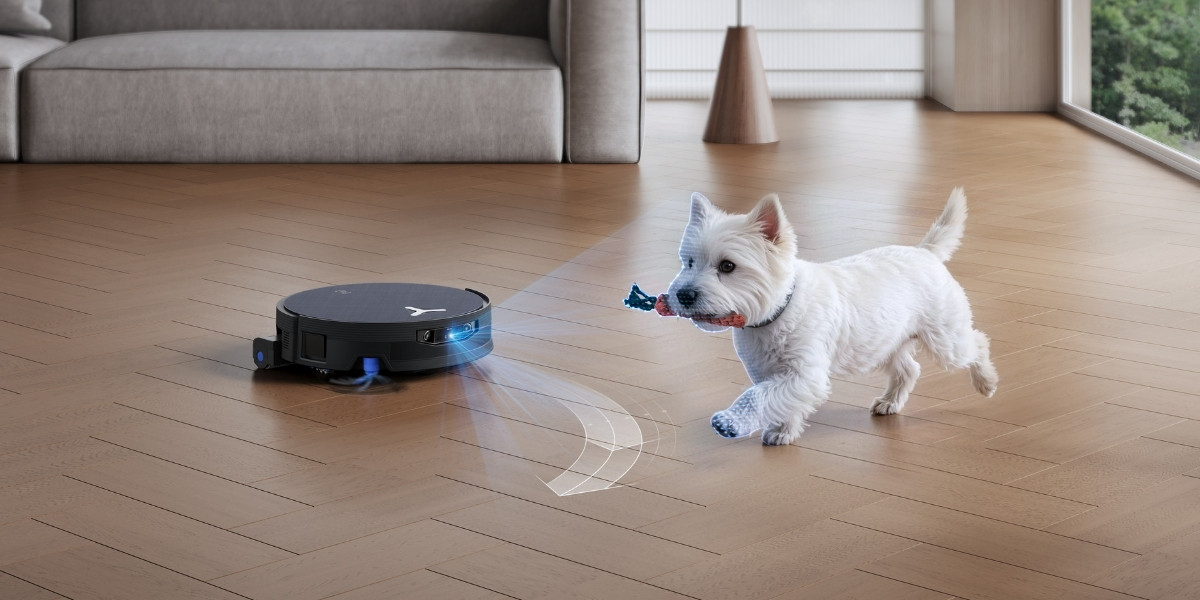
Obstacle recognition also has limits. A robot may avoid a chair leg but fail to recognize a thin charging cable. Before cleaning, remove cords, socks, toys, and small objects from the floor.
How a robot vacuum cleaner maps your home
Mapping allows the robot to remember the shape of rooms and plan a more organized cleaning route. During its first run, the robot collects information about walls, furniture, doors, and open spaces.
The software turns this information into a digital map. Depending on the model, you may be able to label rooms, set cleaning zones, or create no-go areas in the app.
A typical mapping process includes:
- The robot leaves the dock and measures nearby spaces.
- It tracks distance using wheel movement and sensor data.
- It identifies walls, openings, and large objects.
- Software combines the information into a floor plan.
- The robot stores the map for later cleaning sessions.
Some robots map better when the first run is a mapping-only trip. Others clean while they map. Keep doors open during the first run if you want the robot to learn the full floor.
Maps can change over time. Moving furniture, opening a new door, or placing objects in a room may cause the robot to update its plan. If the map becomes confused, deleting it and running a new mapping cycle often solves the problem.
Privacy is also worth considering. Models with cameras or cloud-connected apps may collect more household data than simple robots. Read the privacy settings and choose local controls when available.

How the cleaning system handles different floors
A robot vacuum cleaner changes its performance based on the surface below it. Hard floors, rugs, and thick carpets each create different cleaning needs.
Hard floors
On wood, tile, vinyl, and laminate, the robot mainly collects dust, crumbs, hair, and sand. Side brushes are useful because they reach edges where dust often gathers.
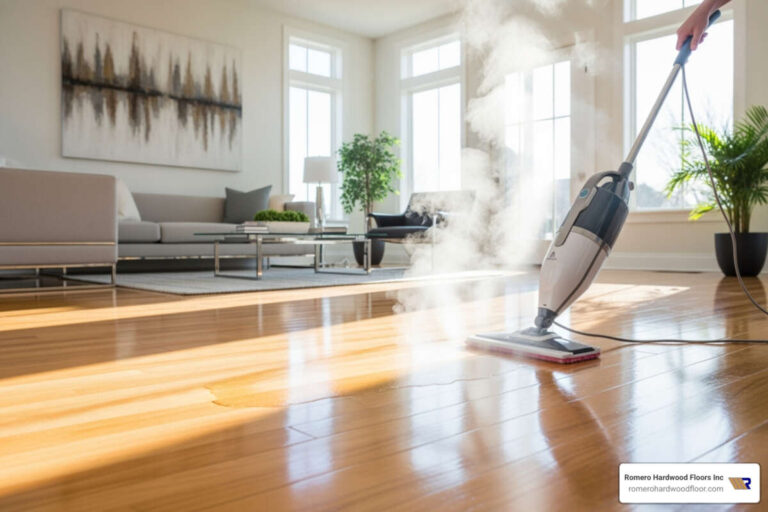
Use care with wood floors. Avoid excessive water if the robot includes a mopping feature, and follow the flooring manufacturer’s cleaning advice.
Carpets and rugs
Carpet fibers hold dust below the surface. The main brush must agitate the fibers while suction removes the loosened dirt.
Some models increase suction automatically when they detect carpet. This can improve pickup but may use more battery.
Lightweight rugs can cause problems. The robot may pull them, fold their edges, or become stuck on tassels. Use a no-go zone or secure the rug if needed.
Mopping floors
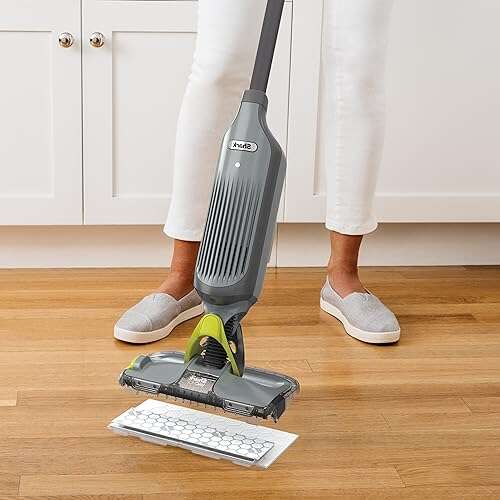
Combination robots use a water tank and a washable or disposable mop pad. The robot dampens the pad and drags it across the floor.
Mopping robots are best for light dust and small stains. They do not replace a deep mop for sticky spills, grease, or dried messes.
Never allow a robot mop to run over wet spills, bleach, chemicals, or pet waste. Clean those areas by hand first.

How charging and automatic dirt disposal work
A robot vacuum usually starts and ends its work at a charging dock. The dock sends out an infrared signal or another navigation cue that helps the robot locate it.
When the battery becomes low, the robot pauses cleaning and searches for the dock. Many models use a “recharge and resume” feature. They charge enough to continue, then return to the unfinished area.
For reliable docking:
• Place the dock against a wall
• Keep open space on both sides
• Avoid placing it under furniture
• Keep the dock on a level floor
• Clean the charging contacts often
Self-emptying docks use suction to pull debris from the robot’s dustbin into a larger bag or container. This reduces daily maintenance, which is helpful for homes with pets or allergies.
However, a self-emptying dock does not remove every maintenance task. You still need to clean the brush, wash filters when allowed, empty the base, and inspect the wheels.

How an app controls a robot vacuum cleaner
Most smart robot vacuums connect to a mobile app through Wi-Fi. The app can show cleaning maps, battery status, schedules, and error alerts.
Common controls include:
• Start or stop cleaning
• Select a room
• Set virtual boundaries
• Create no-go zones
• Choose suction power
• Schedule cleaning times
• View maintenance reminders
• Control mopping water levels