How Does A Roomba Vacuum Cleaner Work: Simple Guide
A Roomba uses sensors, brushes, suction, software, and smart navigation to clean floors with little human help.
Understanding how does a Roomba vacuum cleaner work helps you get better results from your robot vacuum. A Roomba is more than a small vacuum that moves at random. It combines wheels, sensors, mapping tools, a cleaning head, and software to find dirt, avoid obstacles, return to its dock, and recharge. This guide explains each step in clear terms, including what Roomba models can do, where they struggle, and how to use one well.
How does a Roomba vacuum cleaner work?
A Roomba works by moving across your floor while several systems operate at the same time. Its side brush sweeps dirt from edges. Its main brush system lifts debris from the floor. A motor then creates suction and pulls the debris into a dustbin.
At the same time, the robot reads data from sensors. These sensors help it detect walls, stairs, furniture, dirt, and its charging dock. More advanced models also use cameras, lasers, or both to create a map of your home.
The cleaning process usually follows these steps:
- The Roomba starts from its dock or a selected location.
- Sensors scan the nearby area.
- Wheels move the robot across the floor.
- Brushes loosen hair, crumbs, and dust.
- Suction draws the debris into the dustbin.
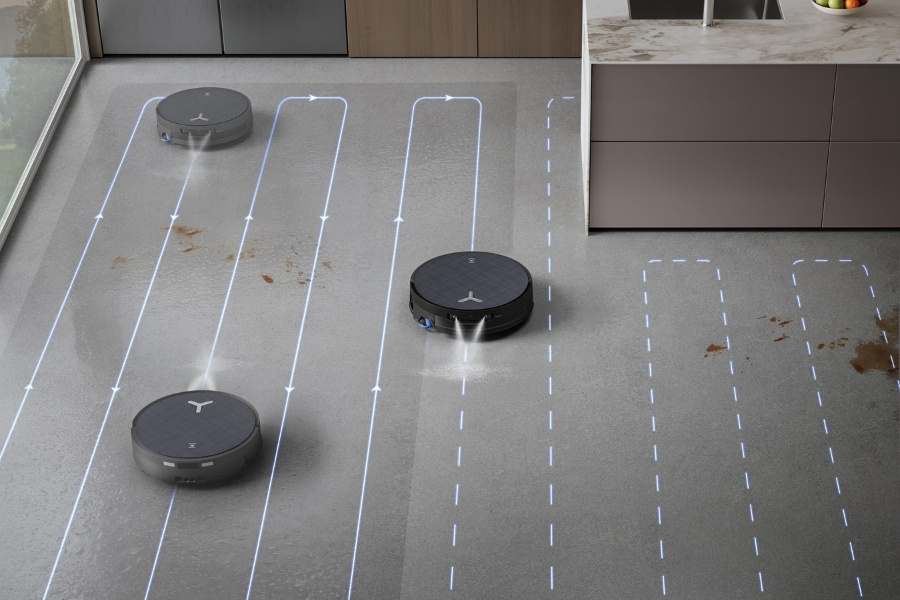
- Software guides the cleaning pattern.
- The robot returns to the dock when the job ends or the battery is low.
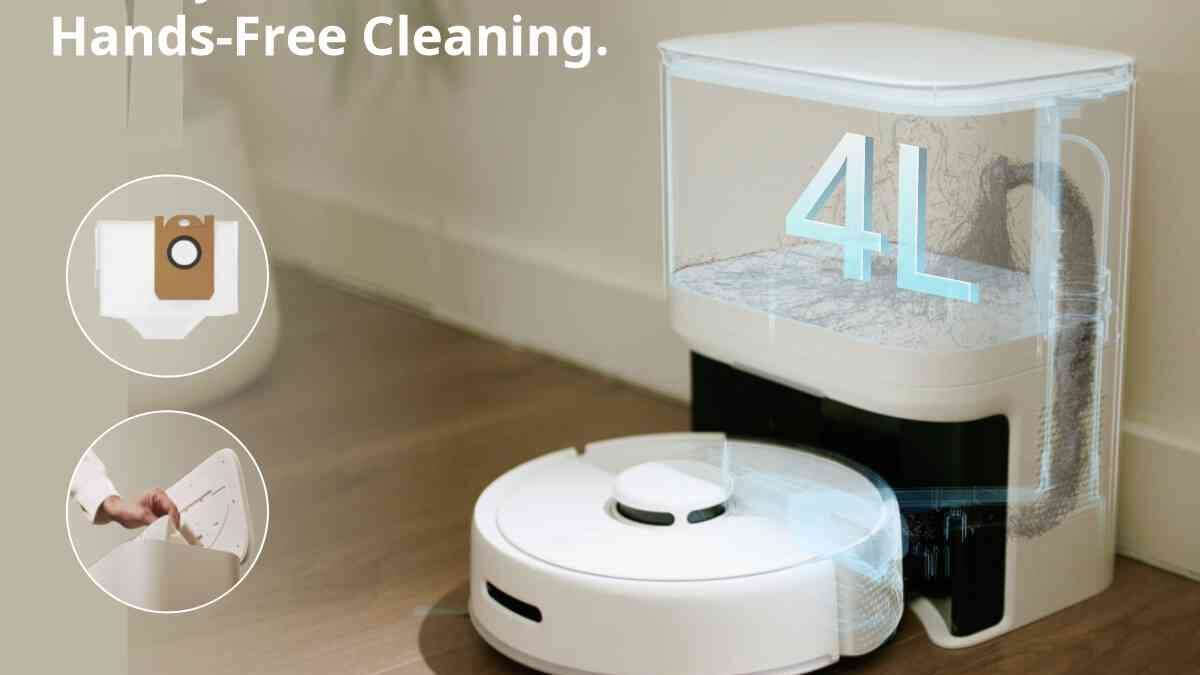
- Some models empty their own dustbin or wash their mop pad.
In simple terms, a Roomba acts like a small mobile cleaning system. Its hardware gathers dirt, while its software decides where to go next.
The main parts inside a Roomba
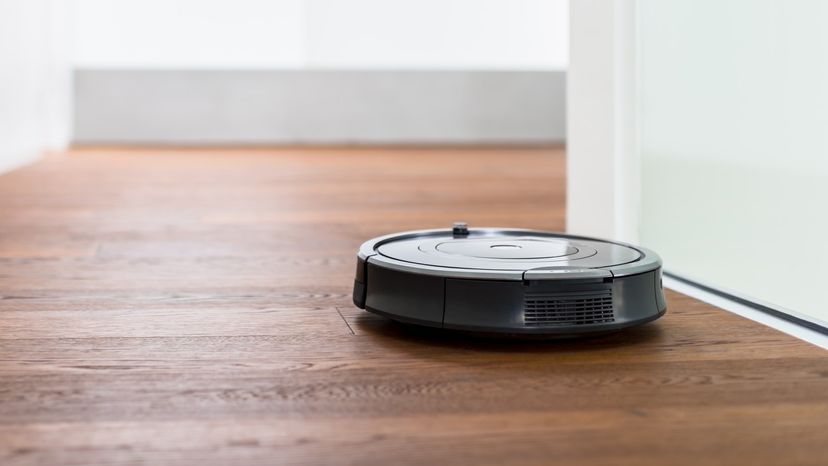
To understand how does a Roomba vacuum cleaner work, it helps to look at its key parts. Each part has a simple job, but the parts must work together for good cleaning.
Motor and suction system
The vacuum motor creates airflow. This airflow carries dirt from the brush area into the dustbin. Suction power varies by model and cleaning mode, so not every Roomba performs the same way on thick rugs or heavy debris.
A Roomba may increase suction when it detects carpet. This uses more battery power but can lift more dust and hair from fabric. On hard floors, a lower power setting may clean well while running more quietly.
Dual brush system
Many Roomba models use two counter-rotating brush rolls. One brush pulls dirt upward, while the other guides it toward the suction opening. Their rubber design helps reduce hair tangles compared with traditional bristle brushes.
These rollers still need care. Long hair can wrap around the ends, especially in homes with pets or people with long hair. Removing the rollers and cutting away trapped hair every few weeks can protect the motor and improve cleaning.
Edge-sweeping brush
The small side brush reaches beyond the robot’s round body. It pushes dust away from walls, cabinet edges, and furniture legs. The main rollers then collect that debris.
The side brush is useful, but it does not replace manual edge cleaning. Dust can still remain in very narrow gaps or deep corners that the round body cannot reach.
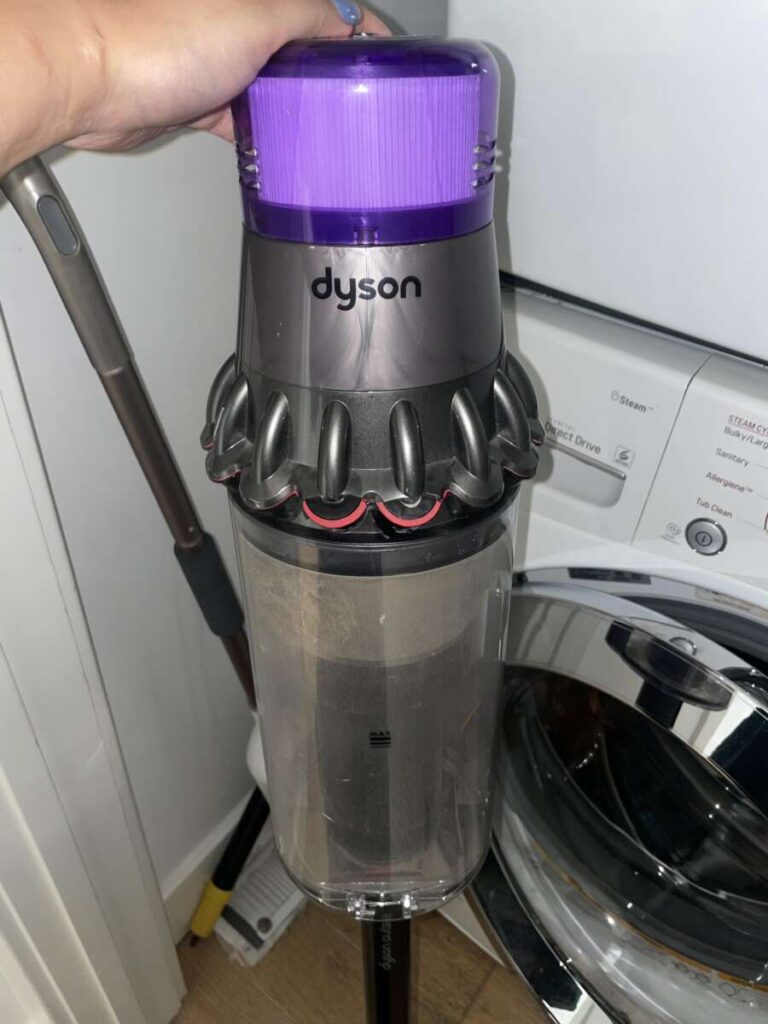
Dustbin and filter
The dustbin stores collected debris. A filter traps fine particles so they do not return to the room through the exhaust air. Some models use a high-efficiency filter designed to capture small particles, but filters must stay clean to maintain airflow.
A full dustbin can reduce cleaning performance. In models without automatic emptying, empty the bin after each run or whenever the app shows a warning.
Wheels and drive system
Two main drive wheels let the Roomba move forward, turn, and rotate in place. A smaller front wheel helps balance the robot. The drive system can adjust each wheel separately, which allows the Roomba to turn around furniture and follow mapped routes.
Dirty wheel sensors or hair wrapped around an axle can cause movement errors. Check the wheels if the robot starts moving slowly, spins in circles, or reports that it is stuck.

How Roomba sensors guide movement
Sensors are central to how does a Roomba vacuum cleaner work. Without them, the robot would bump into objects, fall down stairs, and lose track of its dock.
Cliff sensors
Cliff sensors look for sudden drops. They help prevent the robot from falling down stairs or off a ledge. These sensors work by sending and reading light signals near the front underside of the robot.
Dark floors can sometimes confuse cliff sensors because they may appear like a drop. If your Roomba refuses to clean a dark rug, check the manufacturer’s guidance before covering or changing the sensors.
Wall and obstacle sensors
Bumper sensors detect physical contact. When the front bumper touches a chair leg or wall, the robot changes direction. Some newer models detect objects before touching them by using cameras, light, or special distance sensors.
Even advanced object recognition has limits. Small cords, thin socks, pet toys, and clear objects may be difficult to detect. Picking up these items before cleaning remains one of the best ways to prevent problems.
Dirt detection sensors
Many Roomba models use sensors to notice areas with more debris. When the robot detects extra dirt, it may slow down or make repeated passes over the area.
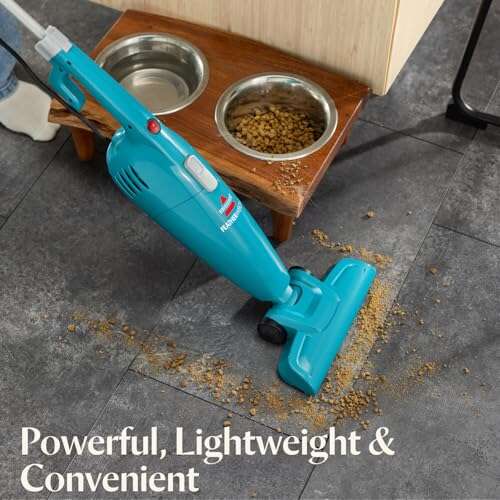
This feature works well near dining tables, kitchen counters, and pet bowls. It does not identify every type of dirt perfectly, so a heavily soiled area may still need manual cleaning.
Docking sensors
The robot uses signals from its dock to find the charging station. It may follow a planned route or search for the dock when the battery becomes low.
Keep the dock on a hard, level surface with open space around it. Placing it behind furniture or beside a narrow doorway can make docking harder.
How Roomba navigation and mapping work
Older robot vacuums often used simple movement patterns. They changed direction after hitting an object or sensing a wall. Modern Roomba models can use mapping software to plan more organized routes.
Some models use a camera to recognize rooms and landmarks. Others use laser-based navigation or other distance sensors. A few models combine several methods. The exact system depends on the model, so the phrase “Roomba” does not describe one single navigation system.
A mapped Roomba may divide your home into rooms. You can then ask it to clean the kitchen, living room, or hallway through an app. It can also save maps, set no-go zones, and create cleaning schedules.
Here is a typical mapping process:
- The robot leaves the dock.
- Sensors measure walls, furniture, and open spaces.
- Software builds a digital layout.
- The robot identifies likely room boundaries.
- The map is saved in the companion app.
- Later cleaning runs use the map to plan routes.
Mapping does not mean the robot understands your home like a person does. It records shapes, distances, and positions. It may misread a moved chair, a mirror, or a large open area.
For privacy, review the app’s data settings. Camera-equipped models may collect visual information to improve navigation. Read the model’s privacy policy and disable features you do not need.
How a Roomba cleans different floor types
The answer to how does a Roomba vacuum cleaner work can change slightly based on the floor. Hard floors, carpets, rugs, and thresholds each create different cleaning challenges.
Hardwood and tile
On hard floors, the brush system gathers crumbs, dust, and hair. The side brush helps pull debris from edges. Lower suction modes may be enough for daily cleaning and can reduce noise.
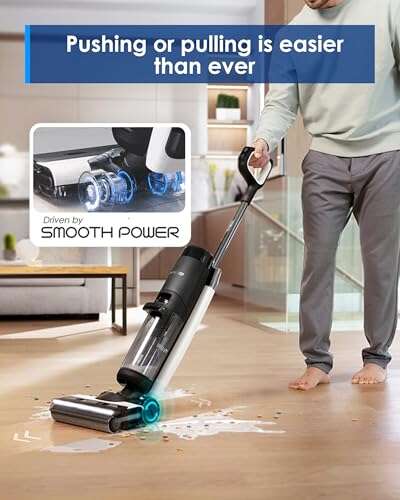
Avoid running any vacuum over wet spills unless the model is designed for wet cleaning. Water can damage internal parts and create a safety risk.
Carpets and rugs
The rollers agitate carpet fibers and loosen particles. Some Roomba models automatically increase suction on carpet. Others let you select a cleaning mode through the app.
Thick rugs may cause trouble. The robot can struggle with high piles, loose tassels, or curled edges. Secure the rug and keep tassels tucked under if the robot repeatedly gets stuck.
Pet hair
Roombas can collect pet hair, but hair creates extra maintenance. It may fill the dustbin quickly and wrap around the brush ends. Homes with several pets may need more frequent bin emptying and roller cleaning.
A robot vacuum also cannot replace every manual task in a pet home. You may still need to clean corners, stairs, upholstery, and areas beneath low furniture.
Mixed flooring
A mapped Roomba can often move between tile, wood, and carpet without help. Thresholds are the main concern. A tall transition strip may stop the robot or cause it to return to another room.
Test the robot during its first few runs. Watch where it climbs, where it gets stuck, and which areas it misses. Small changes to furniture placement can make a large difference.
How the Roomba charging and self-emptying system works
A Roomba runs on a rechargeable battery. When its battery drops, the robot may return to the dock, recharge, and continue cleaning. This feature is often called recharge and resume.
The robot uses its navigation system and dock signal to find the base. If the dock is blocked or moved, the robot may fail to return. Place the dock against a wall, keep the floor clear, and avoid putting it on thick carpet when possible.
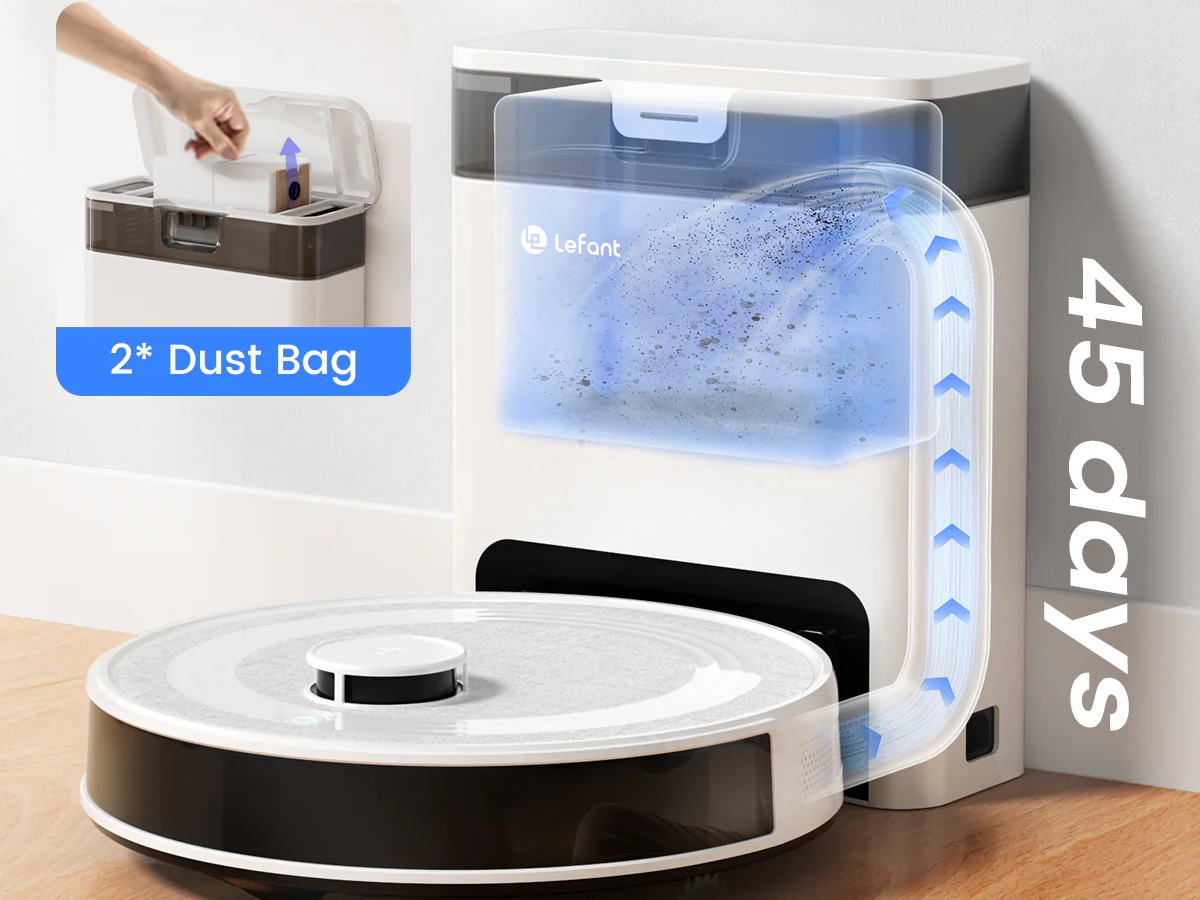
Some docking stations only charge the robot. More advanced stations can also:
• Empty the dustbin into a larger disposable or reusable bag
• Refill a water tank for mopping models
• Wash the mop pad
• Dry the mop pad with warm air
• Store cleaning debris for several weeks
Automatic emptying is convenient, but it does not remove all maintenance. You still need to replace bags, clean filters, refill water, and check the brush system.
The battery will gradually lose capacity over time. Heat, frequent high-power cleaning, and long periods at very low charge can affect battery life. Use the recommended charger and battery for your model.

How does a Roomba vacuum cleaner work with an app?
The companion app connects the robot to your phone. Depending on the model, you can start a cleaning run, choose rooms, create schedules, view maps, and receive maintenance alerts.
Some apps support voice assistants. A simple command might tell the Roomba to clean the kitchen. The exact commands depend on the robot, app, and smart-home service.
An app can also show useful information, such as:
• Battery level
• Cleaning time
• Areas covered
• Brush or filter warnings
• Dustbin status
• Saved maps
• Cleaning history
A Wi-Fi connection is often needed for remote controls and smart features. Basic cleaning may still work from the robot’s physical button if the internet is unavailable.
Keep the app updated, but remember that software features can change. A model may gain new tools through updates, while older hardware may not support newer features.

Common limits and problems with Roomba vacuums
Knowing the limits is part of understanding how does a Roomba vacuum cleaner work. These machines are helpful, but they are not magic. They work best in homes that are prepared for robot cleaning.
Common problems include:
• Cords wrapped around the brush
• Socks or toys blocking the intake
• Pet accidents creating a serious mess
• Thick rugs stopping the wheels
• Dark surfaces confusing cliff sensors
• Dust buildup on sensors
• A full dustbin reducing airflow
• A blocked dock preventing recharge
• Furniture gaps that are too low or narrow
• Long hair tangled around brush ends
Never assume a robot vacuum can safely clean a pet accident. A moving robot may spread the mess across the floor and into the brush system. Block the area and clean it by hand first.
The robot also cannot climb stairs. It may clean one floor well, but you must move it to another level unless you own a separate unit.
In my experience of evaluating cleaning routines, the biggest mistake is treating the Roomba as maintenance-free. A few minutes of weekly care often matter more than changing the cleaning mode.

How to get better results from a Roomba
Good preparation improves both cleaning quality and reliability. Think of the robot as a helpful housemate. It can do routine work, but it needs a clear path.
Use these practical tips:
- Pick up cords, socks, toys, and small objects before cleaning.
- Empty the dustbin often, especially in homes with pets.
- Clean the rollers and side brush each week.
- Wipe the sensors with a soft, dry cloth.
- Replace filters as the manual recommends.
- Keep the charging dock in an open location.
- Use no-go zones near fragile objects, pet bowls, and tangled cables.
- Secure rug tassels and loose floor coverings.
- Run short tests after moving furniture.
- Use room schedules for high-traffic areas.
For a busy kitchen, a daily run may work well. For a quiet guest room, once or twice a week may be enough. Choose a schedule based on foot traffic, pets, allergies, and the amount of visible debris.
Do not use unapproved floor cleaners in a mop-enabled model. The wrong liquid can damage the tank, pump, pad, or floor. Always follow the model’s care instructions.

Is a Roomba worth buying?
A Roomba can be valuable if you want regular floor maintenance with less daily effort. It is especially useful for crumbs, dust, and pet hair on open floors. Scheduled cleaning can also help keep debris from building up.
The main benefits include:
• Regular automated cleaning
• Less daily sweeping
• Better access under some furniture
• Room-based schedules on mapped models
• Automatic charging
• Optional self-emptying
• Helpful cleaning reports
The drawbacks include the purchase price, maintenance, noise, privacy concerns on some models, and limited performance in cluttered spaces. A robot vacuum also does not clean stairs, walls, furniture surfaces, or every corner.
Choose a model based on your home, not just on its highest advertised feature. A basic robot may suit a small apartment with hard floors. A mapped model with strong brush design may be better for a large home with pets and rugs.
The best Roomba is the one you will maintain and use often. A simpler model that runs every day can deliver more value than an advanced model that stays in a closet.
Frequently Asked Questions of how does a Roomba vacuum cleaner work
Does a Roomba vacuum randomly?
Some older Roomba models use semi-random movement patterns based on bump and wall sensors. Newer models often use cameras, lasers, or other navigation tools to clean in organized rows and follow saved maps.
Can a Roomba clean carpet and hardwood floors?
Yes, most Roomba vacuum models can clean both carpet and hard floors. Performance depends on the brush design, suction level, rug thickness, and the model’s ability to adjust between surfaces.
How does a Roomba know where to go?
A Roomba uses wheel movement data and sensors to detect walls, objects, drops, and its dock. Advanced models create a digital map and use that map to plan room-to-room cleaning routes.
Does a Roomba pick up pet hair?
A Roomba can collect pet hair from many hard floors and carpets. Hair may fill the dustbin or wrap around the rollers, so homes with pets need more frequent cleaning and brush maintenance.
Can a Roomba fall down stairs?
Cliff sensors are designed to detect stairs and prevent falls. However, sensor performance can vary with floor color, lighting, and surface design, so test the robot carefully near unusual ledges.
How often should you clean a Roomba?
Check the dustbin after each run if you have pets or heavy debris. Clean the rollers, side brush, wheels, sensors, and filter based on the manual and whenever cleaning performance drops.
Conclusion
A Roomba combines suction, rotating brushes, wheels, sensors, navigation software, and a rechargeable battery to clean floors on its own. Advanced models add mapping, room selection, object detection, automatic emptying, and mopping features.
The answer to how does a Roomba vacuum cleaner work is simple at its core: sensors guide the robot, brushes collect debris, suction moves dirt into the bin, and software manages the route. Its results improve when you clear clutter, maintain the brushes, protect the dock, and choose settings that match your floors.
Set up your robot with realistic expectations, build a simple maintenance routine, and let it handle regular floor care. Explore your model’s manual for features specific to your home, and share your favorite Roomba tips or questions in the comments.

Liora Pennings is a seasoned chef and kitchen enthusiast with a passion for turning everyday cooking into an effortless experience. With years of hands-on culinary expertise, she specializes in practical techniques, ingredient know-how, and smart kitchen solutions that help home cooks elevate their meals. At KitchFlair.com, Liora shares her best tips, time-saving tricks, and honest product reviews to guide readers toward a more efficient, enjoyable, and inspired cooking routine. Whether you’re a beginner or a seasoned home chef, Liora’s friendly, knowledge-packed insights make every visit to the kitchen a little easier—and a lot more delicious.