How Do I Fix My Vacuum Cleaner Not Charging: Easy Fix
Most vacuum cleaners stop charging because of dirty contacts, a loose dock, a failed adapter, or a worn battery.
If you are asking, “How do I fix my vacuum cleaner not charging?” start with the simple checks before buying parts. A charging fault often looks serious, but many cases come from dust on the contacts, a poor wall connection, or a battery that is not seated correctly. This guide explains safe, tested steps for cordless stick vacuums, robot vacuums, and handheld models.
Why Your Vacuum Cleaner Is Not Charging
A cordless vacuum needs a complete path for power. Electricity must move from the wall outlet to the charger, through the charging dock or cable, into the battery, and finally into the vacuum’s charging system. A problem at any point can stop the battery from charging.
The most common causes include:
• A switched-off or faulty wall outlet
• A loose charging cable or power adapter
• Dust or dirt on the metal charging contacts
• A charging dock that is not aligned correctly
• A battery that is too hot or too cold
• A battery that has reached the end of its service life
• A damaged charger, dock, cable, or plug
• A software fault in a robot vacuum
• A blocked air path that causes the vacuum to shut down
If you want to know how do i fix my vacuum cleaner not charging, begin with the least costly cause. Cleaning the contacts and testing another outlet can solve the problem in just a few minutes.

Safety Before You Troubleshoot
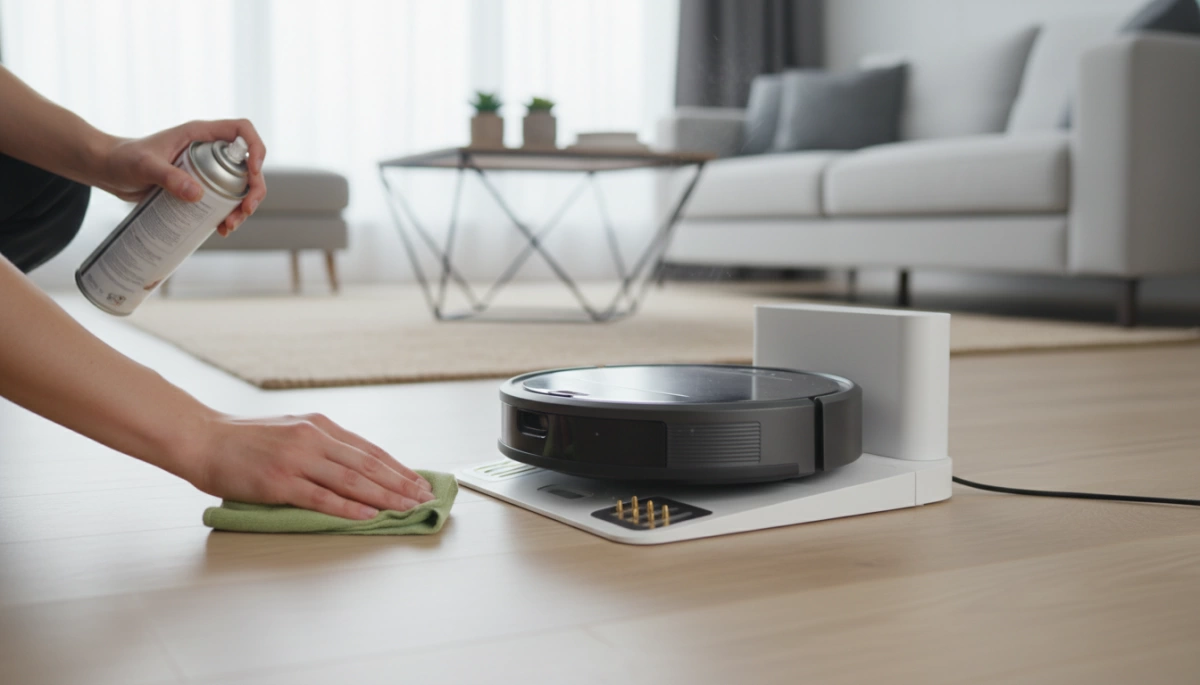
Unplug the charger before cleaning the charging contacts. Use a dry cloth or a cotton swab. Never pour water, alcohol, or cleaning spray into the charging port or dock.
Lithium ion batteries can store a large amount of energy. Do not puncture, crush, burn, or open a swollen battery. Stop using the vacuum if the battery smells unusual, becomes very hot, leaks, or shows signs of swelling.
Keep these safety rules in mind:
• Use the charger made for your vacuum model
• Do not use a charger with a damaged cable
• Keep the dock and adapter away from wet floors
• Do not test battery terminals with metal tools
• Do not replace a built-in battery unless the manufacturer permits it
• Let an overheated vacuum cool for at least 30 minutes
A charger may feel slightly warm during normal use. However, a charger that becomes too hot to touch may have an internal fault. Unplug it and contact the manufacturer or a qualified repair center.
How Do I Fix My Vacuum Cleaner Not Charging?
Follow these steps in order. Test the vacuum after each step so you know which action solved the issue.
1. Check the wall outlet
Plug a lamp or phone charger into the same outlet. If that device does not work, reset the circuit breaker or use another outlet.
Some outlets are controlled by a wall switch. Make sure the switch is on. Also check whether a ground fault circuit interrupter, or GFCI, has tripped in a kitchen, bathroom, garage, or laundry area.
2. Check the charger and cable
look closely at the charger. Search for cuts, bent pins, loose plugs, or exposed wires. Gently move the cable near each end. If charging starts and stops, the cable may be broken inside.
Do not keep using a damaged charger. A replacement should match the original voltage, current, plug type, and polarity. The safest choice is an approved charger made for your exact model.
3. Clean the charging contacts
Dust, hair, and cleaning residue can cover the small metal contacts. This prevents the charger from making a complete electrical connection.
Turn off the vacuum and unplug the charger. Wipe the contacts on both the vacuum and the dock with a clean, dry cloth. For stubborn dust, use a dry soft toothbrush. Let the parts remain dry before reconnecting them.
4. Reposition the vacuum on the dock
Place the vacuum firmly on the dock. The contacts must line up. On some models, the vacuum can sit on the dock but still fail to charge if it is tilted or pushed to one side.
Check the dock for:
• A loose wall mount
• A bent contact pin
• A cracked plastic guide
• A dock that rocks on the floor
• Hair or debris under the vacuum
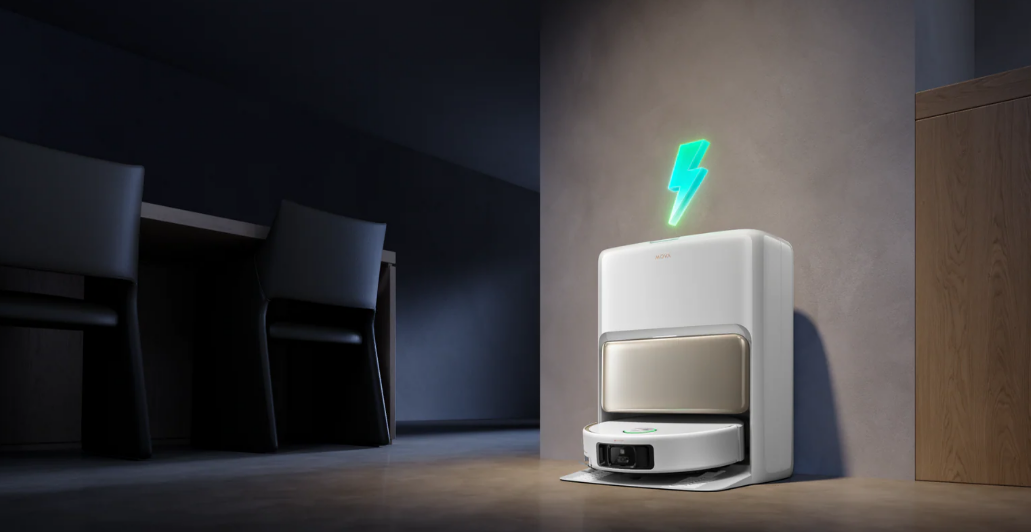
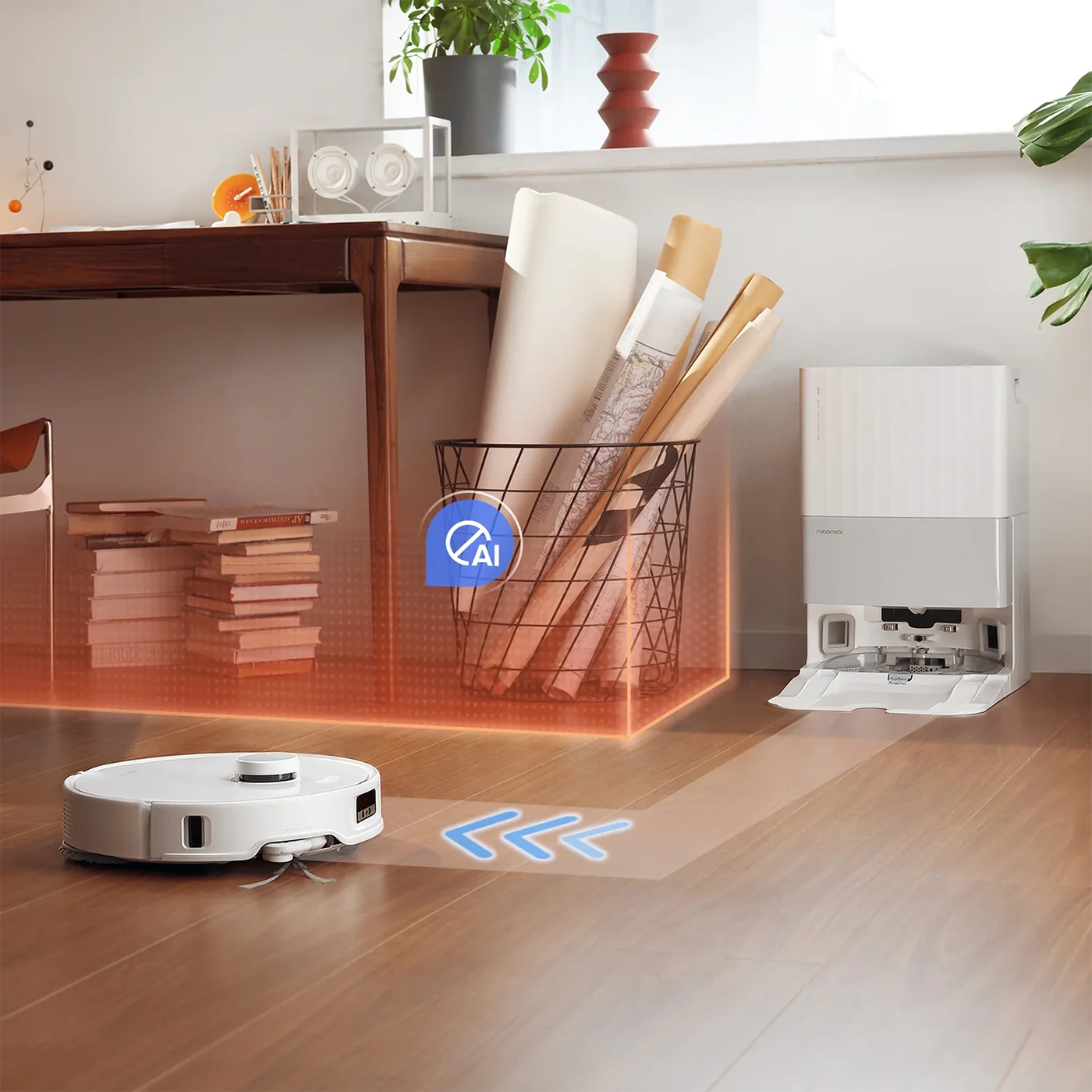
For a robot vacuum, move the machine by hand onto the dock. Confirm that the charging icon or light appears. Clean the robot’s front sensor area and the dock’s signal area if the robot cannot find its base.
5. Inspect the battery
Some cordless vacuums use a removable battery. Remove it only when the vacuum is switched off and the charger is unplugged. Reinstall it until it clicks into place.
Check for dirt around the battery terminals. Do not use the vacuum if the battery is swollen, cracked, leaking, or unusually hot. In that case, follow local battery recycling rules and obtain an approved replacement.
6. Let the vacuum return to room temperature
A vacuum may refuse to charge when the battery is too hot after use. It may also stop charging in a very cold garage or car.
Move the vacuum indoors and allow it to reach normal room temperature. Do not cool it with ice or heat it with a hair dryer. After 30 to 60 minutes, try charging it again.
7. Reset the vacuum
A reset can clear a temporary control error. The method varies by brand and model. Common options include:
• Removing and reinstalling the battery
• Holding the power button for 10 to 20 seconds
• Holding the power and home buttons on a robot vacuum
• Unplugging the dock for one minute, then reconnecting it
Check the user manual before using a reset sequence. A reset does not repair a dead battery, damaged charger, or broken charging port.
8. Test the charging indicator
Watch the vacuum’s light or display when you connect the charger. A steady light often means that charging has started. A flashing light may indicate a fault, full battery, low battery, or temperature warning.
The meaning of each light differs by model. Look up the indicator pattern in the manual rather than guessing. This small detail can save you from replacing a good battery.
9. Check whether the battery is simply full
Some vacuums stop showing a charging light when the battery reaches full capacity. Turn the vacuum on and check its battery level. If it runs for the normal amount of time, it may be charging correctly.
A battery that shows full but runs for only a few minutes is usually worn. This is different from a vacuum that never receives power.
How to Tell Whether the Battery or Charger Is Bad
The battery and charger are the two parts most often blamed when a vacuum will not charge. You can separate the problem by observing the symptoms.
A charger or dock may be faulty when:
• No charging light appears with a known-good outlet
• The adapter makes a buzzing sound
• The cable feels loose in the port
• Charging starts only when the cable is held at an angle
• The dock has visible damage
• A different approved charger works normally
A battery may be faulty when:
• The vacuum charges but runs for only a short time
• The battery drains quickly after a full charge
• The vacuum shuts off under light use
• The battery becomes hot during charging
• The battery is several years old and has heavy use
• The charger and contacts test normally
Do not assume that a longer charging time always means a bad battery. Some models use slow charging to protect battery life. Compare the result with the charging time listed in the manual.
If you have electrical testing experience, a multimeter can help check an adapter’s output. Use the specifications printed on the adapter and follow the manufacturer’s instructions. Do not probe an exposed lithium battery pack unless you are trained to do so.