How To Fix Vacuum Cleaner Brushroll Spinning Slowly: Guide
Clean the brushroll, check the belt and bearings, and replace worn parts to restore normal spin.
I’ve fixed dozens of vacuums in my years as a repair tech and writer. This guide explains how to fix vacuum cleaner brushroll spinning slowly issue step by step. I’ll show the causes, simple tests, the exact repairs to try, and when to call a pro. Read on and you’ll learn clear, safe fixes that save time and money.
Why the brushroll spins slowly: common causes
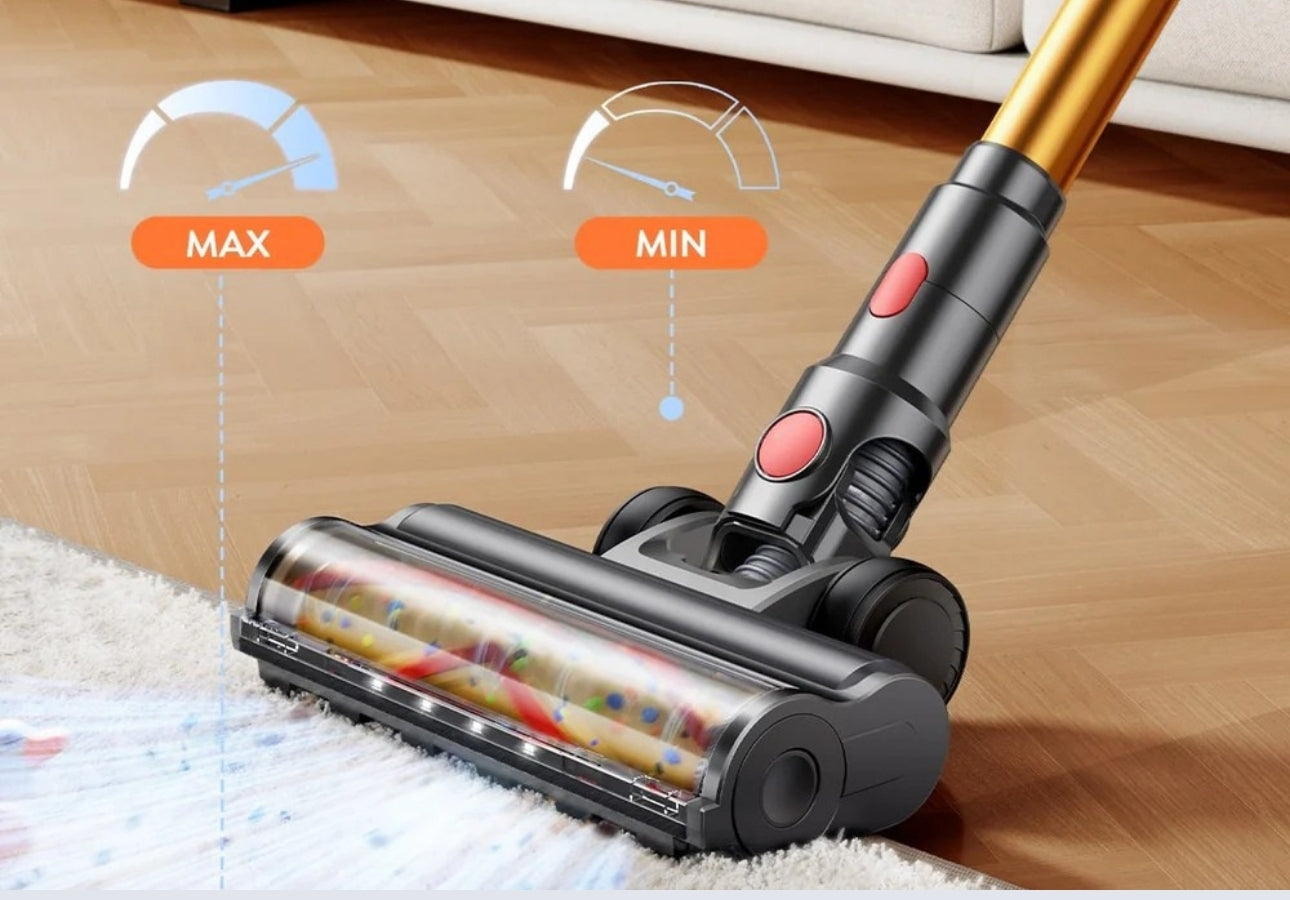
A slow brushroll usually has a simple root. Debris, hair, and strings wrap around the brush and slow it. Belts stretch or slip and reduce rotation force. Bearings, end caps, and the motor can wear out and create friction.
Other causes include clogged air paths and damaged brush bristles. Low battery power on cordless models slows the roller too. Electrical faults in the brush motor make the roll weak or intermittent.
Experience note: I often find hair and belt wear together. When you see one, inspect the other. This helps you fix the root cause fast.

Tools and parts you’ll need
Keep this small kit ready before you start:
- Phillips and flathead screwdrivers for covers and end caps.
- Needle-nose pliers to pull hair and fibers.
- Scissors or a seam ripper to cut wrapped string and hair.
- Replacement belt specific to your model.
- Replacement bearings or end caps if worn.
- Soft brush and compressed air to remove dust.
- Multimeter to test electrical continuity, for advanced checks.
Tip: Buy belts and parts by model number. Using the wrong belt can make the brushroll spin slowly or bind.

Step-by-step: how to fix vacuum cleaner brushroll spinning slowly issue
Follow these short, clear steps. Work slowly and unplug the vacuum first.
- Power and safety check
- Unplug the vacuum or remove the battery on cordless models.
- Turn the vacuum off and flip it so you can access the brush housing.
- Remove the brushroll
- Unscrew or unclip the cover and lift the brushroll out.
- Note how the belt fits. Take a photo if needed.
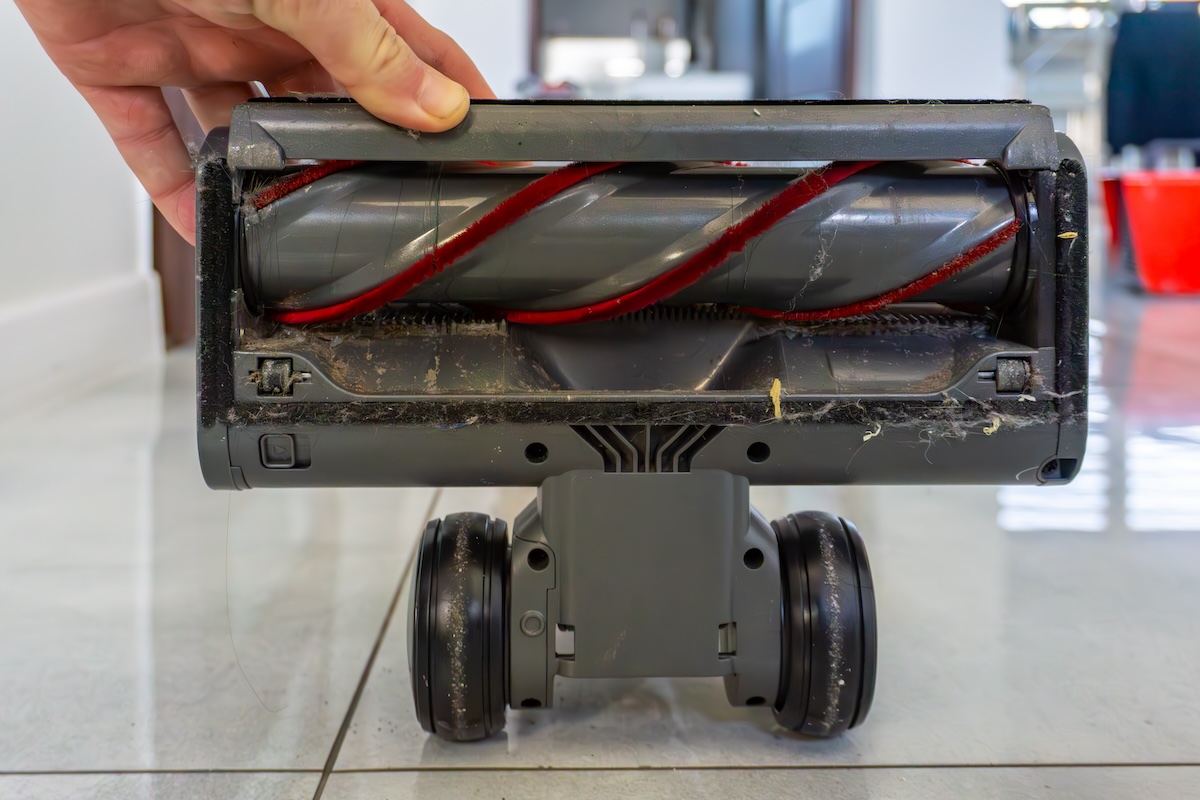
- Remove hair and debris
- Cut away hair wrapped around the brush with scissors.
- Use pliers to pull out fibers from the end caps and bristles.
- Clean the cavity and belt path with a soft brush.
- Inspect and replace the belt
- Check the belt for cracks, glazing, or slack. A loose belt causes slow spin.
- Replace the belt if it is worn or stretched. Fit the new belt according to the model’s guide.
- Check bearings and end caps
- Spin the brushroll by hand. It should rotate freely and coast.
- If it drags or feels gritty, remove end caps and clean or replace bearings.
- Replace worn end caps—these are cheap and fix many slow spins.
- Test the motor and wiring
- Reassemble and run the vacuum briefly. If the roll still spins slowly, test the brush motor.
- Use a multimeter to check voltage at the motor (advanced). Low voltage means a power issue.
- Inspect wiring and connectors for damage or corrosion.
- Reassemble and test on floor
- Put the brushroll back, reconnect the belt, and secure the housing.
- Test the vacuum on a floor surface and listen for smooth, fast rotation.
If the brush motor hums but the brush barely moves, the motor or gearbox is likely failing and may need professional service or replacement.

Belt-focused fixes (h3)
- Replace belts every 1–2 years if you vacuum daily.
- Always fit the belt snugly; too tight can strain bearings, too loose reduces spin.

Source: com.au
Bearing and end cap fixes (h3)
- Clean bearings with compressed air and a drop of light machine oil if they are dry.
- Replace sealed bearings if they are noisy or gritty; sealed bearings rarely benefit from oil.
Source: bestvacuum.com
Motor and electrical fixes (h3)
- For brush motor issues, check brushes, commutator, and wiring.
- Replace worn carbon brushes in brushed motors; many wear down and cause slow spin.

Source: youtube.com
Diagnostic checklist and quick tests
Use this checklist to pinpoint the problem fast:
- Visual: Is hair wrapped and is the belt intact?
- Spin test: Does the brushroll coast freely by hand?
- Belt test: Remove the belt and try running the vacuum—does the motor run strongly?
- Power test: On cordless models, is the battery full and healthy?
- Sound test: Is there a grinding or high-pitch squeal from bearings or motor?
PAA-style questions
- What simple test shows a bad belt? Remove the belt and run the vacuum briefly; a strong-running motor with a disconnected brush usually indicates a belt or roller issue.
- How do I know bearings are bad? Bearings feel gritty and the brushroll won’t coast freely; replace if cleaning doesn’t help.

Source: appliancemedicpro.com
Maintenance tips to prevent slow brushrolls
Regular care keeps the brush rolling fast. Do these monthly:
- Remove hair and threads from the brushroll.
- Check belt tension and condition.
- Clean the floor nozzle and airways to keep suction strong.
- Replace worn brush bristles and end caps when they show wear.
Seasonal checks:
- Replace belts and bearings every 1–3 years based on use.
- Battery care for cordless models extends motor life and prevents slow spin.
Source: edisonvacuums.com
When to replace parts and when to call a pro
Replace these at home:
- Belt that is cracked, glazed, or loose.
- End caps and sealed bearings that won’t spin freely.
- Carbon brushes that are visibly worn.
Call a pro or service center when:
- The motor smells burned or makes loud grinding noises.
- You find complex gearbox or sealed motor failures.
- The vacuum is under warranty and requires manufacturer repair.
My experience: I replaced belts and bearings at home dozens of times. I sent motors to service only when internal damage or warranty rules required it. This saves money and avoids mistakes.
Frequently Asked Questions of how to fix vacuum cleaner brushroll spinning slowly issue
What is the easiest fix for a slow brushroll?
Often the easiest fix is removing wrapped hair and replacing a worn belt. Both are quick and restore normal rotation in most cases.
How do I test if the brush motor is bad?
Unplug the belt and run the vacuum; if the motor runs strongly, the motor is likely fine and the problem is mechanical. If the motor runs weak or not at all, the motor or power supply may be at fault.
Can I oil the brush bearings to make it spin faster?
Light oil can help dry bearings temporarily, but sealed bearings should be replaced. Avoid over-oiling; that attracts dust and makes the problem worse.
How often should I replace the belt and brushroll?
Replace the belt every 1–2 years with regular use and the brushroll every 2–4 years or when bristles wear down. Heavy use shortens this interval.
Will a weak battery cause the brushroll to spin slowly?
Yes. Low battery voltage on cordless vacuums reduces motor power and slows the brushroll. Charge or replace the battery to test this.
Is it safe to run the vacuum with the belt off for testing?
Yes, briefly running the vacuum without the belt is a safe diagnostic to check motor power. Do not run it long because airflow and cooling may differ without normal load.
Conclusion
You can often fix how to fix vacuum cleaner brushroll spinning slowly issue with simple cleaning, a new belt, or replacing worn bearings. Tackle the basics first: remove hair, inspect the belt, and test the brushroll by hand. If those steps don’t help, check the motor, brushes, and wiring or get professional repair. Start with the easy fixes today and save time and money—then subscribe, leave a comment, or share your repair story to help others.

Liora Pennings is a seasoned chef and kitchen enthusiast with a passion for turning everyday cooking into an effortless experience. With years of hands-on culinary expertise, she specializes in practical techniques, ingredient know-how, and smart kitchen solutions that help home cooks elevate their meals. At KitchFlair.com, Liora shares her best tips, time-saving tricks, and honest product reviews to guide readers toward a more efficient, enjoyable, and inspired cooking routine. Whether you’re a beginner or a seasoned home chef, Liora’s friendly, knowledge-packed insights make every visit to the kitchen a little easier—and a lot more delicious.