How Do You Turn On A Dyson Vacuum Cleaner: Quick Guide
Press the power button or pull the trigger, then guide the Dyson vacuum across the floor.
Learning how do you turn on a Dyson vacuum cleaner is simple, but the exact step depends on whether you have a cordless stick, upright, canister, or robot model. This guide explains each control, shows what to do when the vacuum will not start, and shares practical tips for safe, smooth cleaning.
How to turn on a Dyson vacuum cleaner
The first step in learning how do you turn on a Dyson vacuum cleaner is to identify the model type. Dyson uses different controls across its product range, so one machine may use a trigger while another uses a power button or foot pedal.
Before turning it on, check these basics:
• Make sure the vacuum has power.
• Charge a cordless model if the battery is low.
• Plug a corded model into a working outlet.
• Remove the charging cable before using most cordless models.
• Check that the dust bin, filter, and wand are fitted correctly.
A Dyson vacuum cleaner should start at once when the correct control is used. If it does not, do not keep pressing the button repeatedly. Check the battery, power cord, filters, and attachments first.

How to turn on a Dyson cordless stick vacuum
Most Dyson cordless stick vacuums, such as the V7, V8, V10, V11, V12, V15, and Gen5 models, use one of two controls:
• A trigger that you hold while cleaning
• A power button that you press once
The trigger style is common on older Dyson cordless vacuums. The power button style is common on some newer models. Look near the handle or display to find the control.
Trigger-style Dyson cordless models
Follow these steps:
-
Remove the vacuum from its wall dock or charging stand.
-
Disconnect the charger from the vacuum.
-
Fit the cleaner head or another suitable attachment.
-
Hold the red or gray trigger under the handle.
-
Move the vacuum over the floor while keeping the trigger pressed.
-
Release the trigger to stop the machine.
The motor runs only while you hold the trigger. This design helps save battery power because the vacuum does not run while you pause, move furniture, or change tools.
Button-style Dyson cordless models
For models with a power button:
-
Remove the vacuum from its charger.
-
Attach the cleaner head.
-
Press the power button once.
-
Select the desired suction mode if your model has one.
-
Press the button again to stop the vacuum.
If you are unsure how do you turn on a Dyson vacuum cleaner with a small screen, look for a single power button beside or below the display. The screen may show battery life, suction mode, blockage alerts, or filter reminders.

How to turn on a Dyson upright vacuum
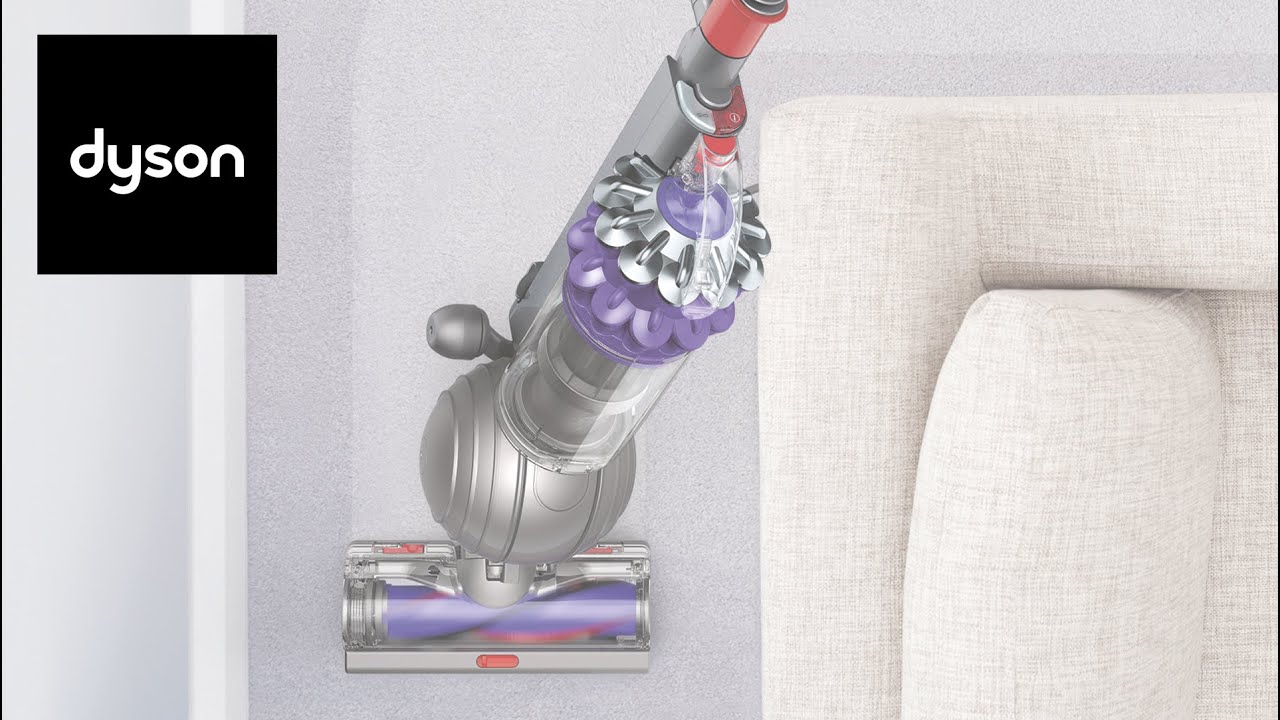
Dyson upright models, including many Ball and Animal versions, usually have a power button near the top of the main body. They also often have a separate brush bar button.
Here is how to start one:
-
Place the vacuum on a stable floor.
-
Pull out enough power cord for your cleaning area.
-
Plug the cord into a wall outlet.
-
Press the main power button.
-
Press the brush bar button if you are cleaning carpet.
-
Tilt the handle back and begin vacuuming.
The main power button starts the motor. The brush bar button controls the rotating brush. On hard floors, switch the brush bar off if the manual recommends it. This can help protect delicate surfaces.
Some Dyson upright vacuums have a red button or switch near the cleaner head. This control may release the wand or adjust the cleaner head. It is not always the button that starts the motor.
When explaining how do you turn on a Dyson vacuum cleaner to someone using an upright model, point out the difference between the motor switch and the brush bar switch. Confusing these two controls is a common mistake.
How to turn on a Dyson canister vacuum
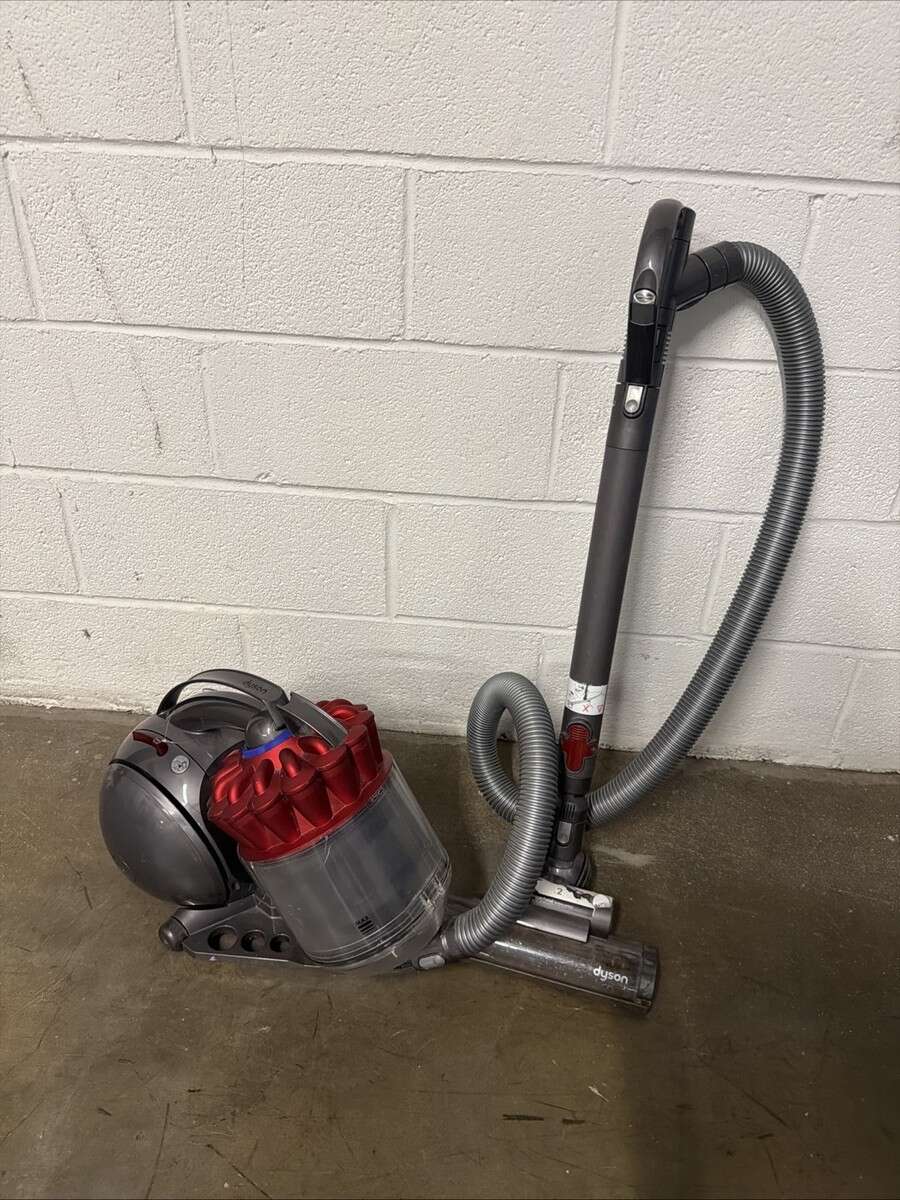
Dyson canister vacuums use a power cord and normally have a foot-operated power button. The controls may be placed on the canister body for some models.
Use these steps:
-
Pull the canister onto a clear, level surface.
-
Unwind the power cord.
-
Plug it into a suitable wall outlet.
-
Press the power button with your foot or hand.
-
Attach the wand and cleaner head.
-
Adjust the wand length if needed.
-
Begin cleaning at a slow pace.
Keep the canister behind you as you work. Do not pull it sharply around corners or up stairs. A smooth motion reduces strain on the hose and keeps the vacuum stable.
If the canister has a separate brush control, use it according to the floor type. Carpet often benefits from a rotating brush, while some hard floors are better cleaned with the brush turned off.

How to turn on a Dyson robot vacuum
Dyson robot vacuums use a different start process. Depending on the model, you may start cleaning from the vacuum itself, a charging dock, or a mobile app.
Try these steps:
-
Confirm that the robot is seated correctly on its dock.
-
Make sure the dock is connected to power.
-
Check that the robot has enough charge.
-
Press the start or power button on the robot.
-
Use the Dyson app if your model supports app control.
-
Clear cords, toys, and small objects from the floor.
A robot vacuum may not begin if it is stuck, too far from its dock, or showing an alert. Check the display or app for a message before moving it manually.
The robot needs a clear path. Think of its cleaning route like a road map. Loose cables and narrow spaces can block the trip and stop the vacuum before cleaning begins.

What to do if your Dyson vacuum will not turn on
If your Dyson vacuum does not start, begin with the easiest checks. A dead battery, blocked filter, loose attachment, or overheated motor can all prevent operation.
Use this troubleshooting list:
• Check the battery charge or wall outlet.
• Make sure the charger is firmly connected.
• Test the outlet with another device if the vacuum is corded.
• Empty the dust bin if it is full.
• Check the wand and cleaner head for blockages.
• Wash or replace the filter as directed by the model manual.
• Allow the vacuum to cool for at least 30 minutes after an automatic shutdown.