How Do You Empty A Robot Vacuum Cleaner: Quick Guide
To empty a robot vacuum cleaner, remove its dustbin, open it over a trash can, and clear the filter.
Knowing how do you empty a robot vacuum cleaner helps keep suction strong, reduce odors, and protect the machine from clogs. The process is simple, but each model has small differences. This guide explains the safest method for standard and self-emptying robot vacuums, along with cleaning tips, common mistakes, and practical advice based on real-world use.

Why You Need to Empty a Robot Vacuum Cleaner
A robot vacuum collects dust, hair, crumbs, and fine dirt in a small dustbin. Once that bin fills, the vacuum may lose suction or stop before finishing its cleaning cycle.
Learning how do you empty a robot vacuum cleaner also protects the filter and motor. A full bin can force air through dirty filters, which makes the motor work harder.
Empty the dustbin after every cleaning run if you have pets, children, allergies, or thick carpets. In a small home with little dust, you may only need to empty it every two or three runs.
Signs that the bin needs attention include:
• The robot reports a full dustbin.
• Suction feels weaker than usual.
• The robot leaves visible dirt behind.
• You notice a dusty or musty smell.
• The vacuum stops and returns to its dock early.
Most manufacturers recommend regular bin and filter care. A clean dustbin is one of the easiest ways to maintain cleaning performance.
How Do You Empty a Robot Vacuum Cleaner?
For most robot vacuums, the process takes less than a minute. Place the robot on a hard floor or pause it at the charging dock before opening the dustbin.
Follow these steps:
-
Stop the robot vacuum. Press the pause, home, or power button.
-
Find the dustbin release button. It is often on top of the robot or under the lid.
-
Lift out the dustbin. Hold it level so loose dirt does not spill into the robot.
-
Carry the bin to a trash can. A large can makes the job cleaner.
-
Open the dustbin door. Most bins have a small latch or hinged flap.
-
Tap the bin gently over the trash can. Do not hit it hard, since plastic clips can break.
-
Remove trapped hair and dust from the corners. Use a dry paper towel or a soft brush.
-
Check the filter. Shake or brush off loose dust if the manufacturer allows it.
-
Close the dustbin securely. Make sure the latch clicks into place.
-
Reinstall the bin. Push it in until it sits firmly.
-
Start the robot and check for warnings. A poorly seated bin can trigger an error.
That is the basic answer to how do you empty a robot vacuum cleaner. Avoid rinsing the dustbin unless the manual says it is washable. Water inside the robot can damage sensors, contacts, or electronic parts.
How to Empty Different Types of Robot Vacuum Bins
Robot vacuums use different dustbin designs. The correct answer to how do you empty a robot vacuum cleaner depends partly on the model.
Standard removable dustbin
A standard robot vacuum has a small container that you remove by hand. Empty it over a trash can, then clean the opening and filter.
Some bins have two sections. One section holds dry dirt, while another holds the filter. Open both areas and remove hair from the filter frame.
Top opening dustbin
Some models have a lid on top. Press the lid or release button, lift it, and pull out the bin. Keep the robot level while removing it.
Rear sliding dustbin
Other models use a bin that slides out from the rear. Pull it slowly so dust does not fall into the robot’s internal cavity.
Combined dustbin and water tank
Robot mop vacuums may use a combination container. This unit can include a dry dirt chamber and a water tank.
Empty the dirt section first. Then pour unused water from the water tank into a sink. Never pour dirty water into the dry dust chamber.
Rinse only the parts marked as washable. Dry every part fully before putting it back.
Self-emptying robot vacuum
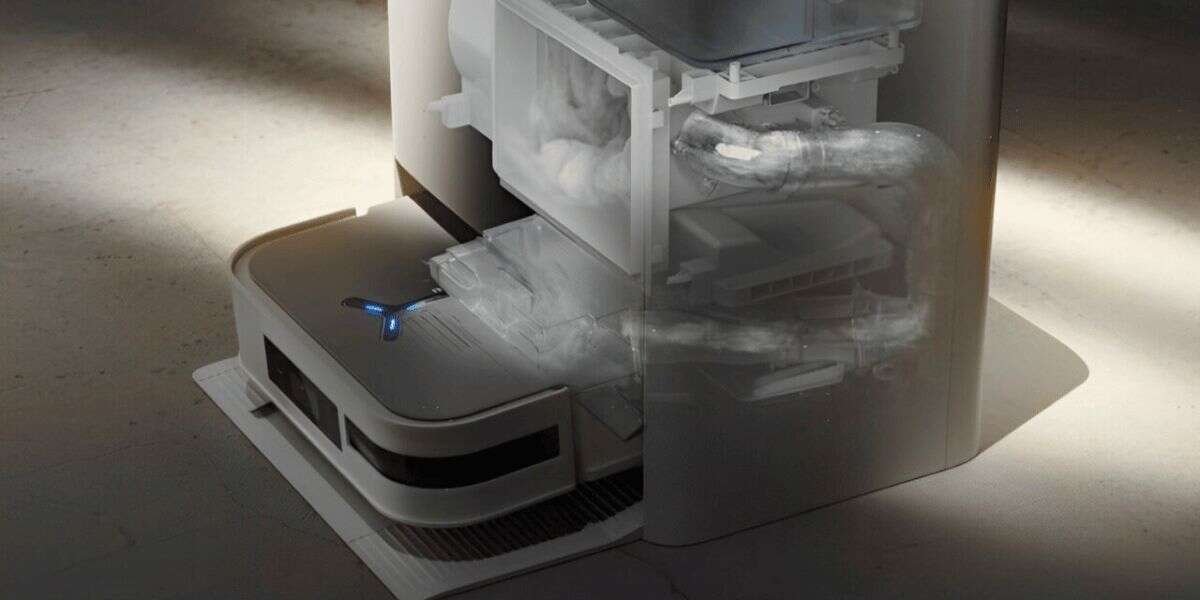
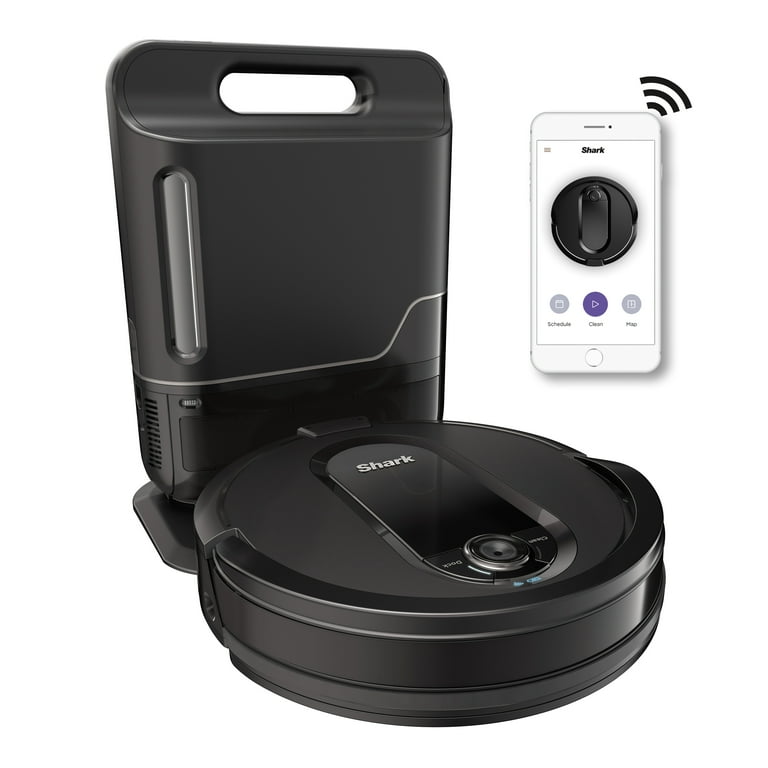
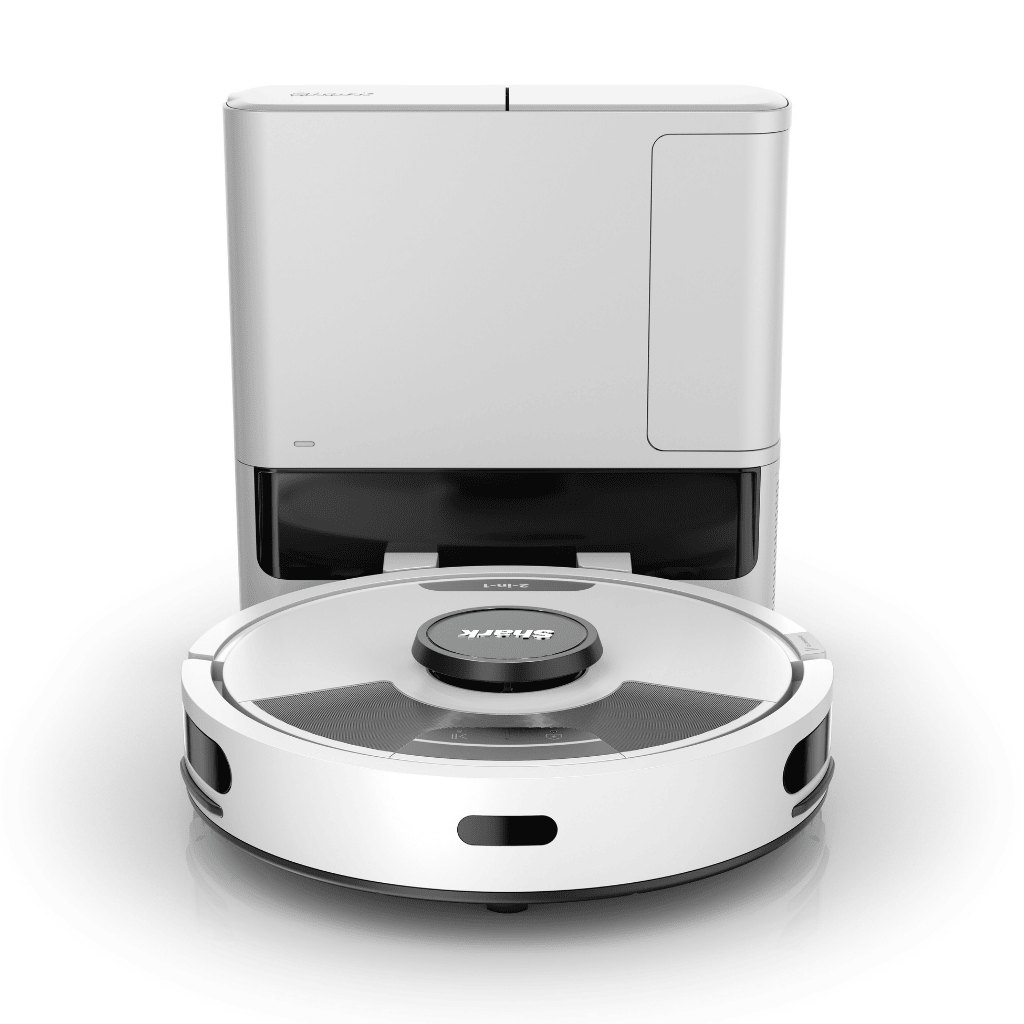
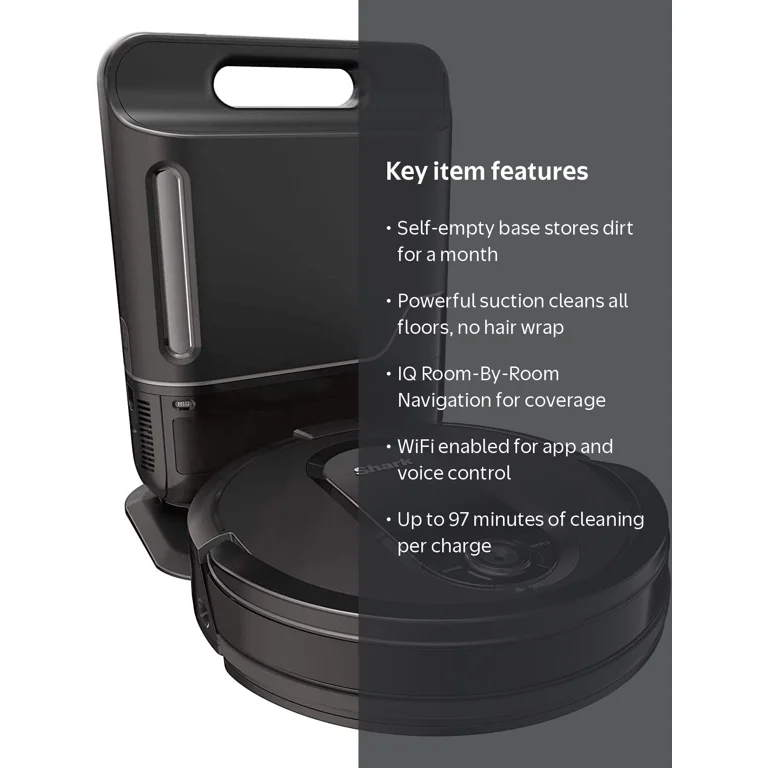
A self-emptying model transfers dirt into a larger bag or container at the charging station. To empty one, follow these steps:
• Stop the robot or remove it from the dock.
• Open the dock’s cover.
• Remove the disposable bag or dust container.
• Seal the bag if it has a closure flap.
• Place it in the trash.
• Insert a new bag or empty the reusable container.
• Close the dock cover firmly.
Even if the dock empties the robot automatically, inspect the robot’s dustbin from time to time. Hair and fine dust can remain inside.

How to Clean the Dustbin and Filter
Emptying the bin removes loose dirt, but deeper cleaning keeps the robot working well. This part of how do you empty a robot vacuum cleaner is often missed.
Start by removing the filter according to the owner’s manual. Tap it gently over a trash can. A soft brush can remove dust from the filter frame.
Do not wash a paper or foam filter unless the manual clearly permits it. Water can ruin some filter materials. If the filter is washable, rinse it with clean water and let it dry for at least 24 hours.
Never reinstall a damp filter. Moisture can spread mold, create odors, and harm the vacuum motor.
Clean the dustbin with a dry cloth or a slightly damp cloth. Keep moisture away from electrical contacts and sensors.
A useful routine is:
• Empty the dustbin after each run when possible.
• Brush the filter once or twice each week.
• Wash an approved washable filter every few weeks.
• Replace disposable filters when they look damaged or stay clogged.
• Inspect the bin seal for cracks or loose parts.
In homes with pets, hair can form a felt-like layer around the filter. Remove this layer before it blocks airflow.
What to Do When Hair and Dust Get Stuck
Pet hair often sticks to the dustbin walls instead of falling out. Fine dust can also pack around the filter and narrow the air path.
When learning how do you empty a robot vacuum cleaner, use a soft cleaning tool rather than a sharp knife or metal object. A small brush, old toothbrush, or manufacturer-approved tool works well.
For stubborn hair:
-
Turn off the robot.
-
Remove the dustbin and filter.
-
Pull out loose hair with your fingers or a soft brush.
-
Brush the bin opening and filter frame.
-
Check the main roller for wrapped hair.
-
Reassemble the parts only after they are clean and dry.
Do not force hair through the filter. That can push dirt deeper into the filter material.
A common hands-on mistake is cleaning only the visible bin. Hair may also collect around the intake port, roller, side brush, and wheel axles. A quick inspection of these areas can prevent repeated clogs.

How Often Should You Empty a Robot Vacuum Cleaner?
The right schedule depends on the size of the dustbin and the amount of dirt in your home. A small apartment with hard floors may produce less waste than a large home with carpet and pets.
Use this general guide:
• Homes without pets: Empty the bin after every two or three runs.