Can We Clean Fan With Vacuum Cleaner: Safe Cleaning Tips
Yes, you can clean many fans with a vacuum cleaner, but unplug the fan first and use the right attachment.
Knowing whether can we clean fan with vacuum cleaner tools can save time, reduce dust, and keep your fan running well. A vacuum is useful for loose dust on blades, grilles, and vents, but it cannot replace a deeper wash when dirt is sticky or greasy. This guide explains the safest method for ceiling fans, box fans, tower fans, and other common household models.
Can We Clean a Fan With a Vacuum Cleaner?
Yes, you can clean a fan with a vacuum cleaner in most cases. A brush attachment works well for dry dust on fan blades, front grilles, rear grilles, and motor vents. The vacuum pulls dust away instead of spreading it around the room.
However, use care around electrical parts. Never vacuum a plugged-in fan, and never spray water or cleaner into the motor housing. Vacuum cleaning is best for loose dust, while a damp cloth is better for grime that sticks to the surface.
A vacuum cleaner is especially helpful for:
• Ceiling fan blades
• Box fan grilles
• Pedestal fan covers
• Tower fan intake vents
• Bathroom exhaust fan covers
• Computer and equipment cooling fans
If the fan has heavy dust buildup, clean it in stages. First remove loose dust with the vacuum. Then wipe washable parts with a slightly damp cloth.

Why Use a Vacuum Cleaner to Clean a Fan?
Dust can make a fan look dirty, but it can also affect how the fan works. A thick layer of dust may block airflow and force the motor to work harder. In some cases, dust can also make the fan noisy or spread allergens around the room.
Using a vacuum cleaner offers several benefits:
• It removes loose dust quickly.
• It reduces airborne dust during cleaning.
• It helps protect the motor from extra debris.
• It works well for narrow grilles and vents.
• It avoids the mess of brushing dust onto the floor.
• It is useful for people with dust allergies.
A vacuum cleaner does not usually harm a fan when you use a soft brush and keep the suction away from delicate parts. Still, high suction can pull loose wires, thin filters, or small covers if you are too aggressive.
From hands-on home cleaning, one lesson is clear: slow cleaning works better than fast cleaning. Rushing often pushes dust deeper into the grille. A soft brush and gentle suction usually give a cleaner result.
Safety Steps Before You Clean a Fan
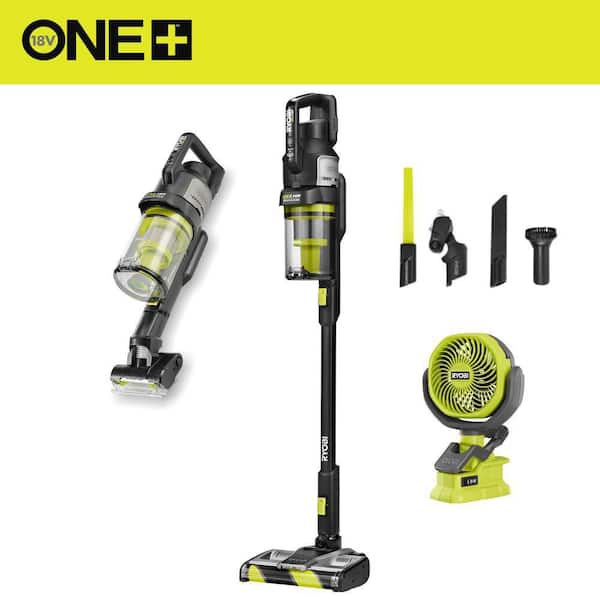
Electrical safety matters more than speed. Before you ask can we clean fan with vacuum cleaner, check how the fan is powered and whether the blades can move freely.
Follow these steps:
- Turn the fan off.
- Unplug it from the wall.
- For a ceiling fan, turn off the wall switch and the circuit breaker if you will remove parts.
- Wait until the blades stop completely.
- Place a towel or sheet under the fan if it is mounted overhead.
- Check the vacuum cord for damage.
- Use a dry vacuum attachment near electrical components.
- Keep liquids away from the motor and control panel.
Do not rely only on a remote control or wall switch. A fan may still have power even when the blades are not moving. Unplugging the fan is the safest choice for portable models.
For ceiling fans, use a stable ladder. Never stand on a chair that can slip. If the fan is high, ask another adult to hold the ladder or use an extension cleaning tool.

How to Clean a Fan With a Vacuum Cleaner
The best method depends on the fan design. The basic process is simple, but each step helps prevent dust from spreading or entering the motor.
Step 1: Choose the Right Vacuum Attachment
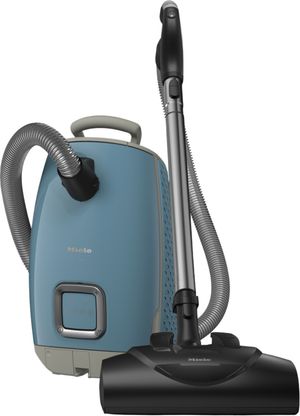
Use a soft brush attachment when possible. The bristles loosen dust while the vacuum removes it.
A crevice tool can help with narrow gaps, but do not press it hard against a grille. Avoid using a bare metal nozzle on painted plastic or thin screens because it may scratch or crack them.
Step 2: Hold the Dust in Place
For a ceiling fan, place a pillowcase over each blade. Gently pull the pillowcase toward the tip while holding the dust inside. Then vacuum the remaining dust from the blade and nearby surfaces.
For a box or pedestal fan, hold the vacuum nozzle close to the grille. Move the nozzle slowly from top to bottom. This keeps dust from falling across the room.
Step 3: Vacuum the Outer Grille
Start with the front grille. Use small, slow movements. Then clean the sides and rear grille.
Do not push the nozzle through the grille unless the opening is wide and the inside is safe to reach. Pushing too far can damage the blades or motor.
Step 4: Clean the Blades
If you can reach the blades safely, vacuum both sides. Turn the blade by hand only when the fan is unplugged. Never force a blade that feels stuck.
For ceiling fans, support the blade while cleaning. Loose pressure can bend the blade or strain its connection.
Step 5: Wipe the Surface
After vacuuming, use a dry microfiber cloth. If grease remains, dampen the cloth with a small amount of mild soap solution. The cloth should be damp, not wet.
Keep the cloth away from motor openings, switches, buttons, and wiring. Let all surfaces dry fully before reconnecting the fan.
Step 6: Check the Fan Before Use
Look for loose screws, cracked blades, and damaged wires. Make sure the grille is secure.
When you turn the fan on, listen for unusual sounds. Stop using it if you hear grinding, see sparks, smell burning, or notice strong vibration.
How to Clean Different Types of Fans
Different fan styles need slightly different care. Can we clean fan with vacuum cleaner methods work well for most models, but the access points vary.
Ceiling Fans
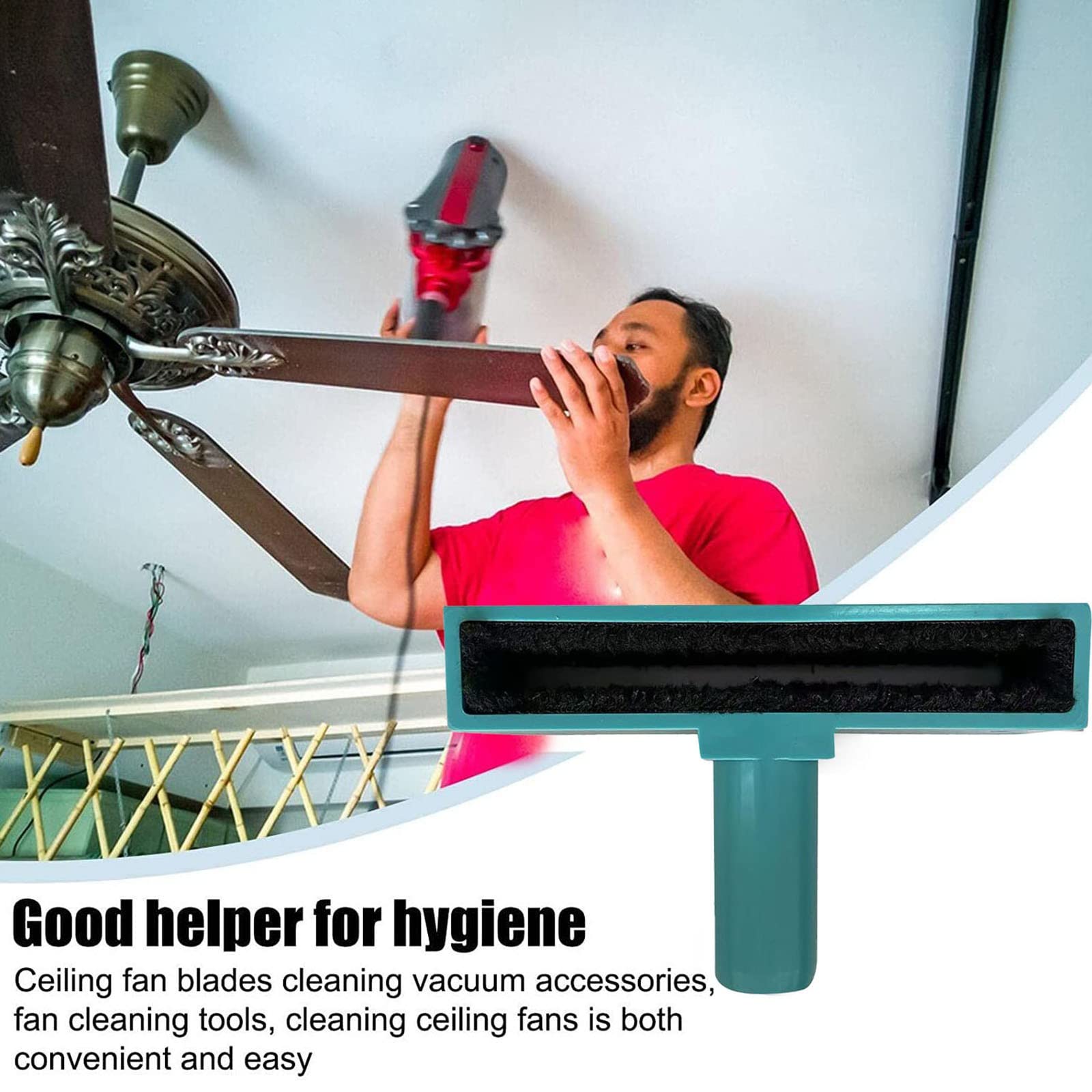
Use a long-handled duster or a vacuum extension. A pillowcase can catch dust from the blades. Do not place your full weight on a ladder or lean too far to one side.
For oily kitchen dust, vacuum first. Then wipe the blades with a damp microfiber cloth. Dry them soon after to prevent streaks and moisture damage.
Box Fans
Unplug the fan and remove the front grille if the manual allows it. Vacuum both grilles and the blades. Some models have washable filters, but check the care instructions before using water.
Never wash the motor assembly. Let removable parts dry completely before putting them back.
Pedestal Fans
Lower the fan head if possible. Vacuum the front grille, rear grille, and blade edges. If the grille comes off, clean it separately in a sink or bathtub.
Do not spray cleaner directly onto the fan. Spray a small amount onto a cloth instead.
Tower Fans
Tower fans often collect dust in narrow intake vents. Use a soft brush attachment and move it along the full height of the vent.
Do not insert a rigid tool deep into the tower. Internal parts can be fragile, and damage may affect the fan’s balance or controls.
Bathroom Exhaust Fans
Turn off the circuit before removing the cover if the cover is hardwired or difficult to access. Vacuum the cover and visible dust around the housing.
Bathroom fans may collect damp lint and mold-like residue. If you see extensive mold, water damage, or a blocked duct, professional inspection may be safer.

When a Vacuum Cleaner Is Not Enough
A vacuum works best on dry, loose dust. It may not remove cooking grease, pet hair that is wrapped around the blade, or dirt stuck to a damp grille.
Use a deeper cleaning method when:
• The blades feel sticky.
• Dust has formed a thick layer.
• The grille has greasy buildup.
• The fan smells musty.
• Airflow remains weak after vacuuming.
• The motor area has heavy debris.
Remove only the parts that the manufacturer allows you to remove. Wash plastic grilles in warm water with mild dish soap. Rinse them well and dry them fully.
Never soak a motor, switch, power cord, remote control, or control panel. If dirt has entered the motor, contact the manufacturer or a qualified repair professional.

Common Mistakes to Avoid
Many fan-cleaning problems come from using too much force or too much moisture. Avoid these common mistakes:
• Cleaning while the fan is plugged in.
• Spraying cleaner directly into the motor.
• Using a stiff brush on thin grilles.
• Pushing a vacuum nozzle deep into the fan.
• Washing parts before checking the manual.
• Reassembling parts while they are still damp.
• Ignoring cracks, loose wires, or burning smells.
• Using a ladder on an uneven surface.
• Applying strong chemicals to painted blades.
• Running the fan while dust is still falling from the housing.
A common mistake is assuming more suction means better cleaning. High suction can stress light covers and pull dust into areas that are hard to reach. Gentle suction, a soft brush, and patience are safer.

How Often Should You Clean a Fan?
Most household fans benefit from cleaning every four to eight weeks during regular use. A fan in a dusty room may need weekly dust removal. A bedroom fan used only sometimes may need cleaning every few months.
Clean more often if you have:
• Pets that shed hair.
• Construction or remodeling nearby.
• A wood-burning fireplace.
• Open windows near dusty roads.
• Household members with allergies.
• A kitchen fan exposed to grease.
Look at the blades and grilles rather than following a strict calendar. If you can see a gray layer of dust, it is time to clean.
Regular light cleaning is easier than waiting for a thick buildup. A few minutes with a vacuum can prevent a much longer deep-cleaning session later.
Does Vacuuming a Fan Improve Performance?
Vacuuming can improve airflow when dust blocks the grille or blades. It may also reduce dust movement and help the fan operate with less obstruction.
Still, cleaning will not fix every performance issue. A weak fan may have a worn motor, damaged capacitor, bent blade, blocked filter, or electrical fault.
After cleaning, test the fan on each speed. If it remains weak, shakes, overheats, or makes a new noise, stop using it. Mechanical and electrical repairs require more than dust removal.

Expert Tips for Better Results
A few small changes can make fan cleaning safer and faster:
• Clean from top to bottom so falling dust does not soil cleaned areas.
• Use a microfiber cloth because it traps dust better than a dry paper towel.
• Vacuum the floor after cleaning overhead fans.
• Place a drop cloth under a ceiling fan.
• Hold the vacuum hose near the brush, not directly against delicate screens.
• Clean filters according to the manufacturer’s instructions.
• Take a photo before removing parts so reassembly is easier.
• Keep screws in a small container while working.
• Test removable covers for full dryness before reinstalling them.
If you use a shop vacuum, reduce the suction when cleaning thin plastic grilles. A household vacuum with a brush attachment is usually enough for normal dust.
Frequently Asked Questions About Can We Clean Fan With Vacuum Cleaner
Can I vacuum a fan while it is running?
No. Turn the fan off and unplug it before cleaning. A moving blade can damage the vacuum attachment, and loose dust may enter the motor or spread through the room.
Can I use a vacuum cleaner on a ceiling fan?
Yes. Use a soft brush attachment or an extension tool, and clean each blade slowly. A pillowcase can catch heavy dust before you vacuum the remaining residue.
Can vacuuming damage a fan motor?
Gentle vacuuming usually does not damage a fan motor. Avoid pressing the nozzle against the motor housing or forcing high suction into small openings.
Should I use a wet vacuum to clean a fan?
Do not use liquid near the motor, wiring, switch, or control panel. A wet vacuum does not make it safe to wet electrical parts, so use a dry vacuum and a slightly damp cloth only on removable, non-electric surfaces.
Can I vacuum a box fan without taking it apart?
Yes. You can clean the front and rear grilles with a brush attachment while the fan is unplugged. For heavy dirt, remove the grille only if the manufacturer permits it.
How do I clean dust from a tower fan?
Use a soft brush vacuum attachment along the intake and exhaust vents. Avoid pushing tools deep into the tower because internal blades, wires, and sensors may be close to the surface.
What should I do if my fan smells hot after cleaning?
Turn it off and unplug it at once. A hot smell may indicate a motor, wiring, or dust problem, so do not use the fan again until it has been inspected.
Conclusion
You can clean a fan with a vacuum cleaner safely when you unplug the unit, use a soft brush, and keep moisture away from electrical parts. Vacuuming is excellent for loose dust on blades, grilles, filters, and vents, but sticky grime may need a careful wipe or deeper cleaning.
Work slowly, follow the fan’s manual, and inspect the unit for damage before turning it on. Try these steps during your next cleaning session, and share your best fan-cleaning tips or explore more home care guides for practical maintenance advice.

Liora Pennings is a seasoned chef and kitchen enthusiast with a passion for turning everyday cooking into an effortless experience. With years of hands-on culinary expertise, she specializes in practical techniques, ingredient know-how, and smart kitchen solutions that help home cooks elevate their meals. At KitchFlair.com, Liora shares her best tips, time-saving tricks, and honest product reviews to guide readers toward a more efficient, enjoyable, and inspired cooking routine. Whether you’re a beginner or a seasoned home chef, Liora’s friendly, knowledge-packed insights make every visit to the kitchen a little easier—and a lot more delicious.