When To Replace Vacuum Cleaner: 7 Signs To Buy New
Most vacuum cleaners need replacement after five to eight years, or sooner when repairs cost more than reliable cleaning.
Knowing when to replace a vacuum cleaner is not just about age. Suction loss, strange smells, rising repair costs, poor filtration, and daily frustration all matter. This guide explains the warning signs, repair choices, lifespan differences, and safety concerns so you can make a smart choice without replacing a machine that still has useful life.
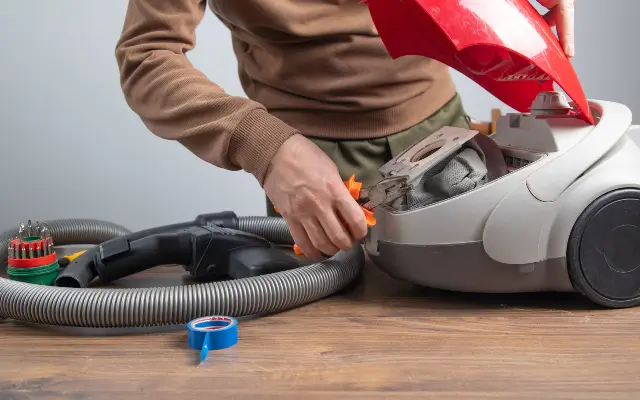
How Long Does a Vacuum Cleaner Last?
Most household vacuum cleaners last about five to eight years. Some well-built canister and upright vacuums may work for 10 years or more with regular care. Low-cost models, heavily used machines, and cordless vacuums may need replacement sooner.
The average lifespan depends on several factors:
• Vacuum type: Canister and upright vacuums often last longer than budget stick vacuums.
• Use frequency: A vacuum used every day wears out faster than one used once a week.
• Floor type: Thick carpet puts more stress on the brush roll and motor than smooth flooring.
• Maintenance: Clean filters, clear hoses, and fresh belts can add years of service.
• Build quality: Strong parts and replaceable components usually support a longer life.
A vacuum used in a home with pets, children, or allergies may face a heavier workload. Pet hair can block air paths, while fine dust can clog filters and strain the motor. Age gives you a clue, but performance gives you the real answer.
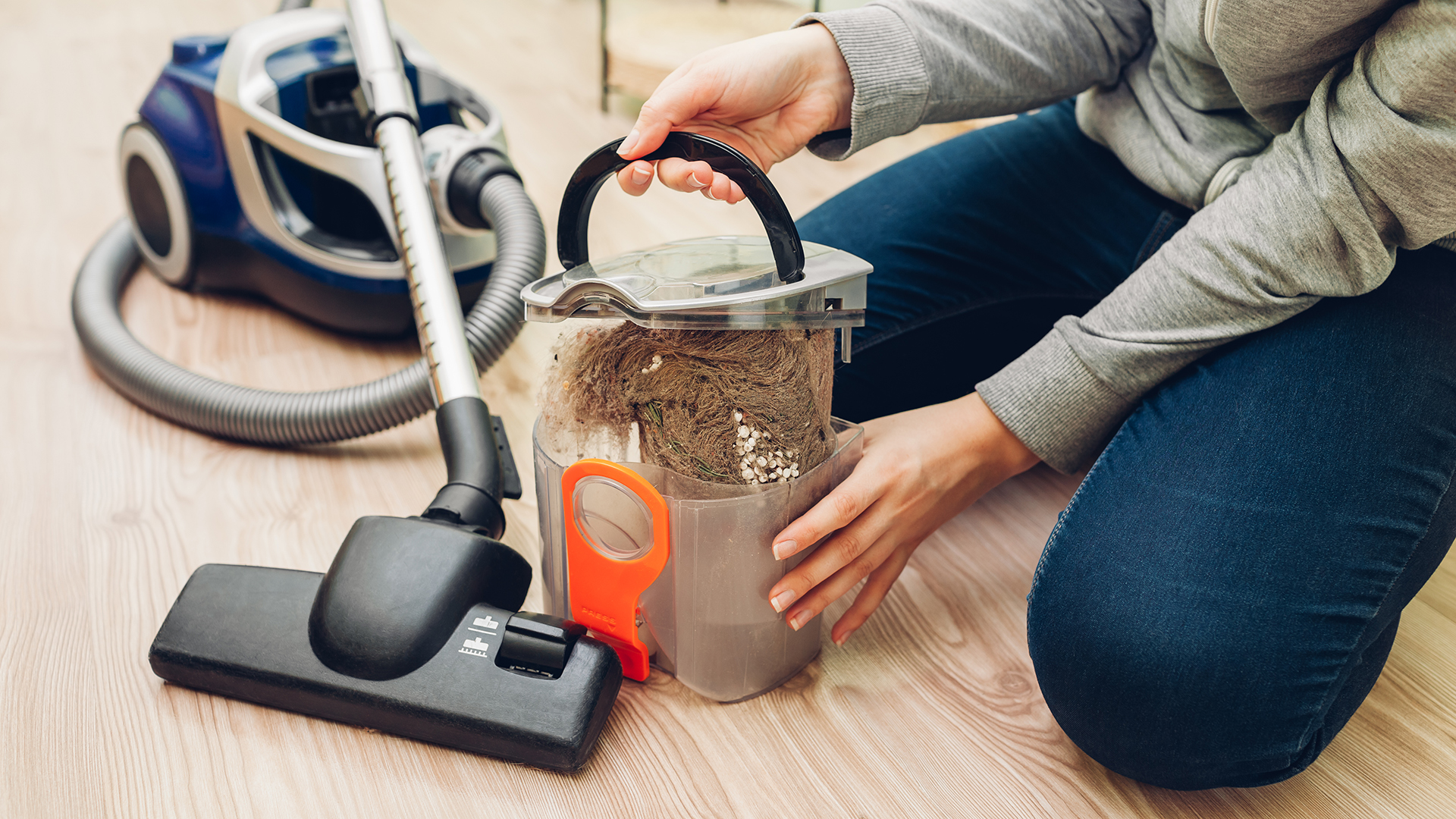
Signs You Should Replace Your Vacuum Cleaner
Sometimes a vacuum gives clear warnings. Other times, the signs appear slowly. Watch for a pattern rather than judging the machine by one small problem.
1. The vacuum has weak or declining suction
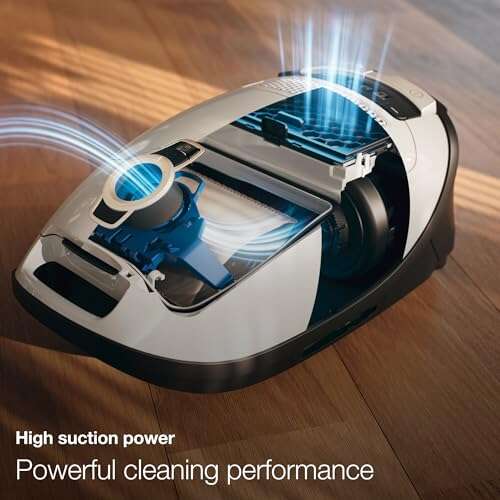
Weak suction is one of the most common reasons people ask when to replace vacuum cleaner. First, empty the dust bin or replace the bag. Then check the hose, wand, brush roll, and filters for blockages.
If suction stays weak after basic cleaning, the motor, fan, seal, or internal air path may be damaged. A vacuum that leaves grit behind after several passes is no longer doing its main job well.
2. It releases a burning smell
A burning smell deserves quick attention. It may come from a stretched belt, jammed brush roll, overheating motor, or electrical fault.
Turn the vacuum off and unplug it. Do not keep using it to “see if the smell goes away.” A new belt may solve the issue, but a burning motor or damaged wiring often means replacement is safer.
3. The motor sounds unusual
A healthy vacuum can be loud, but its sound should stay fairly steady. Grinding, rattling, whining, clicking, or sudden surging can point to worn bearings, a damaged fan, or motor trouble.
A small object may cause a rattle, so inspect the brush roll and hose first. If the noise continues, stop using the machine until it receives a proper repair check.
4. It overheats or shuts off
Many vacuums have thermal protection. This feature turns the motor off when it becomes too hot. A blocked hose or dirty filter can trigger the problem.
If the vacuum repeatedly shuts down after cleaning and cooling, the motor may be failing. Frequent overheating shortens motor life and can create a safety risk.
5. The brush roll no longer works
A spinning brush roll helps lift dirt from carpet. If it stops, inspect the belt, brush roll, switch, and air path.
A belt is usually an inexpensive repair. However, if the brush roll housing is cracked or the control system has failed, replacing an older vacuum may make more financial sense.
6. Dust escapes back into the room
A vacuum should collect dust, not spread it. Noticeable dust clouds, a loose dust bin, damaged seals, or a torn bag can reduce indoor air quality.
This matters most for people with asthma, allergies, or pets. A sealed vacuum with a genuine high-efficiency filter is often a better choice than an old machine that leaks around its filter or body.
7. Repairs become frequent
One repair may be sensible. Several repairs in one year are a different story.
Track the cost of parts, labor, and replacement filters. If the vacuum needs a motor, battery, control board, and brush assembly, its repair bill may approach the price of a dependable new model.
8. The body or cord is unsafe
Cracked plastic, exposed wires, loose plugs, damaged wheels, and broken handles are serious warning signs. Tape is not a reliable fix for electrical damage.
A damaged power cord can cause shock or fire. Replace the cord through a qualified service center, or replace the vacuum if the repair is not practical.
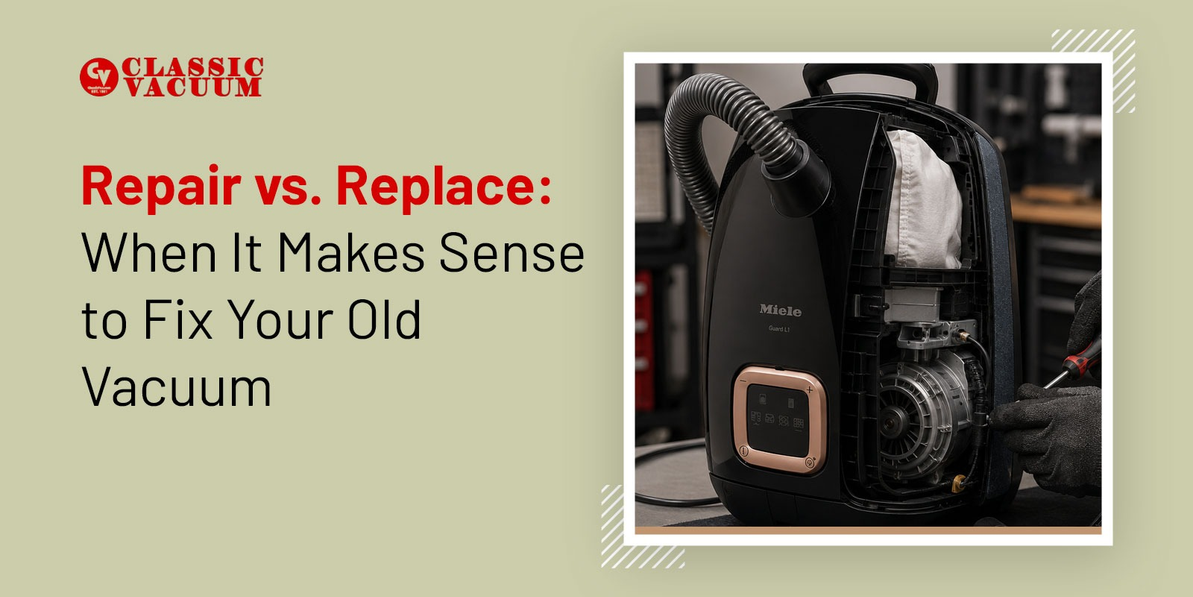
When to Repair a Vacuum Instead of Replacing It
Not every problem means you need a new vacuum. Many performance issues come from simple maintenance mistakes.
Try these steps before shopping:
-
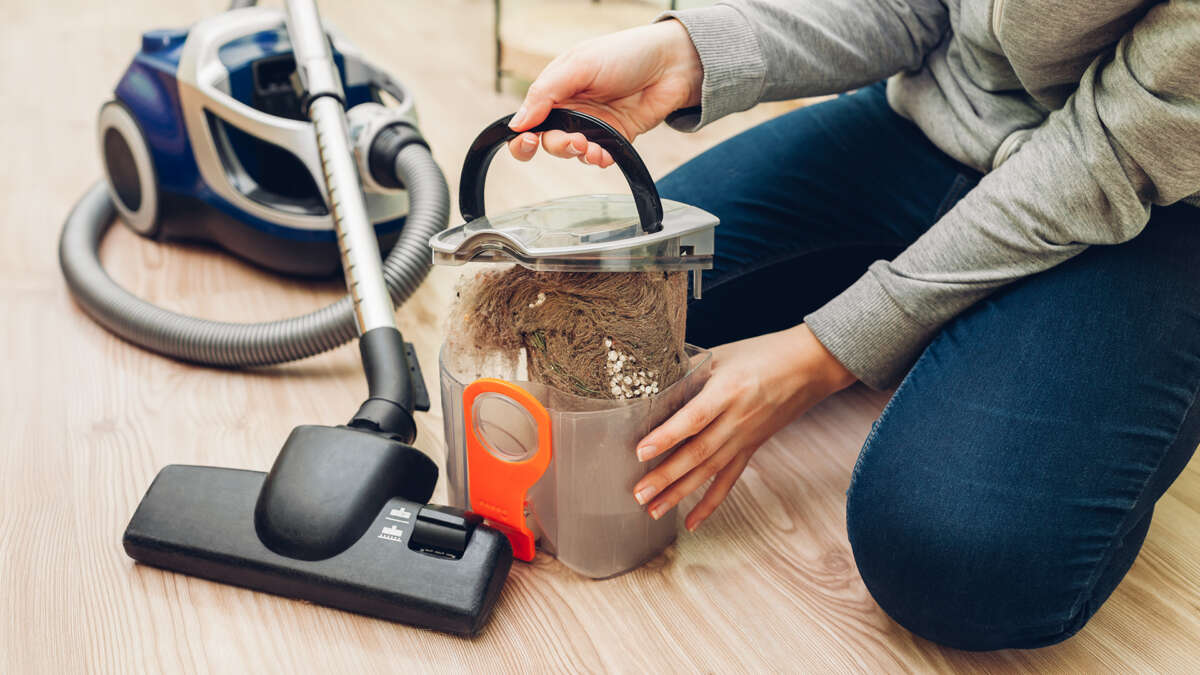
Empty the bin or install a fresh bag.
-
Wash or replace washable filters according to the manual.
-
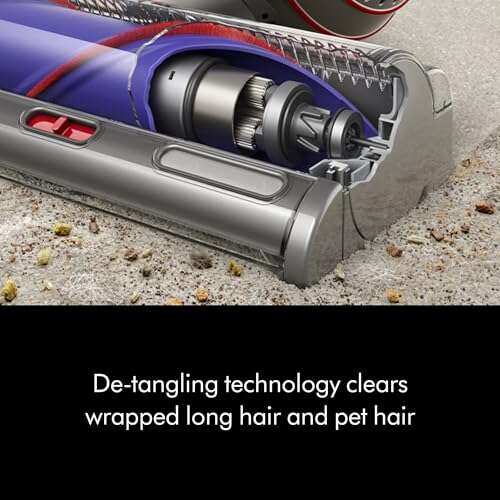
Remove hair and thread from the brush roll.
-
Check the hose and wand for clogs.
-
Inspect the belt for cracks, looseness, or stretching.
-
Check that the floor setting matches the surface.
-
Make sure the dust bin, bag, and filters fit tightly.
A belt, filter, hose, wheel, or brush roll can often be replaced at a fair cost. Repair makes sense when the motor is healthy, the body is sound, and replacement parts are easy to find.
The owner’s manual is important here. Some filters are washable, while others must stay dry and be replaced. Washing the wrong filter can damage it and send fine dust into the motor.
In my experience reviewing household cleaning problems, people often replace a vacuum too soon because they skip the clog check. A compact wad of hair near the brush roll can make a strong vacuum feel completely broken. Five minutes of cleaning may restore normal performance.
When Is a Vacuum Repair Not Worth It?
Repair is less attractive when the vacuum has several major problems at once. A useful rule is to compare the full repair cost with the price of a similar new vacuum.
Replacement may be the better choice when:
• The repair costs more than half the price of a comparable new model.
• The motor is failing in a vacuum that is already several years old.
• The battery no longer holds a useful charge and costs nearly as much as the vacuum.
• Replacement parts are unavailable.
• The vacuum has repeated overheating or electrical faults.
• The machine leaks dust even after new filters and seals.
• The vacuum struggles with your current cleaning needs.
Do not compare a repair bill with the cheapest vacuum in the store. Compare it with a model that offers similar suction, filtration, capacity, tools, and warranty coverage.
A $75 repair may be sensible for a high-quality vacuum that could last five more years. It may not make sense for a basic vacuum that already has a worn motor and cracked housing.

Does Vacuum Type Change Replacement Timing?
Yes. Different vacuum designs age in different ways.
Upright vacuums
Upright vacuums are often durable and work well on wall-to-wall carpet. Their belts, brush rolls, hoses, and filters may be replaceable.
Replace an upright when its motor becomes unreliable, the body loses its seal, or repair costs rise above its remaining value.
Canister vacuums
Canister models can last many years because the motor and body often receive less impact. They are useful for hard floors, stairs, and furniture.
A damaged hose, wand, or power head may be replaceable. Check parts availability before deciding that the whole vacuum must go.
Stick vacuums
Stick vacuums are light and convenient, but their smaller motors and batteries may wear faster. A cordless model may need replacement after three to five years, especially with daily use.
Battery decline is normal. If runtime has fallen sharply and a battery replacement is expensive or unavailable, a new vacuum may be the practical option.
Robot vacuums
Robot vacuums depend on batteries, sensors, wheels, brushes, and software. They may need replacement sooner if navigation becomes unreliable or key parts are no longer supported.
A new battery or brush set can restore a robot vacuum. A failing motherboard or obsolete app connection usually makes replacement more reasonable.
Handheld vacuums
Handheld models often have shorter working lives because they have small batteries and compact filters. They are convenient for crumbs and cars, but they may not replace a full-size vacuum.

How to Choose a Replacement Vacuum
When you decide to replace a vacuum cleaner, match the new model to your home rather than buying based only on brand or appearance.
Consider these features:
• Floor type: Choose strong carpet agitation for carpet and gentle settings for hardwood or delicate floors.
• Filtration: Look for a sealed system and a high-efficiency filter if dust control matters.
• Bagged or bagless design: Bagged models often hold more dust with less mess. Bagless models avoid ongoing bag purchases but need regular filter cleaning.
• Corded or cordless power: Cordless models offer freedom. Corded models usually provide longer, steady cleaning time.
• Pet hair tools: A motorized brush can help remove hair from carpet and upholstery.
• Weight: A heavy upright may clean well but be hard to carry upstairs.
• Noise: Check measured noise levels if you live in an apartment or have noise-sensitive family members.
• Parts and warranty: A longer warranty and available filters, belts, batteries, and brushes can lower long-term costs.
Look for clear care instructions and a repair network. A vacuum is easier to keep for many years when the manufacturer sells parts instead of treating the product as disposable.
Do not assume a higher price guarantees better performance. Independent testing can reveal differences in carpet pickup, bare-floor cleaning, filtration, battery runtime, and noise. Product claims are useful, but real test results and warranty terms provide better evidence.

How to Extend the Life of Your Vacuum Cleaner
Good care can delay the need to replace a vacuum cleaner. Think of maintenance as changing the oil in a car: small actions protect the parts that cost the most.
Use this simple routine:
-
Empty the bin before it reaches the maximum line.
-
Replace full bags instead of forcing more dirt into them.
-
Clean filters on the schedule listed in the manual.
-
Let washable filters dry fully before reinstalling them.
-
Remove hair from the brush roll every few uses.
-
Keep cords away from hot surfaces and sharp edges.
-
Do not vacuum water unless the machine is designed for wet cleaning.
-
Check hoses for clogs when suction drops.
-
Store the vacuum in a dry place.