How To Clean Vacuum Cleaner Motor Vents: Prevent Overheat
Clean vents with compressed air and a soft brush to stop motor overheating fast.
I’ve cleaned dozens of vacuums in my years as a repair tech and homeowner. I know how to clean vacuum cleaner motor vents to prevent overheating, why it matters, and what can go wrong if you skip it. This guide gives clear steps, safe tools, easy maintenance plans, and real tips from my shop work so you can protect your vacuum’s motor and avoid costly repairs.
Why motor vents matter and how airflow protects your vacuum
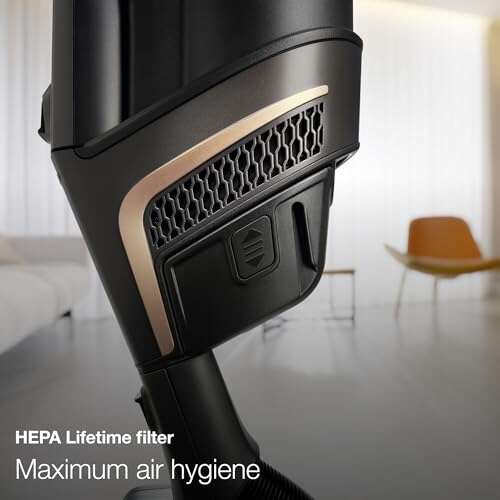
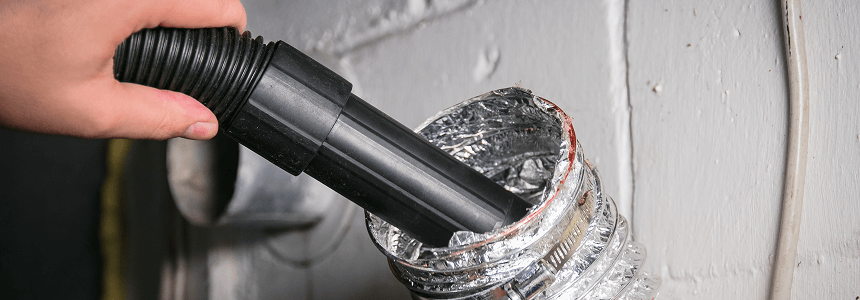
A vacuum motor needs steady airflow to stay cool. Vents channel air across the motor. When vents plug with dust, hair, or lint, airflow drops. Reduced airflow makes the motor run hot. Heat shortens motor life and can trip thermal cutouts. Learning how to clean vacuum cleaner motor vents to prevent overheating keeps your machine reliable and safe.
Signs your vacuum motor vents are clogged
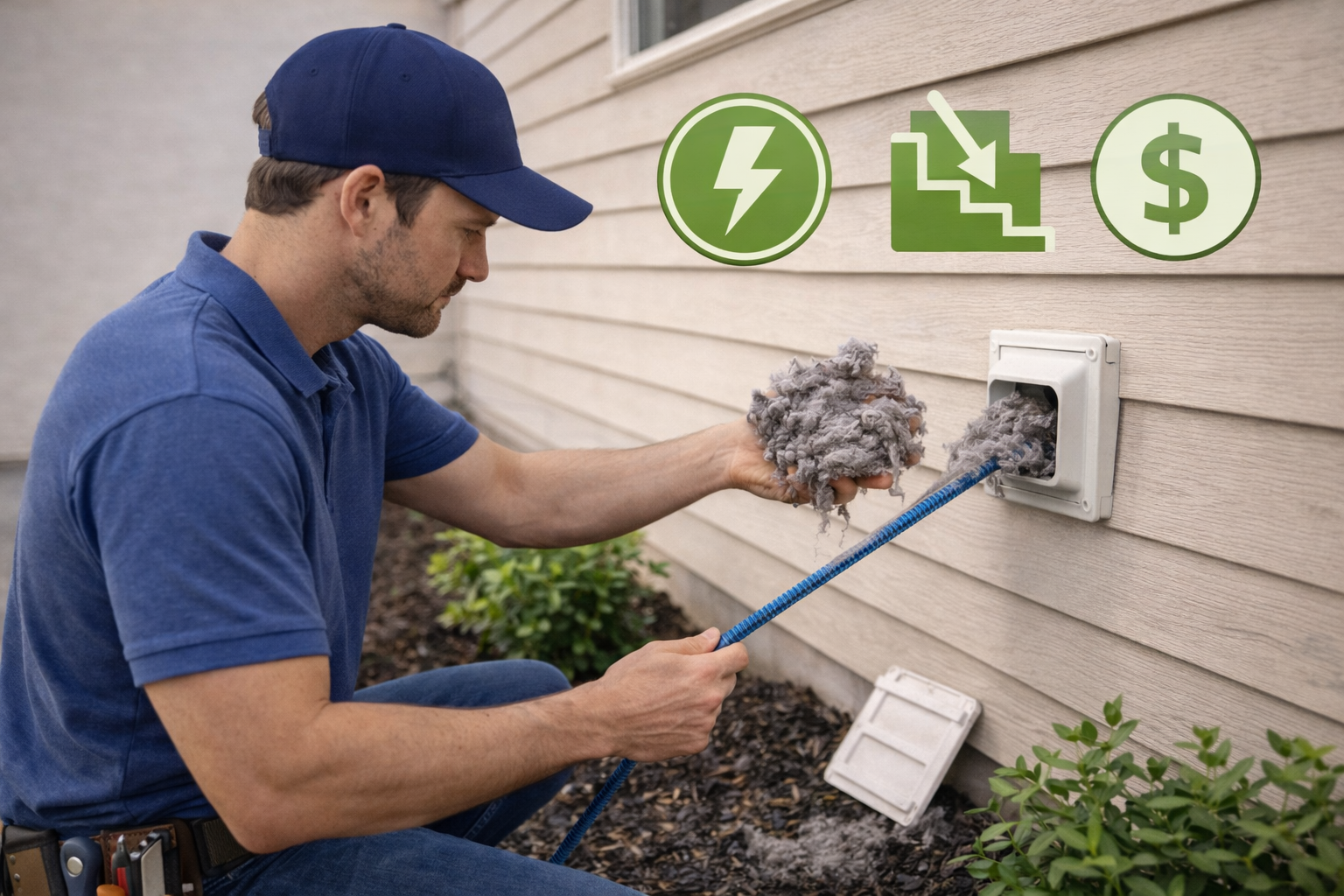
- Unusual and steady hot smell while running. This can be dust burning from blocked vents.
- Motor cuts out or the vacuum stops suddenly. Thermal protection may be kicking in.
- Loss of suction even with clean filters. Blocked vents can mimic a suction issue.
- Loud or strained motor noise. The motor works harder when it is hot.
Noticing one or more of these signs means it’s time to learn how to clean vacuum cleaner motor vents to prevent overheating.
Tools and safety checklist before you start
- Soft brush for dust removal. Use a paintbrush or toothbrush.
- Compressed air canister or small air compressor at low PSI. Keep below 30 PSI.
- A clean, lint-free cloth. For final wipe down.
- Screwdrivers and owner’s manual. To access vents safely.
- Safety gear: dust mask and safety glasses. Dust can get airborne.
Always unplug the vacuum and let the motor cool before you begin. Knowing how to clean vacuum cleaner motor vents to prevent overheating starts with safe prep.
Step-by-step: how to clean vacuum cleaner motor vents to prevent overheating
- Unplug and cool down. Wait 30 minutes after use so the motor is not hot.
- Check the manual. Find vent locations and any service warnings. Some models need special care.
- Remove outer covers. Use screwdrivers if needed. Keep screws in a safe place.
- Remove large debris by hand. Pull out hair and big lint chunks gently.
- Brush the vents. Use a soft brush to loosen dust inside vent paths. Work gently.
- Blow out dust with compressed air. Short bursts work best. Hold the can upright 6–8 inches away. Avoid wetting the motor.
- Clean nearby filters and housings. Dirty filters reduce airflow too. Replace if worn.
- Wipe surfaces with a lint-free cloth. This removes fine dust left from blowing.
- Reassemble and test. Run the vacuum for a few minutes and check for normal sound and no burning smell.
Following these steps shows precisely how to clean vacuum cleaner motor vents to prevent overheating. Repeat these steps every few months or sooner if you use the machine a lot.

Maintenance schedule and tips to avoid overheating
- Light use (1–2 times a week): Inspect vents monthly and clean every 3 months.
- Heavy use (daily or commercial): Inspect weekly and clean monthly.
- Replace disposable filters regularly. A clogged filter makes the motor overwork.
- Keep the vacuum stored in a dry, cool place. Moisture and heat both harm motor parts.
- Use correct bags and filters made for your model. Poor fits leak dust into vents.
Stick to a routine and you’ll reduce the risk of motor wear. Learning how to clean vacuum cleaner motor vents to prevent overheating becomes easy when it’s part of your routine.
Common mistakes and what I learned from repairs
- Using high-pressure air too close. I once damaged fan blades with strong compressed air. Always use low pressure.
- Skipping the manual. I’ve seen models with hidden screws. You can break clips or wires if you rush.
- Not replacing worn filters. I frequently fix motors that failed due to long-term filter neglect.
- Ignoring strange smells. That smell usually means heat stress. Don’t wait to act.
From hands-on work, I learned small steps save big repairs. Knowing how to clean vacuum cleaner motor vents to prevent overheating is half prevention, half common sense.

When to call a professional
If you see burn marks, melted plastic, or a motor that won’t start after cleaning, stop and get professional help. Loud grinding or metal-on-metal sounds can mean internal damage. If the motor housing or fan is damaged, a tech can inspect and replace parts safely. Knowing how to clean vacuum cleaner motor vents to prevent overheating is great, but some repairs need a pro.

Frequently Asked Questions of how to clean vacuum cleaner motor vents to prevent overheating
How often should I clean motor vents?
Clean vents every 3 months for home use and monthly for heavy use. Check vents sooner if you notice any loss of suction or strange smells.
Can I use a vacuum to clean the vents?
Avoid using the vacuum itself to clean its vents. Use compressed air or a brush to remove dust safely without pushing debris deeper.
Will cleaning vents void my warranty?
Check your vacuum’s manual. Basic cleaning usually won’t void the warranty, but taking the unit apart beyond user-accessible panels might. Follow manufacturer guidance.
Is compressed air safe for all vacuums?
Use low-pressure compressed air and short bursts. High pressure can spin the fan too fast or dislodge parts. Keep a safe distance and read warnings.
What if the motor still overheats after cleaning vents?
If overheating continues, check filters, belts, and bearings. If the problem persists, seek professional service to avoid further damage.
Conclusion
Keeping vents clean is one of the best ways to protect your vacuum motor. The steps here show how to clean vacuum cleaner motor vents to prevent overheating in a safe and low-cost way. Start with a simple inspection, use the right tools, and set a cleaning schedule that fits your use. Take one action this week: inspect your vacuum vents and clear any buildup you find. If this guide helped, leave a comment, subscribe for more tips, or share your own cleaning story.

Liora Pennings is a seasoned chef and kitchen enthusiast with a passion for turning everyday cooking into an effortless experience. With years of hands-on culinary expertise, she specializes in practical techniques, ingredient know-how, and smart kitchen solutions that help home cooks elevate their meals. At KitchFlair.com, Liora shares her best tips, time-saving tricks, and honest product reviews to guide readers toward a more efficient, enjoyable, and inspired cooking routine. Whether you’re a beginner or a seasoned home chef, Liora’s friendly, knowledge-packed insights make every visit to the kitchen a little easier—and a lot more delicious.