Why My Vacuum Cleaner Is Not Picking Up: Easy Fixes
A clogged filter, full dust bin, blocked hose, or worn brush roll can quickly reduce your vacuum’s cleaning power.
If you are wondering why my vacuum cleaner is not picking up, the cause is often simple to find and fix. After checking many common vacuum problems, I have found that airflow blockages, dirty filters, and brush roll issues account for most weak suction complaints. This guide will help you test each part safely, restore suction, and know when professional repair makes more sense.
Why my vacuum cleaner is not picking up: common causes
A vacuum cleaner needs steady airflow to lift dirt from carpets and floors. When air cannot move through the machine, the motor may sound normal while the vacuum leaves crumbs, hair, and dust behind.
The most common causes include:
• A full dust bag or dust cup
• A clogged air filter
• A blocked hose, wand, or floor head
• A tangled or damaged brush roll
• A loose belt
• A cracked hose or poor seal
• The wrong floor setting
• A failing motor or fan
Many people assume the motor is broken first. In practice, a simple blockage is much more likely. Think of the vacuum as a straw: even a small lump inside can stop the air from moving well.

Check the dust bag or dust cup first
The dust bag or dust cup is the easiest place to start when asking why my vacuum cleaner is not picking up. A full container limits airflow and can make the motor work harder.
If your vacuum uses a bag, remove it and check the fill line. Replace it if it is full, swollen, or coated with fine dust. Do not try to reuse a disposable bag, as its pores may already be blocked.
For bagless models, empty the dust cup into a trash can. Clean the inside if dust has formed a thick layer around the screen or cyclone section. Make sure the cup clicks firmly back into place.
A poorly fitted dust cup can cause a weak seal. The vacuum may still run, but air will leak before it reaches the floor head.
Before opening the dust container, turn off the vacuum and unplug it. This prevents accidental startup and protects your hands from moving parts.

Clean or replace the filters
Dirty filters are one of the leading reasons why my vacuum cleaner is not picking up. Most vacuums have at least one filter, and many have two or more.
Common filter types include:
• Pre-motor filters that protect the motor
• Foam filters that catch larger dust particles
• Post-motor or exhaust filters that clean outgoing air
Check the user manual to learn which filters can be washed. Rinse washable foam or fabric filters with cool water until the water runs clear. Do not use soap unless the manufacturer permits it.
Let every washable filter dry fully before reinstalling it. A damp filter can damage the motor and may create a musty smell. Drying can take at least 24 hours, depending on the filter and room humidity.
Replace paper, HEPA, or sealed cartridge filters when the manual recommends it. A filter can look clean but still be packed with fine dust. Many manufacturers advise regular filter checks because blocked filters reduce airflow and increase motor strain.
In my experience, people often clean the dust cup but forget the filter above it. That mistake can make a bagless vacuum seem broken when the real issue is a five-minute filter wash.

Inspect the hose, wand, and floor head
A blockage in the hose is another common answer to why my vacuum cleaner is not picking up. Hair, tissues, socks, toy pieces, and clumps of pet hair can become stuck in narrow bends.
Follow these steps:
-
Turn off and unplug the vacuum.
-
Detach the hose from the main body if possible.
-
Look through the hose toward a light source.
-
Use a flexible cleaning tool or broom handle to loosen a blockage.
-
Reconnect each part and check for a tight fit.
Never use a sharp metal object to force debris through the hose. It can puncture the hose or damage an internal wire.
Check the wand and floor head as well. Some models have small air gates or channels that clog near the connection point. A blockage at the floor head can reduce suction even when the hose looks clear.
You can also test the vacuum in sections. Run it briefly with the floor head removed, then reconnect the wand, hose, and head one at a time. This helps you find the exact point where airflow stops.

Examine the brush roll and belt
A vacuum may have strong suction but still leave dirt behind if the brush roll is not turning. This is especially common on carpet.
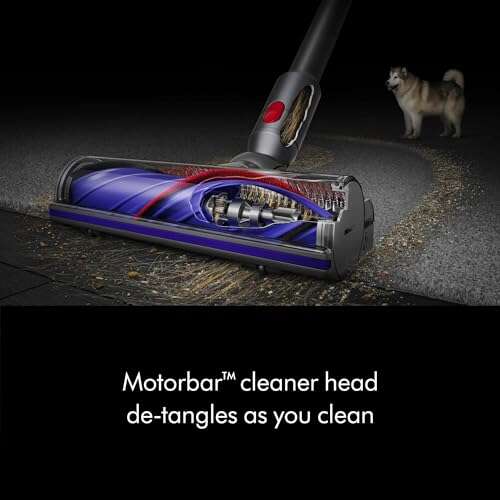
Turn the vacuum off, unplug it, and inspect the brush roll. Remove wrapped hair, thread, carpet fibers, and pet fur. Use scissors carefully to cut fibers, and keep your fingers away from sharp edges.
Look for these warning signs:
• The brush roll does not spin freely by hand
• The brush roll makes a grinding or clicking sound
• The belt looks loose, cracked, or stretched
• The vacuum smells like burning rubber
• The carpet looks untouched after several passes
Some brush rolls have an end cap that collects hair. Remove it only if the manual allows this. Keep screws and small parts in a safe place.
A worn belt may slip instead of turning the brush roll. Belts are inexpensive on many models, but the correct belt must match the vacuum. Using the wrong size can cause poor performance or damage.
If the brush roll has broken bristles, deep grooves, or bent ends, replace it. Cleaning will not restore a physically damaged brush.

Check the floor setting and cleaning mode
Sometimes the answer to why my vacuum cleaner is not picking up is the selected floor setting. A vacuum set for hard floors may not agitate carpet well. A carpet setting may seal too tightly against a smooth floor.
Try the following adjustments:
• Set the height control to the recommended carpet level.
• Select the hard-floor mode for tile, wood, or laminate.
• Turn on the brush roll when cleaning carpet.
• Turn off the brush roll on delicate bare floors if the manual advises it.
• Avoid forcing the head flat against thick rugs.
If the vacuum feels difficult to push, the head may be set too low. If it glides too easily and leaves dirt behind, it may be too high. Make small changes and test the same area after each adjustment.
Also check whether the vacuum has a suction release valve. If this valve is stuck open, the machine may pull less air from the floor.
Look for air leaks and poor seals
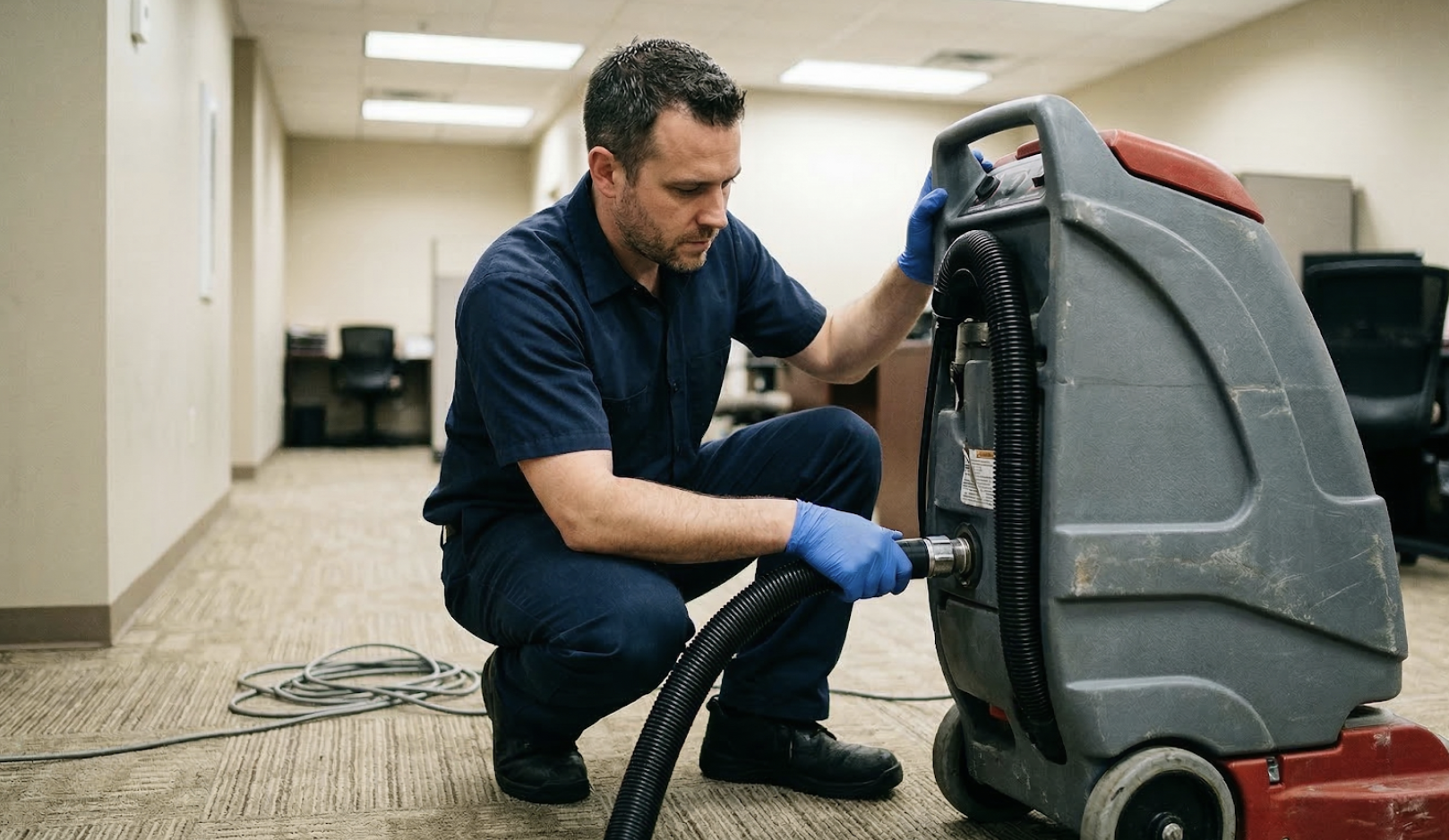
A vacuum depends on sealed airflow. A small crack can behave like a hole in a drinking straw, allowing air to enter before it reaches the cleaning head.
Inspect these areas:
• The hose ends
• The wand connections
• The dust cup gasket
• The bag door
• The floor head neck
• The filter cover
Listen for a hissing sound while the vacuum runs. Feel around the connections for escaping air, but do not place fingers near the brush roll.
Replace cracked hoses and damaged seals. Tape may work as a short test, but it is not a reliable long-term repair. A loose connection should be pushed together firmly, but never forced if the parts do not align.
On older vacuums, rubber seals can become hard or flattened. This is normal wear, not user error. Replacing the seal may restore suction if the motor and airflow path are still healthy.

Diagnose a vacuum that has weak suction
If you still cannot determine why my vacuum cleaner is not picking up, use a simple test plan. Start with the parts that are easiest to access.
-
Empty the bag or dust cup.
-
Clean or replace all filters.
-
Check the hose and wand for blockages.
-
Clean the brush roll.
-
Inspect the belt and floor setting.
-
Reconnect every part tightly.
-
Test the vacuum on a small area.
Pay attention to the sound. A high-pitched whine may point to restricted airflow. A grinding noise can suggest a damaged bearing, fan, or brush roll. A burning smell means you should stop using the machine at once.
If the motor shuts off after a few minutes, overheating may be the cause. Some vacuums have a thermal safety switch that cuts power when airflow is restricted or the motor becomes too hot. Let the unit cool, then inspect the filters and hose before trying again.
Do not keep running a vacuum that smells of burning plastic or rubber. Continued use can turn a minor belt problem into motor damage.

Special causes for different vacuum types
Upright vacuum cleaners
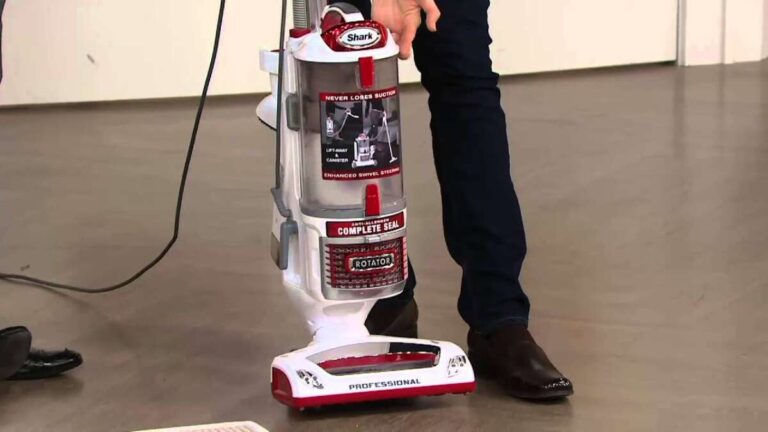
Upright models often lose cleaning power because of a blocked lower hose, worn belt, or incorrect height setting. Check the area behind the brush roll and the short hose that connects the floor head to the body.
Canister vacuum cleaners
Canister vacuums commonly develop leaks at the hose connection or blockage in the wand. Check the floor tool, because its narrow opening can fill with hair and grit.
Stick vacuum cleaners
Stick vacuums have small dust cups and filters. They can lose suction quickly when the cup is full or the filter is coated with fine dust. Battery-powered models may also reduce power when the battery is low.
Robot vacuum cleaners
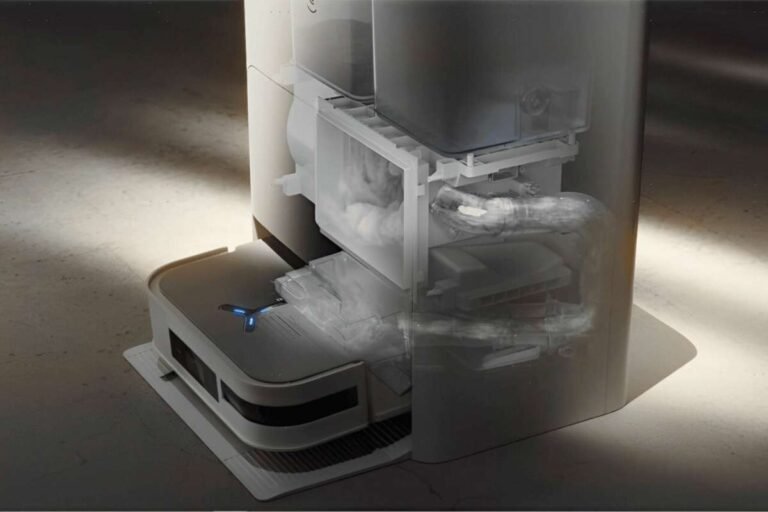
Robot vacuums may stop picking up when the side brush, roller, intake port, or dust bin is blocked. Clean the sensors too, but remember that dirty sensors usually affect navigation rather than suction.
Wet and dry vacuums
Wet and dry models may use a float shutoff that stops airflow when the tank is full of liquid. Empty the tank and use the correct filter for wet or dry cleaning. Using the wrong filter can damage the machine.
How to prevent suction problems
Knowing why my vacuum cleaner is not picking up is useful, but prevention saves more time. A small care routine can keep airflow strong and extend motor life.
Use these habits:
• Empty a bagless dust cup before it reaches the maximum line.
• Check filters each month, or more often in homes with pets.
• Remove hair from the brush roll every one to two weeks.
• Inspect hoses after cleaning large debris.
• Keep coins, screws, and sharp objects away from the intake.
• Use the correct setting for carpet and hard floors.
• Replace filters and belts according to the manual.
• Store the vacuum with the hose free of sharp bends.
Homes with pets, children, renovation dust, or long-haired residents may need more frequent cleaning. Fine dust from drywall or fireplace ash is especially risky because it can clog filters quickly. Use a vacuum designed for that material instead of assuming every household vacuum can handle it.
A maintenance log can help. Write down the last filter wash, belt change, and brush cleaning date. This simple step makes it easier to spot a pattern.
When to repair or replace the vacuum
Most suction problems are worth troubleshooting before buying a new vacuum. A filter, belt, hose, or brush roll may cost far less than replacement.
Professional service may be sensible when:
• The motor makes a loud grinding noise
• The vacuum repeatedly overheats
• The power cord or plug is damaged
• The fan appears broken
• The machine has an electrical burning smell
• The body or wiring is cracked
Unplug the vacuum before any repair. Do not open the motor housing unless you have the right skills and the manufacturer permits it. Some models contain capacitors or electrical parts that can remain hazardous after unplugging.
A replacement may be better when repair costs approach the price of a new machine, parts are unavailable, or the vacuum has several major problems. Look for a model with sealed filtration, easy-to-clean parts, a replaceable brush roll, and readily available filters.
Frequently Asked Questions
Why my vacuum cleaner is not picking up even though it has suction?
The brush roll may not be turning, or the floor setting may be wrong. Check for tangled hair, a loose belt, and the correct height setting for your floor.
Can a dirty filter make a vacuum lose suction?
Yes. Dust blocks the filter material and restricts airflow through the machine. Clean washable filters fully and replace filters that are not designed to be washed.
Why does my vacuum pick up on hard floors but not carpet?
The brush roll, belt, or carpet height setting may be the problem. Carpet needs agitation, so the brush must turn and sit at the correct height.
How do I clear a vacuum hose blockage?
Unplug the vacuum, detach the hose, and inspect it against a light. Use a soft, flexible tool to loosen debris, and avoid sharp objects that could puncture the hose.
Should I use my vacuum if it smells like burning?
No. Turn it off and unplug it immediately. A burning smell may indicate a slipping belt, blocked airflow, overheated motor, or electrical fault.
How often should I clean my vacuum filter?
Check it about once a month under normal use. Homes with pets, allergies, or heavy dust may need more frequent checks, while replacement timing should follow the manufacturer’s instructions.
[CodeImg?] No, instruction says no after FAQ. Ensure no CodeImg.
Conclusion
When you ask why my vacuum cleaner is not picking up, start with the simple causes: an overfilled dust cup, dirty filter, blocked hose, tangled brush roll, loose belt, or incorrect floor setting. These problems are common, affordable to fix, and often appear before any serious motor fault.
Unplug the machine, inspect each airflow path, and test one change at a time. Stop using the vacuum if it overheats, grinds, or smells like burning. With regular filter care and brush cleaning, your vacuum can work better for longer.
Try these steps today, then share your experience or explore your manufacturer’s maintenance guide for model-specific advice.

Liora Pennings is a seasoned chef and kitchen enthusiast with a passion for turning everyday cooking into an effortless experience. With years of hands-on culinary expertise, she specializes in practical techniques, ingredient know-how, and smart kitchen solutions that help home cooks elevate their meals. At KitchFlair.com, Liora shares her best tips, time-saving tricks, and honest product reviews to guide readers toward a more efficient, enjoyable, and inspired cooking routine. Whether you’re a beginner or a seasoned home chef, Liora’s friendly, knowledge-packed insights make every visit to the kitchen a little easier—and a lot more delicious.