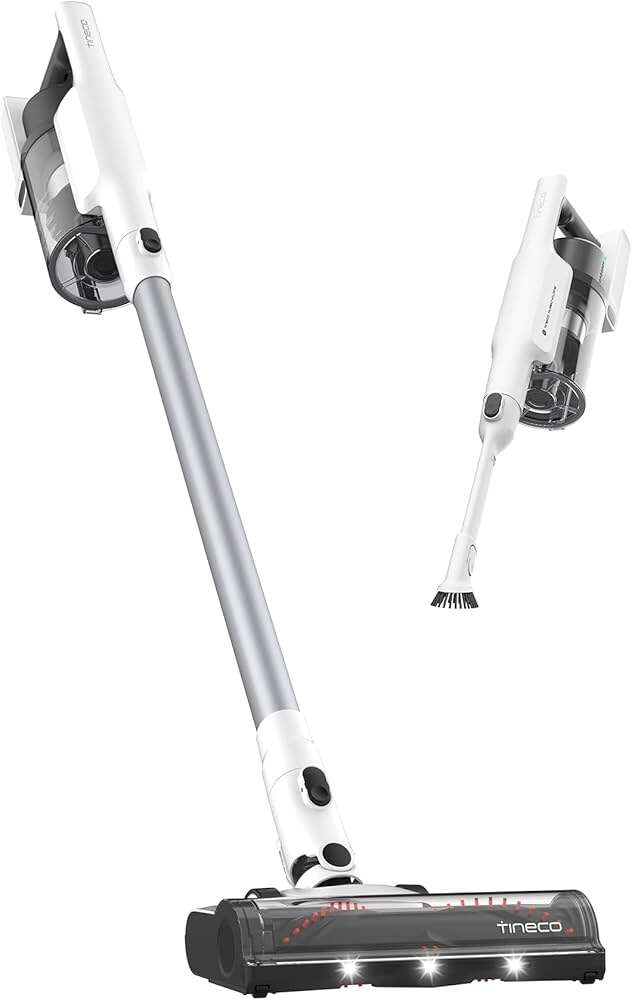
How To Fix Vacuum Cleaner Dust Bin Opening By Itself: Fix
Check and replace or tighten the latch, clean debris, and align the dust bin to stop it popping open.
I’ve fixed dozens of vacuums that kept their dust bins opening by themselves. I know how these latches fail, what small parts wear out first, and how to diagnose the root cause fast. Read on for clear, step‑by‑step fixes, parts to buy, quick temporary workarounds, and tips to stop the problem from coming back.
Why your vacuum dust bin opens by itself
Many vacuums use a simple latch to hold the dust bin closed. Over time that latch can wear, crack, or collect dirt. A loose hinge or bent catch will let the bin pop open when you move the cleaner.
Air pressure changes and full bins also force the lid open. If the lid seal is warped, the bin can shift under suction. Some models use plastic clips that break easily. Knowing the likely cause helps you pick the right fix fast.

Tools and parts you'll need
- Screwdrivers: Phillips and flathead for tiny screws.
- Needle-nose pliers: to pull or bend small clips.
- Cleaning brush or toothbrush: to remove dirt from the latch.
- Rubbing alcohol and cloth: to degrease parts.
- Replacement latch or dust bin assembly: match your model number.
- Super glue or epoxy: for small, non-load repairs.
- Zip ties or heavy Velcro: for temporary holds.
- Lubricant: dry silicone spray for hinges only.
These tools cover most repairs. If a clip is broken, a model-matched part gives the best, long-term result.
Step-by-step: How to fix vacuum cleaner dust bin opening by itself
- Unplug and clear the area. Safety first. Remove the bin and set it on a clean surface.
- Inspect the latch and hinge. Look for cracks, worn teeth, or missing springs. Move parts by hand to feel play or looseness.
- Clean the latch and catch. Use a brush and rubbing alcohol to remove hair, dust, and sticky residue. Let it dry fully.
- Tighten loose screws or bolts. Small fasteners can back out and let the bin shift. Don’t over-tighten plastic threads.
- Realign the bin. Check how the bin seats in its housing. Bend a metal catch slightly to improve fit, if needed.
- Replace worn parts. If clips or springs are cracked, swap them for OEM or compatible parts. Test fit before final assembly.
- Test the seal and latch under load. Reinstall the bin and run the vacuum for a minute. Check if the lid stays closed when moving the unit.
- Final fixes for stubborn cases. Use a small piece of double-sided Velcro or a discreet zip tie looped around a mount as a short-term hold while you wait for parts.
These steps fix most latch problems. If the bin still opens, the housing or lid may be warped and need a full replacement.

Will sealing the latch affect suction?
Sealing the latch itself does not usually change suction. But blocking vents or tape over filters can reduce airflow and strain the motor. Keep airflow paths clear.
How long does a replacement latch last?
A proper OEM latch often lasts years under normal use. After repeated rough handling or heavy debris, expect wear sooner. Quality and model matter.

Replacing the latch or dust bin assembly
Match parts to your model number. Look under the vacuum or in the manual for the model code. Order the latch assembly or full dust bin from a reputable parts seller.
Replacement steps:
- Remove the old latch and any broken clips.
- Transfer seals or filters if needed.
- Install the new latch and secure screws.
- Test fit and run the vacuum to confirm closure.
Cost varies by brand. Expect $10–$60 for parts depending on whether you buy a small clip or a full dust bin assembly. Labor is minimal when you do it yourself.

Temporary fixes and workarounds
- Zip tie loop: Wrap a zip tie around a stable tab and the latch area. Cut excess. This holds the bin tight when in use.
- Heavy Velcro strip: Stick one side to the bin and the other to the housing for quick access and a neat look.
- Small clamp or spring clip: Use a removable clamp when moving the vacuum.
- Super glue for small cracks: Use only where no hinge stress is present.
Warnings: Temporary fixes can trap dust or limit access for emptying. Avoid blocking vents or air paths which can harm the motor. Replace broken parts when you can.
Preventive maintenance to stop future openings
- Empty the bin before it gets too full. A full bin shifts and stresses latches.
- Clean latch areas monthly. Remove hair and grit so clips seat correctly.
- Check screws and fasteners every few months. Tighten loose ones carefully.
- Use the vacuum gently on stairs and when turning. Rough handling strains plastic clips.
- Replace rubber seals when worn to keep proper alignment.
A little care prevents most dust bin failures and keeps your vacuum reliable.

Common mistakes and safety warnings
- Do not run the vacuum with taped vents or blocked filters. That can overheat the motor.
- Avoid forcing a broken clip back into shape if it will snap immediately; that can create sharp edges.
- Don’t use super glue on moving hinge points. Glue can make the part brittle and fail under stress.
- Don’t skip model numbers when ordering parts. Wrong parts may not fit and can worsen the problem.
Follow safety steps: unplug the vacuum, work in good light, and wear gloves if edges are rough.
Personal experience and lessons learned
I once fixed a popular stick vacuum that kept its dust bin opening by itself every time it hit a rug. The real issue was a bit of lint lodged deep in the latch and a slightly loose screw. A quick clean and a tightened screw solved it in five minutes. I learned to look for small debris first—most of the time that is the culprit.
I also learned to keep a small parts kit with spare clips for common models. It saves time and keeps the vacuum out of the repair shop.
Frequently Asked Questions of how to fix vacuum cleaner dust bin opening by itself
Why does my vacuum dust bin open when I carry it?
Most likely a loose or worn latch, or a bin that is overfull. Inspect the latch and clean debris, then tighten screws or replace broken clips.
Can I use glue to fix a broken plastic clip?
Glue can be a short-term fix for non‑load areas. Avoid glue on hinge or load points; a replacement clip is safer long-term.
Will a full dust bin cause the lid to pop open?
Yes. A full bin can shift under motion and push against the latch. Empty the bin before it gets too packed.
How do I find the right replacement part?
Use your vacuum’s model number, usually on a sticker under the unit. Order OEM or compatible parts matched to that model.
Is it safe to use a zip tie as a long-term fix?
Zip ties work well temporarily but can hide deeper issues. Replace the damaged latch or bin for a durable and safe repair.
What if the bin housing is warped?
Warped housing often means you need a full bin replacement. Small adjustments may help, but a new housing restores proper fit and seal in most cases.
Conclusion
You can fix a vacuum cleaner dust bin opening by itself with simple steps: inspect, clean, tighten, and replace worn parts as needed. Start with a careful look at the latch and hinge, apply the straightforward repairs listed here, and use temporary holds only while you arrange proper parts. Take action today by checking your model number, ordering the right clip if needed, and scheduling a quick monthly clean to keep the problem from returning. If this guide helped, try the steps, subscribe for more repair tips, or leave a comment with your model and symptoms so I can help further.

Liora Pennings is a seasoned chef and kitchen enthusiast with a passion for turning everyday cooking into an effortless experience. With years of hands-on culinary expertise, she specializes in practical techniques, ingredient know-how, and smart kitchen solutions that help home cooks elevate their meals. At KitchFlair.com, Liora shares her best tips, time-saving tricks, and honest product reviews to guide readers toward a more efficient, enjoyable, and inspired cooking routine. Whether you’re a beginner or a seasoned home chef, Liora’s friendly, knowledge-packed insights make every visit to the kitchen a little easier—and a lot more delicious.