How Long Can A Vacuum Cleaner Run Continuously: Safely
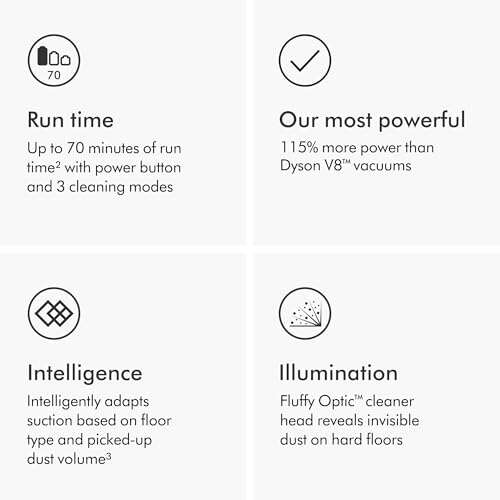
Most vacuum cleaners can run continuously for 15 to 60 minutes, depending on type, motor, airflow, and heat.
Knowing how long can a vacuum cleaner run continuously helps you clean safely and protect the machine. The real answer depends on the vacuum type, floor surface, dust level, filter condition, and whether the motor can cool itself. This guide explains safe run times, warning signs, and simple ways to prevent overheating.
How Long Can a Vacuum Cleaner Run Continuously?
The average vacuum cleaner can run for about 15 to 60 minutes at one time. However, this is a general range, not a fixed rule. Some small cordless models may stop after 10 to 30 minutes, while large canister or central vacuums may run for an hour or longer.
Here is a practical estimate by vacuum type:
| Vacuum type | Typical continuous run time |
|---|---|
| Cordless stick vacuum | 10 to 45 minutes |
| Cordless upright vacuum | 20 to 60 minutes |
| Corded stick vacuum | 20 to 60 minutes |
| Full-size upright vacuum | 30 to 60 minutes |
| Canister vacuum | 30 to 90 minutes |
| Shop vacuum | 30 minutes to several hours |
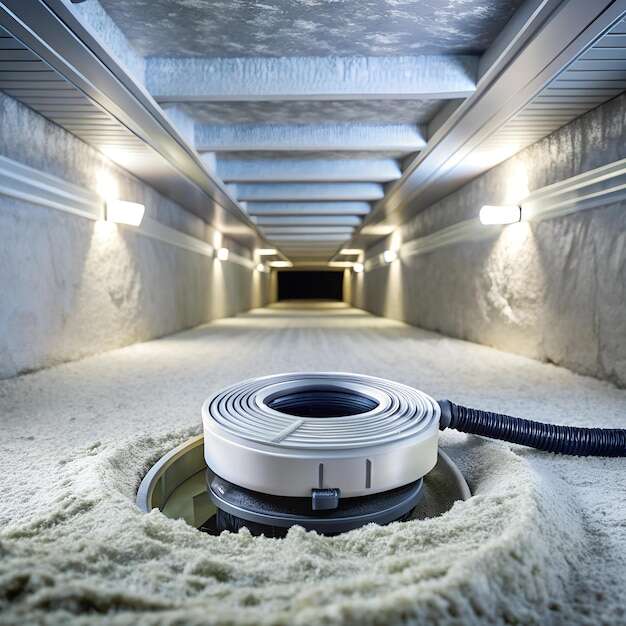
| Central vacuum system | 30 minutes to several hours |
| Robot vacuum | 60 to 180 minutes per charge |
A vacuum cleaner may keep running beyond these times, but that does not always mean it should. Heat builds inside the motor as the machine works. If airflow is blocked, the motor may become hot much faster.
The best answer to how long can a vacuum cleaner run continuously is the time stated in the owner’s manual. The manual may list a duty cycle, thermal protection feature, or maximum recommended use period.
What Determines Vacuum Cleaner Run Time?
Several factors affect how long can a vacuum cleaner run continuously. Two vacuum cleaners with similar motors may have very different safe run times because their filters, fans, batteries, and cooling systems differ.
Vacuum type and motor design
A full-size upright vacuum often has a stronger motor and better airflow than a compact handheld model. Yet, its larger motor may also create more heat. Small vacuums have less space to release heat, so they may need shorter sessions.
Shop vacuums and central vacuum systems often support longer use. They usually have larger air paths and stronger cooling systems. Still, a shop vacuum should not run for hours without checking its manual.
Corded or cordless power
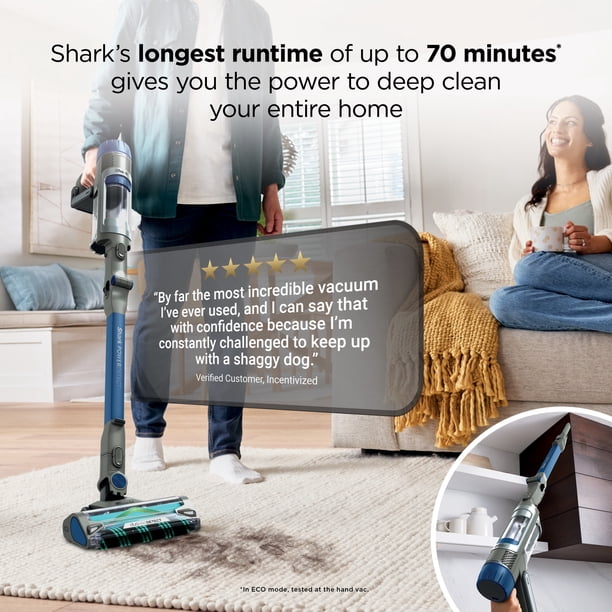
Cordless vacuums rely on lithium-ion batteries. Their run time depends on the battery size and power setting. A high-power or turbo mode can drain a battery in 10 to 15 minutes.
Corded models do not have a battery limit. However, the motor can still overheat. Continuous wall power does not remove the need for cooling breaks.
Suction mode and attachments
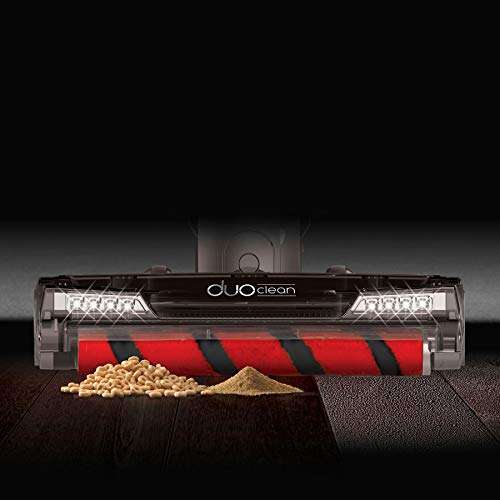
A powered brush roll increases the load on the motor. Thick carpet also creates more resistance than a smooth floor. When the vacuum works harder, it draws more power and creates more heat.
A narrow attachment can also reduce airflow. If the tool becomes clogged, the motor may strain even when the vacuum sounds normal.
Dust, hair, and filter condition
a full dust cup or bag restricts airflow. Dirty filters create the same problem. The motor must work harder to pull air through the blockage.
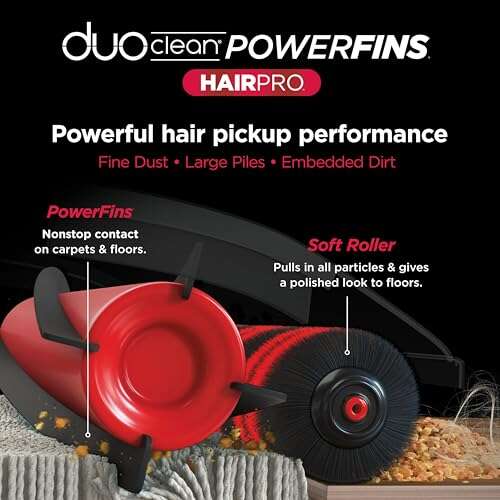
Pet hair can wrap around the brush roll and increase resistance. Fine dust can also clog a filter faster than larger crumbs. These small issues can greatly reduce safe operating time.
Room temperature
A vacuum cleaner cools itself by moving air through its body. In a hot room, that cooling process becomes less effective. Running a vacuum in direct sunlight or near a heat source can raise the risk of overheating.

Recommended Run Times by Vacuum Type
The answer to how long can a vacuum cleaner run continuously changes with the design and purpose of the machine. Use these ranges as practical guidance, but always follow the manufacturer’s instructions first.
Cordless stick vacuums
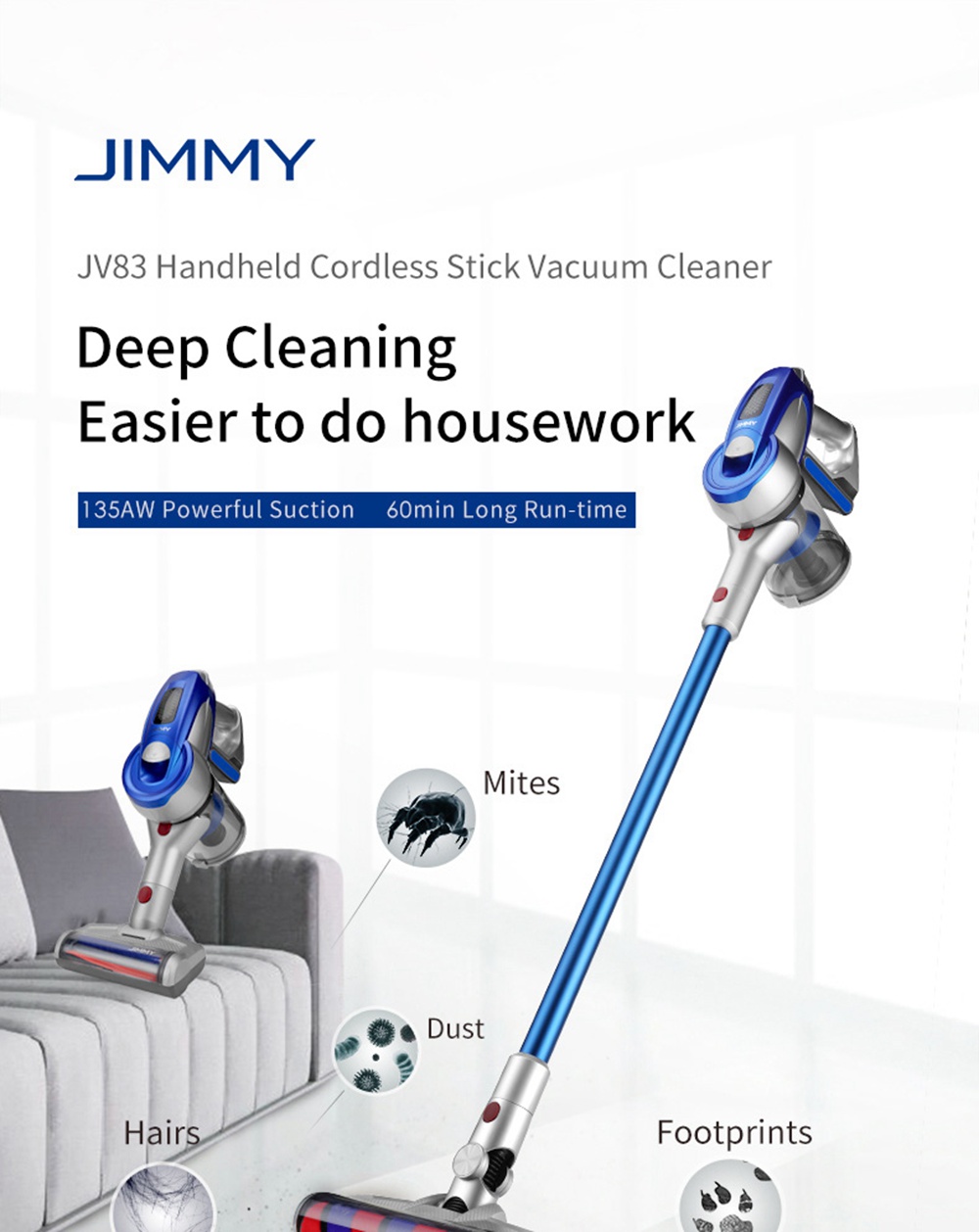
Most cordless stick vacuums can run for 15 to 45 minutes on normal power. Turbo mode may reduce that time to 8 to 20 minutes. Many models shut down automatically when the battery or motor becomes too hot.
For a large home, clean in zones. Vacuum one room, place the machine on its charger or in a cool area, and check the dust cup before continuing. Avoid using turbo mode for every surface.
Upright vacuums
A corded upright vacuum can often run for 30 to 60 minutes in one cleaning session. Some models can run longer if the filter is clean and airflow remains strong.
Give the machine a short break if the body feels very hot or the motor sound changes. A five to 15 minute cooling period can reduce stress on the motor.
Canister vacuums
Canister vacuums usually have good airflow and may run for 30 to 90 minutes. Their separate motor housing allows more room for cooling than many compact stick models.
Long sessions are common with canister vacuums. Even so, stop and inspect the hose, bag, and filters if suction drops.
Shop vacuums
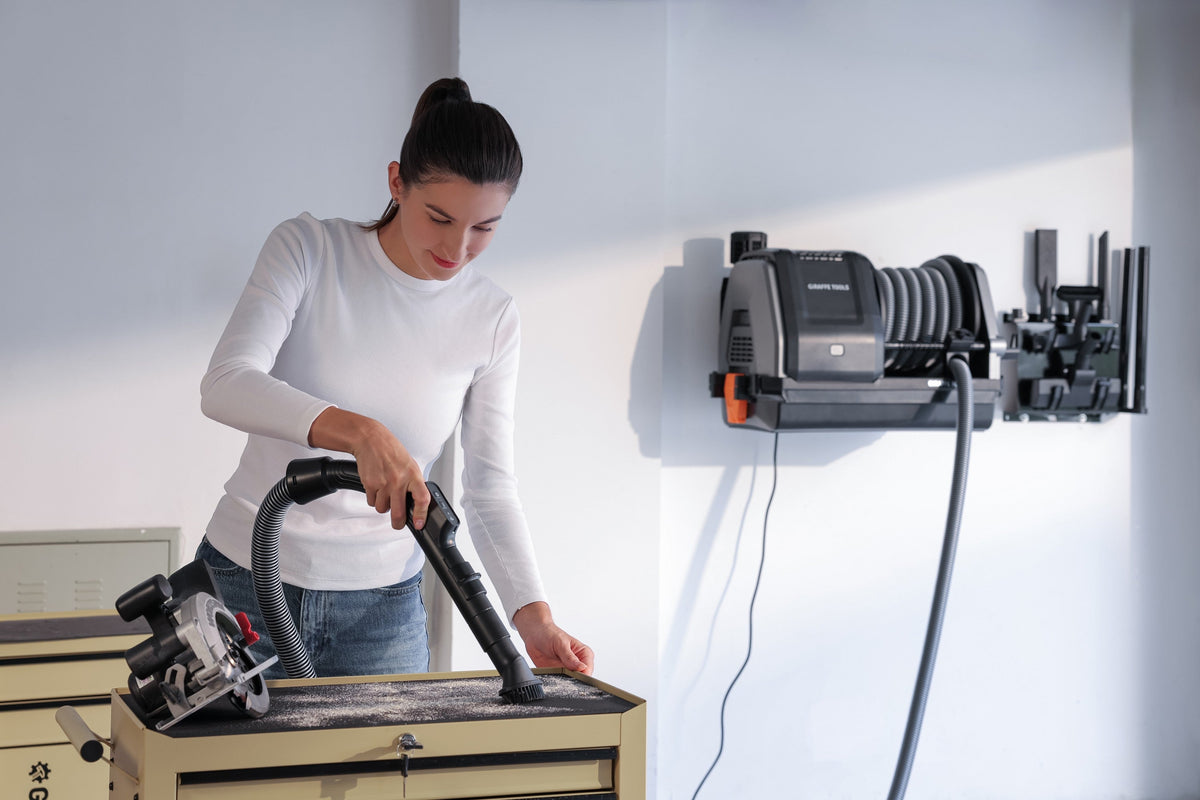
Shop vacuums are built for heavy cleaning, but they are not all designed for nonstop operation. Some models can run for hours, while smaller units may need regular cooling breaks.
Wet and dry use can also change the safe run time. Never use a wet vacuum in a way that conflicts with the manual. Empty the tank before it reaches its fill limit.
Robot vacuums
Robot vacuums often run for 60 to 180 minutes before returning to the dock. Their motors are designed for long, low-power cleaning cycles.
A robot vacuum may stop early because of a full bin, tangled brush, blocked filter, or low battery. This is normal protection, not always a sign of failure.
Signs Your Vacuum Needs a Break
A vacuum cleaner often gives warning signs before serious damage occurs. Stop using it if you notice any of these changes:
• A strong burning smell comes from the motor or belt.
• The vacuum body feels unusually hot.
• Suction drops without an obvious blockage.
• The motor pitch rises, falls, or sounds strained.
• The machine shuts off by itself.
• Smoke or visible sparks appear.
• The power cord, plug, or battery becomes hot.
Automatic shutoff is usually a thermal safety feature. Do not restart the vacuum immediately. Unplug it, move it to a clear area, and let it cool for at least 30 minutes.
A burning smell may come from a slipping belt, trapped hair, or an overheated motor. If the smell remains after cleaning the machine, stop using it and arrange a professional inspection.
What Happens If You Run a Vacuum Too Long?
Running a vacuum for too long can raise the motor temperature beyond its normal range. This may shorten the life of the motor, damage insulation, weaken plastic parts, or cause a belt to fail.
The most common problem is restricted airflow. Think of the motor as a person trying to breathe through a thick cloth. It can keep working, but the effort creates more heat and stress.
Possible results include:
• Motor overheating
• Premature battery wear
• Melted or stretched belts
• Reduced suction
• Damaged filters
• Electrical failure
• A tripped circuit breaker
In rare cases, a badly maintained vacuum can create a fire risk. Safety organizations advise keeping electrical appliances free from dust buildup, damaged cords, and blocked ventilation. Never leave a running vacuum unattended for long periods.
:strip_icc()/bhg-bissell-powerclean-furfinder-alida-nugent-01-1aae8cdae28c43f6bda0b9be66cfe913.jpeg)
How to Make a Vacuum Run Longer Safely
If you want to extend how long can a vacuum cleaner run continuously, focus on airflow and heat control. Good maintenance often matters more than motor power.
Empty the dust cup or replace the bag
Empty a bagless dust cup when it reaches the marked fill line. Replace disposable bags before they become packed with dust. A full container reduces airflow and increases motor strain.
Clean or replace filters
Washable filters must dry fully before you reinstall them. A damp filter can restrict airflow and may allow odors or mold to develop.
Replace non washable filters as recommended. A clogged filter can make even a high quality vacuum run hot.
Remove hair from the brush roll
Turn off and unplug the vacuum before removing hair. Use scissors or a cleaning tool to cut tangled strands, then pull them away carefully.
Homes with pets may need brush roll cleaning every few uses. Hair buildup is one of the most common causes of poor vacuum performance.
Check the hose and floor head
Look through the hose for toys, paper, socks, or compacted dirt. Check the floor head for clogs near the intake opening.
Do not use a sharp object that could puncture the hose. A flexible cleaning rod or the tool recommended by the manufacturer is safer.
Use the lowest useful power setting
High power is helpful for thick carpet, heavy debris, or deep cleaning. It is often unnecessary on hardwood, tile, or low pile rugs.
Using normal mode can extend battery life and reduce heat. It also makes it easier to clean large areas without forced breaks.
Keep ventilation areas clear
Never cover the motor housing or place the vacuum against a wall while it runs. Keep air vents free from rugs, clothing, and dust.

A Practical Cleaning Schedule for Long Sessions
Instead of asking how long can a vacuum cleaner run continuously in isolation, plan cleaning in short blocks. This approach protects the machine and makes the work less tiring.
Try this routine:
-
Inspect the cord, battery, hose, and floor head.
-
Empty the dust cup or check the bag.
-
Clean the largest room for 15 to 30 minutes.
-
Turn off the vacuum and check for heat or unusual smells.
-
Let the machine cool for 10 to 15 minutes if it feels hot.
-
Continue with another room after checking airflow.
For a cordless model, use one battery until the vacuum reaches its normal low charge level. Avoid storing or charging a hot battery immediately after heavy use. Let it cool in a dry place first.
In homes with pets, divide cleaning into smaller areas. A short session each day is often safer and more effective than one long session each week.

Personal Use Lessons and Common Mistakes
One lesson many people learn after using vacuums for years is that reduced suction is often a maintenance problem, not a weak motor. A full dust cup or blocked filter can make a healthy vacuum sound like it is struggling.
A common mistake is restarting the machine several times after it shuts off. This can keep heat trapped inside the motor. Wait for the vacuum to cool, then check the filter, brush roll, hose, and bag before trying again.
Another mistake is using a carpet setting on every surface. The brush roll may add needless resistance on hard floors. Select the correct floor mode when your model offers one.
It is also wise to avoid pulling a cord hard, running over the cord, or using a vacuum with a damaged plug. Small electrical faults can become serious safety problems.
When Should You Replace a Vacuum Cleaner?
A vacuum may need replacement when repair costs approach the price of a reliable new model. Replacement may also make sense if the motor repeatedly overheats after proper cleaning.
Consider replacing the machine when:
• The motor shuts off often with clear airflow.
• The cord or plug has damage.
• The battery holds very little charge.
• The vacuum loses suction after filter and hose cleaning.
• The brush roll housing is cracked.
• The machine produces smoke or repeated burning smells.
• Replacement parts are no longer available.
A single shutdown does not mean the vacuum is ruined. Many machines stop because of a temporary blockage or thermal protection. Persistent problems require closer inspection.

Safety Tips for Continuous Vacuum Use
Safe operation matters more than maximum run time. Follow these basic rules whenever you clean:
• Read the owner’s manual before using a new vacuum.
• Keep children and pets away from a running machine.
• Do not vacuum liquids unless the model is designed for wet cleaning.
• Unplug corded vacuums before clearing clogs.
• Keep cords away from hot surfaces and sharp edges.
• Do not use a damaged battery or swollen battery pack.
• Never ignore smoke, sparks, or a burning odor.
• Let the vacuum cool before storing it.
Manufacturers set different duty cycles because motor designs vary. A professional cleaner may use a commercial machine for long periods, while a small home vacuum may need more frequent breaks. Treat the published instructions as the safest limit.
Frequently Asked Questions About How Long Can a Vacuum Cleaner Run Continuously
Can a vacuum cleaner run for an hour?
Many full-size corded vacuums can run for an hour if airflow is clear and the motor stays cool. Small cordless models may not last that long because of battery limits or thermal protection.
How long should I let a vacuum cool down?
Let a hot vacuum cool for at least 30 minutes before checking or restarting it. If it smells burnt or has shut off repeatedly, leave it off and inspect it before further use.
Can running a vacuum too long damage the motor?
Yes, extended use can damage a motor when airflow is restricted or cooling is poor. A clean filter, empty dust container, and clear hose reduce this risk.
Why does my vacuum stop after 10 minutes?
The vacuum may stop because of a blocked hose, full dust cup, dirty filter, tangled brush roll, low battery, or overheating. Allow it to cool, then check each of these areas.
Is it safe to leave a vacuum running unattended?
No, leaving a vacuum unattended is not recommended. A blockage, damaged cord, overheated motor, or tangled brush can create a safety problem while no one is nearby.
Can a shop vacuum run all day?
Some commercial shop vacuums can run for long periods, but not every model is rated for all day use. Check the duty cycle and take cooling breaks as directed in the manual.
Does high suction reduce vacuum life?
High suction can increase motor load, heat, and battery use. Use the highest setting only when needed, especially on thick carpet or heavily soiled areas.
Conclusion
How long can a vacuum cleaner run continuously depends on its design, airflow, power source, surface, and condition. Most home vacuums work safely for 15 to 60 minutes, while some canister, shop, and central systems may run longer with proper cooling.
The safest approach is simple: empty the dust container, clean the filters, remove hair, check for clogs, and stop when the machine becomes hot or smells unusual. Use your vacuum in manageable cleaning blocks, follow the manual, and treat automatic shutdown as a warning rather than an inconvenience.
Put these habits into practice during your next cleaning session, and explore your manufacturer’s maintenance guide for model-specific limits.

Liora Pennings is a seasoned chef and kitchen enthusiast with a passion for turning everyday cooking into an effortless experience. With years of hands-on culinary expertise, she specializes in practical techniques, ingredient know-how, and smart kitchen solutions that help home cooks elevate their meals. At KitchFlair.com, Liora shares her best tips, time-saving tricks, and honest product reviews to guide readers toward a more efficient, enjoyable, and inspired cooking routine. Whether you’re a beginner or a seasoned home chef, Liora’s friendly, knowledge-packed insights make every visit to the kitchen a little easier—and a lot more delicious.