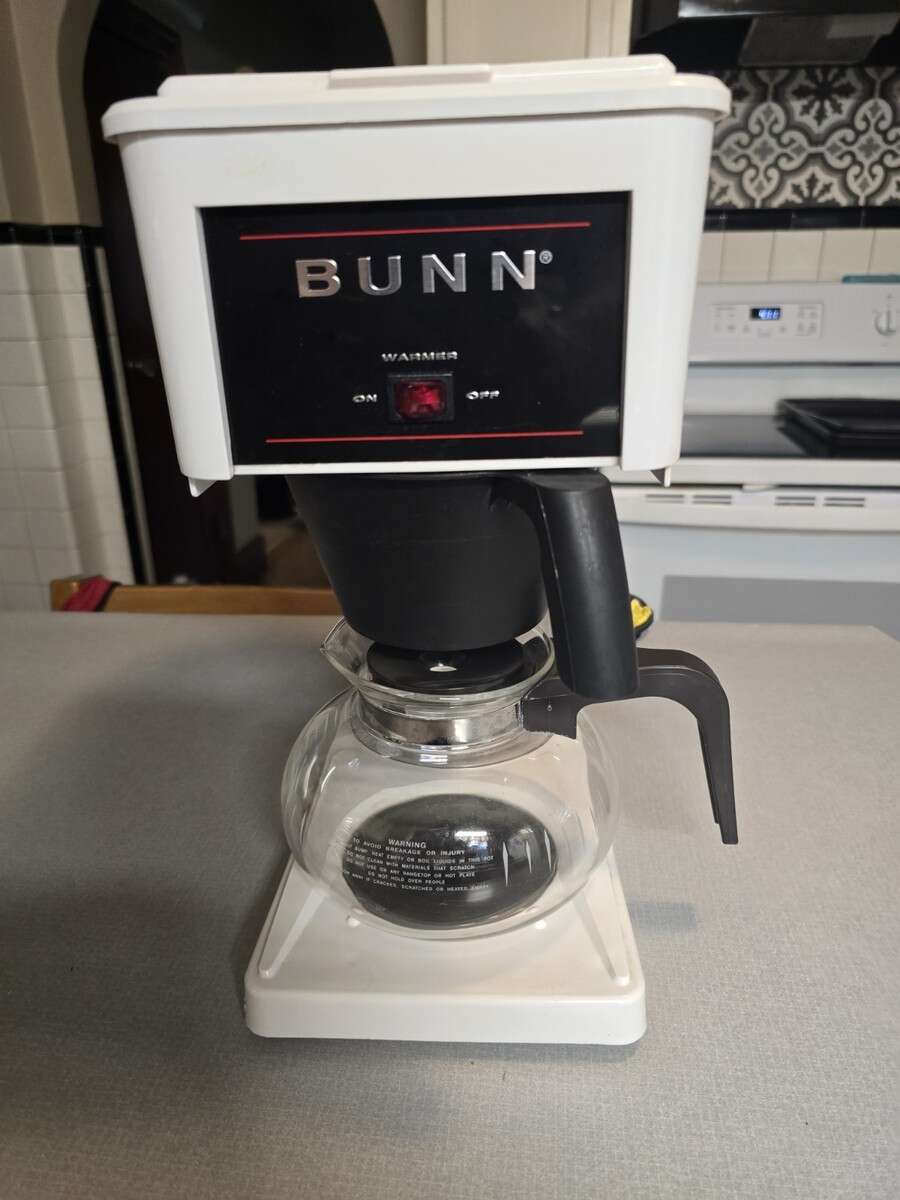
How To Empty A Bunn Coffee Maker: Quick And Easy Guide
To empty a Bunn coffee maker, unplug it, let it cool, then drain the tank and remove leftover water.
Knowing how to empty a Bunn coffee maker helps prevent spills, stale water, mineral buildup, and freeze damage. The right method depends on whether you have a home brewer with an internal tank, a model with a removable reservoir, or a commercial Bunn machine. This guide explains each safe method in clear steps, along with storage tips, cleaning advice, and common mistakes to avoid.
Why you may need to empty a Bunn coffee maker
Bunn coffee makers hold water in more than one place. Water may remain in the reservoir, internal tank, sprayhead tube, drip tray, or coffee carafe after brewing. Simply dumping water from the top may not remove all of it.
You may want to empty your Bunn brewer before:
• Moving it to another room or home
• Storing it for several days or weeks
• Descaling or deep cleaning it
• Traveling with it
• Preparing it for winter storage
• Replacing a water line or internal part
• Preventing stale water and odors
Standing water is like water trapped in a garden hose. Even when the visible part looks empty, some water may remain inside. Emptying the brewer fully reduces the chance of leaks and unwanted smells.

Safety steps before draining the brewer
Before learning how to empty a Bunn coffee maker, prepare the machine and work area. Hot water can remain inside the tank even when the outside of the brewer feels cool.
Follow these safety steps:
- Turn the brewer off.
- Unplug it from the wall.
- Let the machine cool for at least one hour after brewing.
- Remove the coffee carafe or server.
- Remove the brew funnel and discard used grounds.
- Place the brewer near a sink or a large bowl.
- Keep towels nearby in case water spills.
- Never place the electrical base in water.
Do not try to drain a hot brewer by tipping it right after brewing. Steam and hot water may escape from the sprayhead or internal openings. If your Bunn machine is connected to a water line, close the water supply valve before disconnecting anything.
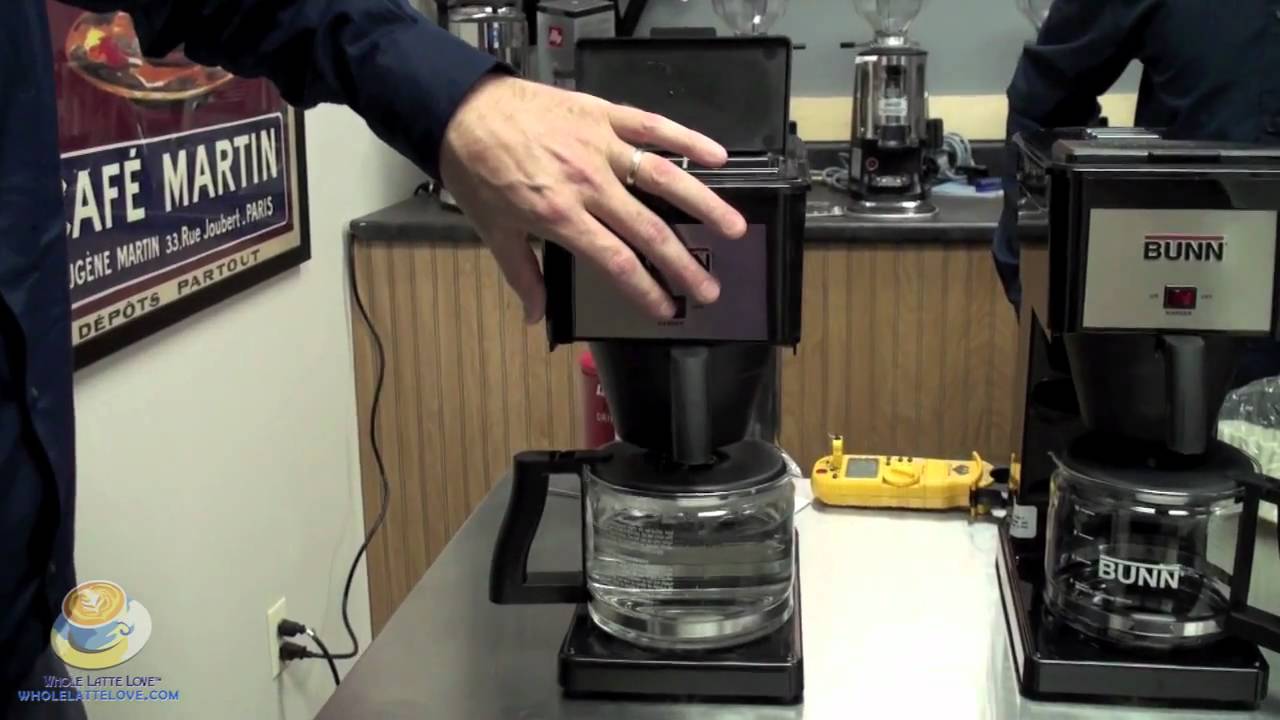
How to empty a Bunn coffee maker with a removable reservoir
Some Bunn home models use a removable water tank. This is the simplest type to empty because you can remove the reservoir and pour the water into a sink.
Use these steps:
- Unplug the coffee maker.
- Remove the water reservoir according to the owner’s manual.
- Pour the remaining water into the sink.
- Rinse the reservoir with clean water.
- Leave the lid open so the inside can air-dry.
- Wipe the area around the reservoir with a clean towel.
- Reinstall the dry reservoir only when you are ready to use the brewer again.
Do not use a sharp tool to pry out a stuck reservoir. Check for a locking tab, handle, or release button. Forcing the tank may damage the seal or the plastic housing.
If water remains in the base after removing the reservoir, do not pour water into the electrical section. Wipe the area with a damp cloth, then dry it fully before plugging the machine in again.

How to empty a Bunn coffee maker with an internal tank
Many Bunn home brewers have an internal hot-water tank that does not come out. In this case, you must drain the tank through the brew path.
The exact method can differ by model, so check the manual first. In general, you can empty a Bunn coffee maker with an internal tank by following these steps:
- Turn off and unplug the brewer.
- Wait until the machine is fully cool.
- Remove the carafe and brew funnel.
- If your model has a removable sprayhead, remove it carefully.
- Place an empty carafe or large bowl under the sprayhead.
- Pour a small amount of clean, cool water into the top opening.
- Let the water flow through the brew path and into the carafe.
- Repeat only as directed by the model manual.
- Stop if water does not flow or if the instructions require a different method.
Some Bunn models require the brewer to be tilted forward or backward to release water from the internal tank. Do not guess the direction or angle. The tank, wiring, and housing differ between models, and incorrect tipping can cause water to enter the electrical area.
For a machine that will be stored, the manufacturer’s draining instructions are more important than general advice. Use the model number printed on the brewer to find the correct procedure.
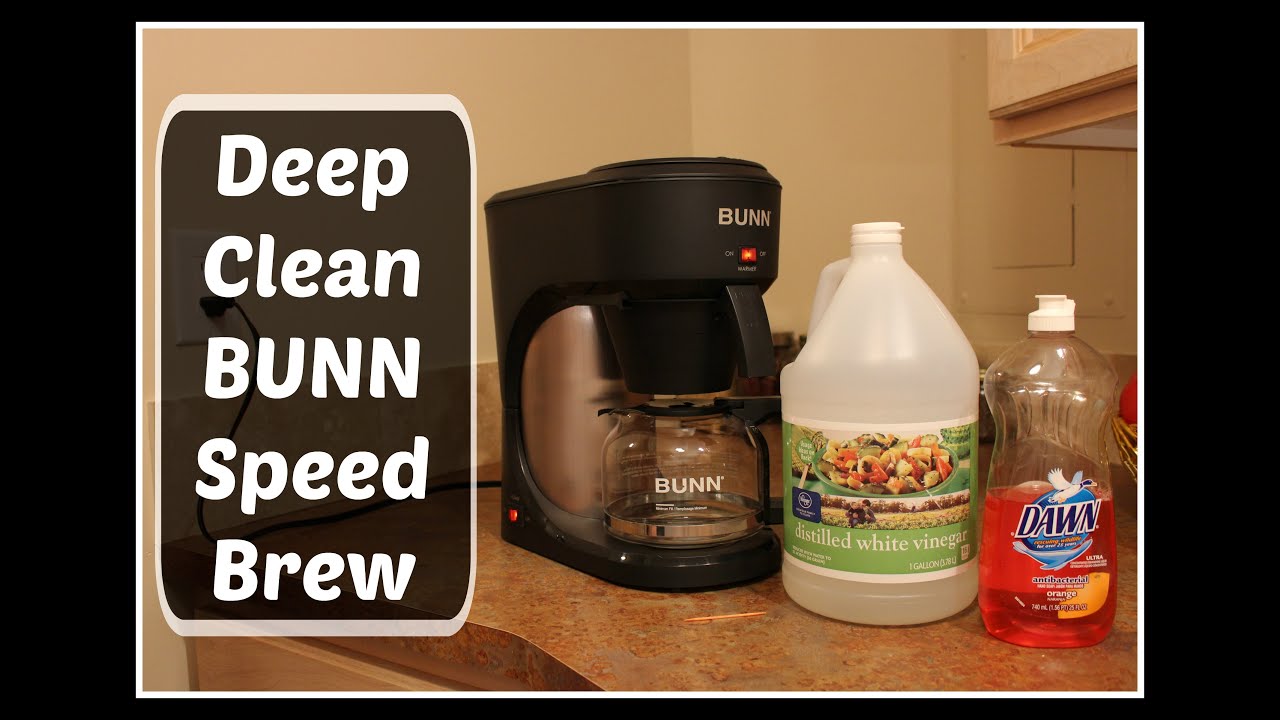
How to drain a Bunn coffee maker before storage
To empty a Bunn coffee maker for storage, drain both the visible water and the water held inside the heating tank. A partially drained brewer may still contain enough water to leak during transport or freeze in cold weather.
Use this storage routine:
• Unplug the brewer and let it cool completely.
• Remove the carafe, brew funnel, and used coffee grounds.
• Empty any removable water reservoir.
• Drain the internal tank by following the model-specific instructions.
• Remove the sprayhead if the manual permits it.
• Wipe the brew basket area and warming plate.
• Leave removable parts separate until they are dry.
• Store the brewer upright in a dry, room-temperature place.
If the brewer will be exposed to freezing temperatures, draining becomes especially important. Water expands when it freezes, and that expansion can damage internal parts. A heated indoor storage area is safer than a garage, shed, or unheated porch.
Wrap the power cord loosely. Avoid sealing a damp brewer in a plastic bag because trapped moisture can encourage mildew and odors.
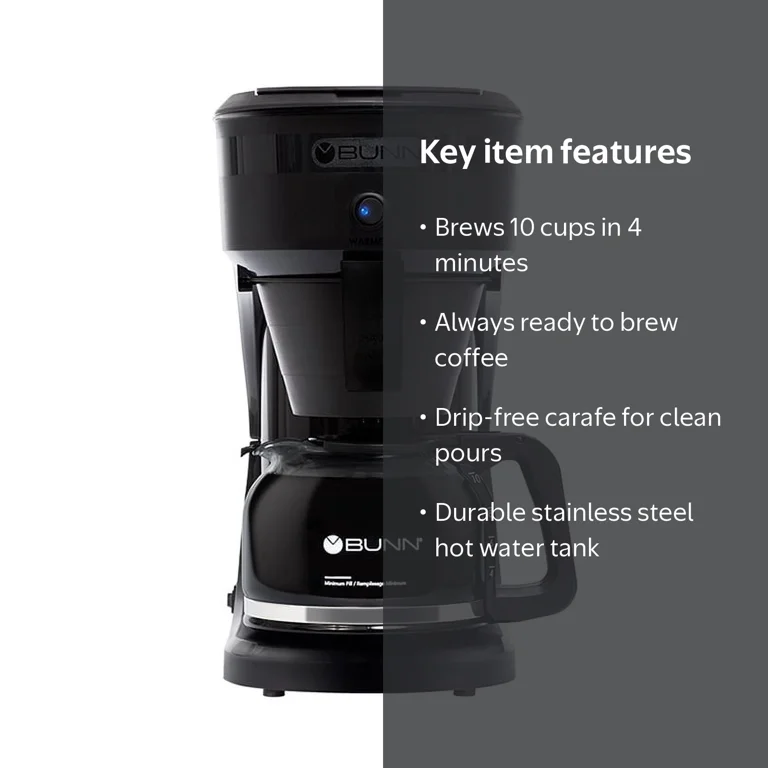
How to empty a commercial Bunn coffee maker
Commercial Bunn brewers often connect to a water line. They may also hold more water than a home machine, so use extra care.
A general commercial draining process is:
- Turn off the brewer.
- Unplug it when safe to do so.
- Close the incoming water supply.
- Allow the tank to cool fully.
- Place a large container under the faucet or brew outlet.
- Remove the brew funnel and server.
- Follow the manufacturer’s instructions for draining the hot-water tank.
- Disconnect the water line only if the manual or a qualified technician permits it.
- Wipe up all water before restoring power.
Some commercial models need a service procedure rather than a simple pour-through drain. If the brewer is hardwired, connected to plumbing, or installed above a counter, contact a trained service professional.
Never open the electrical housing to drain water unless you are qualified to service commercial appliances. Unplugging a machine does not remove every electrical hazard.
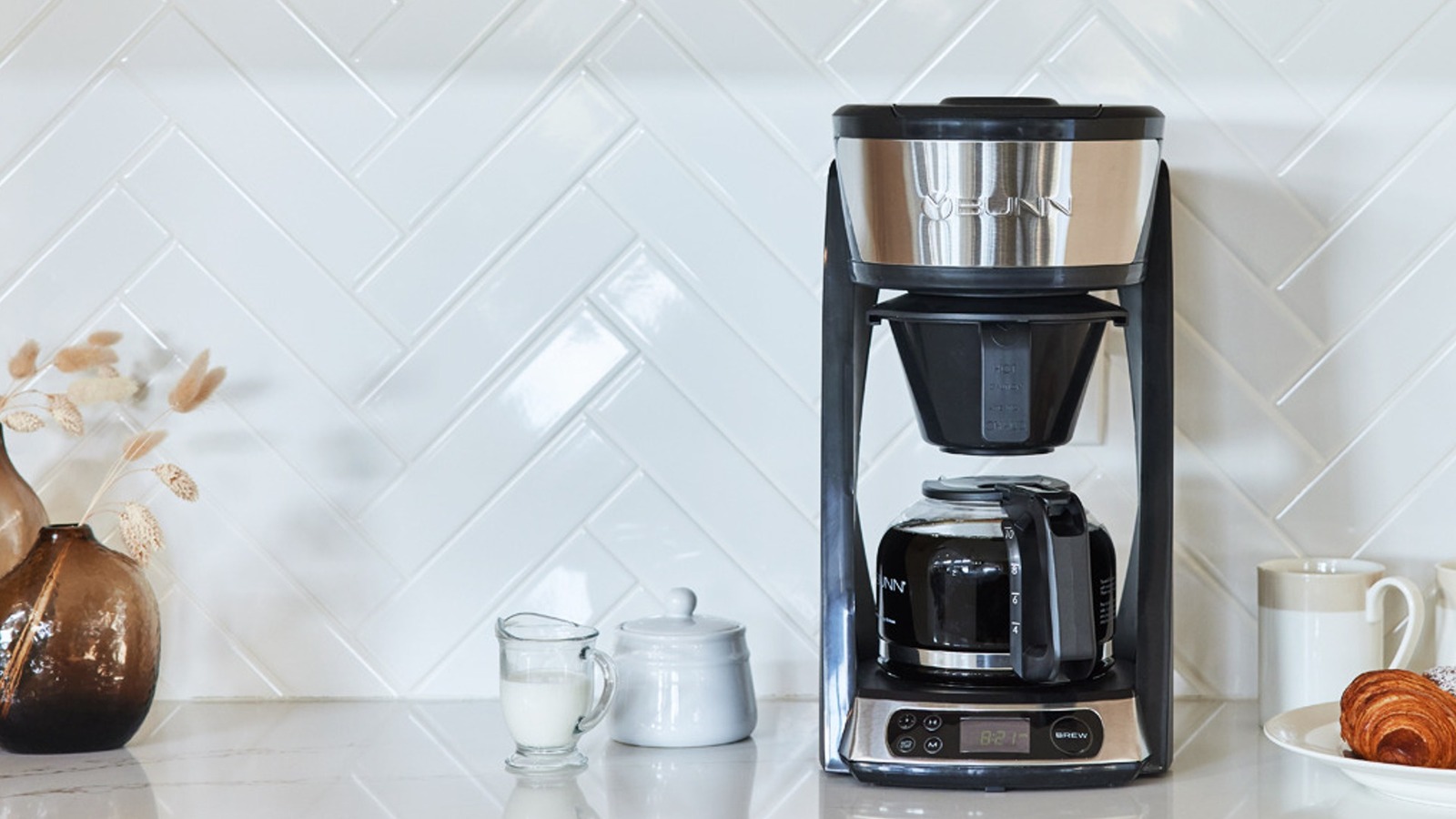
How to empty a Bunn coffee maker after brewing
If you only want to remove leftover brewing water, you usually do not need to drain the internal tank. Bunn brewers are designed to keep water hot and ready for the next brew.
After normal use:
- Remove the brew funnel.
- Throw away the used coffee filter and grounds.
- Empty the carafe.
- Rinse the carafe with warm water.
- Empty the drip tray if your model has one.
- Wipe the sprayhead area.
- Leave the brew funnel out for a short time so it can dry.
Do not repeatedly run a full brew cycle just to empty the tank. This wastes water and may place unnecessary heat and wear on the machine. If you are preparing the brewer for storage or transport, use the official draining procedure instead.

Cleaning the brewer after emptying it
Emptying a Bunn coffee maker is a good time to clean the parts that touch water and coffee. Cleaning removes oils, scale, and old grounds that can affect flavor.
Wash removable parts with warm, soapy water:
• Brew funnel
• Carafe lid
• Water reservoir
• Drip tray
• Sprayhead, if removable
Rinse each part well and let it dry. Use a soft cloth on the outside of the brewer. Avoid abrasive pads because they can scratch plastic and stainless steel surfaces.
Mineral scale can build up when hard water passes through the heating system. Follow the cleaning and deliming instructions for your exact Bunn model. Do not mix cleaning chemicals, bleach, or vinegar with other products.
After descaling, rinse the brewer as directed. A lingering cleaner taste means the machine needs more rinsing before coffee is brewed.
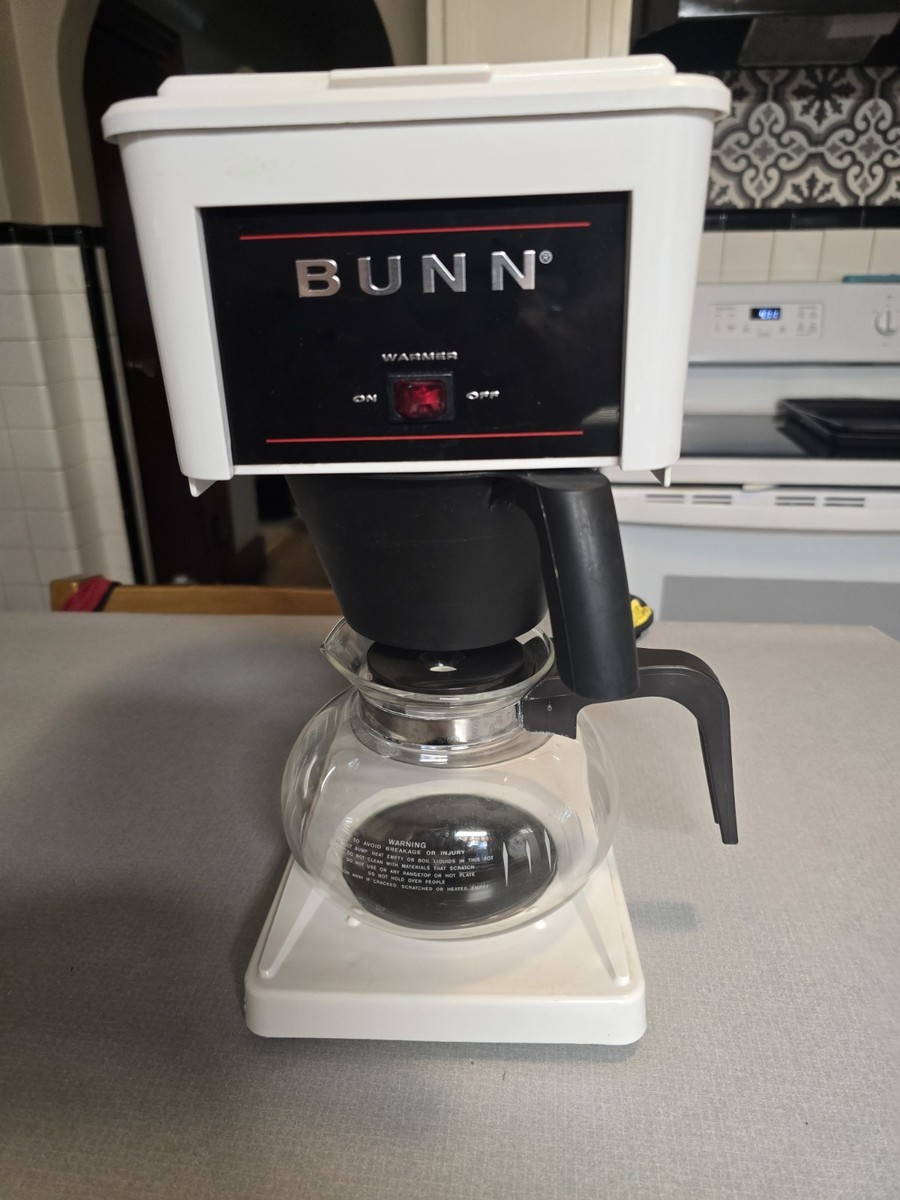
Common mistakes to avoid
Many draining problems come from rushing the process. The most serious mistake is trying to empty a hot machine by tipping it immediately after brewing.
Avoid these errors:
• Do not drain the brewer while it is hot.
• Do not immerse the coffee maker in water.
• Do not force out a removable reservoir.
• Do not tip the machine over an electrical outlet.
• Do not disconnect a plumbed brewer without shutting off the water.
• Do not use a paper towel or tool to push water through internal openings.
• Do not store the brewer while it is damp.
• Do not assume every Bunn model drains the same way.
One lesson that applies to nearly every coffee machine is to identify the model before starting. A few minutes spent reading the manual can prevent a cracked tank, damaged seal, or wet electrical base.
Troubleshooting draining problems
If water will not leave the brewer, first confirm that the machine is unplugged and cool. Then check whether the brew funnel, sprayhead, or outlet is blocked by mineral scale or coffee residue.
Here are common problems and safe responses:
• Water flows slowly: Clean the sprayhead and brew funnel.
• No water flows: Stop forcing water through the machine and check the manual.
• The reservoir will not come out: Look for a release tab or locking mechanism.
• Water leaks from the base: Do not plug in the brewer. Arrange professional service.
• The brewer smells sour: Wash removable parts and follow the approved cleaning process.
• The machine was frozen: Do not power it on until it has fully thawed and been inspected.
A blocked water path may point to heavy mineral deposits or an internal fault. Repeated flushing is not always the answer. In that situation, professional service is safer than using pressure or tools.
How to know when the Bunn coffee maker is empty
A Bunn coffee maker is usually empty when no water comes from the approved drain or brew path and no water remains in the removable reservoir. The carafe, brew funnel, and drip tray should also be empty and dry.
However, you may not be able to confirm that every internal surface is completely dry without opening the machine. That is normal. The goal is to remove accessible water and follow the manufacturer’s storage procedure, not to dismantle the brewer.
For long-term storage, keep the brewer upright. If it will be transported, protect it from tipping and wrap loose parts separately.
Personal tips for easier draining
When helping maintain coffee equipment, I have found that the best results come from treating the brewer like a small plumbing system. Water can hide in bends, valves, and tubes, so a slow, careful process works better than shaking the machine.
A few habits make this task easier:
• Take a photo of removable parts before taking them out.
• Keep the manual nearby during draining.
• Use a wide container instead of a narrow cup.
• Mark the power cord so it stays away from spilled water.
• Let all parts dry overnight before storage.
• Write the drain date on a storage note if the machine is used seasonally.
A common mistake is placing the carafe under the wrong opening. The water may then spill onto the counter instead of entering the container. Set up the carafe first, then begin the draining step.
These small habits save time and reduce stress, especially when you are preparing the brewer for a move.
Frequently asked questions about how to empty a Bunn coffee maker
Do I need to empty the internal tank after every use?
No. Bunn brewers are built to keep water in the internal tank between normal uses. Drain the tank when storing, moving, servicing, or protecting the machine from freezing temperatures.
Can I turn a Bunn coffee maker upside down to drain it?
Do not turn it upside down unless the owner’s manual specifically says to do so. Water may enter the electrical components or damage internal parts.
How long should I wait before draining a Bunn brewer?
Wait until the brewer is fully cool, especially after brewing or dispensing hot water. For many machines, waiting at least one hour is a cautious approach.
Can I empty a Bunn coffee maker by running a brew cycle?
A brew cycle may move water through the system, but it may not fully drain the internal tank. Use the model’s official draining instructions for storage or transport.
What should I do if my Bunn coffee maker leaks from the bottom?
Unplug the brewer and stop using it. Do not open the electrical housing; contact Bunn support or a qualified appliance technician.
Should I remove the sprayhead before draining the machine?
Some Bunn models require sprayhead removal, while others do not. Remove it only when the owner’s manual lists that step.
Conclusion
To empty a Bunn coffee maker safely, unplug it, let it cool, remove visible water, and follow the correct draining method for your model. A removable reservoir can usually be poured out, while an internal tank needs careful draining through the approved brew path. Commercial and plumbed machines may require a technician.
Clean and dry the removable parts before storage, keep the brewer upright, and never rush a hot drain. Find your model number, check the manual, and use these steps to prepare your Bunn brewer with confidence.

Liora Pennings is a seasoned chef and kitchen enthusiast with a passion for turning everyday cooking into an effortless experience. With years of hands-on culinary expertise, she specializes in practical techniques, ingredient know-how, and smart kitchen solutions that help home cooks elevate their meals. At KitchFlair.com, Liora shares her best tips, time-saving tricks, and honest product reviews to guide readers toward a more efficient, enjoyable, and inspired cooking routine. Whether you’re a beginner or a seasoned home chef, Liora’s friendly, knowledge-packed insights make every visit to the kitchen a little easier—and a lot more delicious.