How Do You Clean A Shark Navigator Vacuum Cleaner: Easy Guide
Unplug the Shark Navigator, empty its dust cup, wash the filters, clear the brush roll, and let every part dry fully.
Learning how do you clean a Shark Navigator vacuum cleaner is simple once you know which parts are washable and which must stay dry. This guide explains the safe method for common Shark Navigator models, along with deep-cleaning tips, filter care, common mistakes, and signs that your vacuum needs more attention.
What You Need Before Cleaning a Shark Navigator
Before learning how do you clean a Shark Navigator vacuum cleaner, gather a few basic items. You do not need special tools, but the right supplies make the job safer and faster.
You will need:
• A soft cleaning brush or old toothbrush
• A clean, dry microfiber cloth
• Mild dish soap
• Lukewarm water
• A large towel
• Scissors or a seam ripper
• A trash bag
• A flat work area with good airflow
Always unplug the vacuum before removing the dust cup, filters, hose, or brush roll. If your model has a powered lift-away pod, keep the power cord and electrical connections away from water.
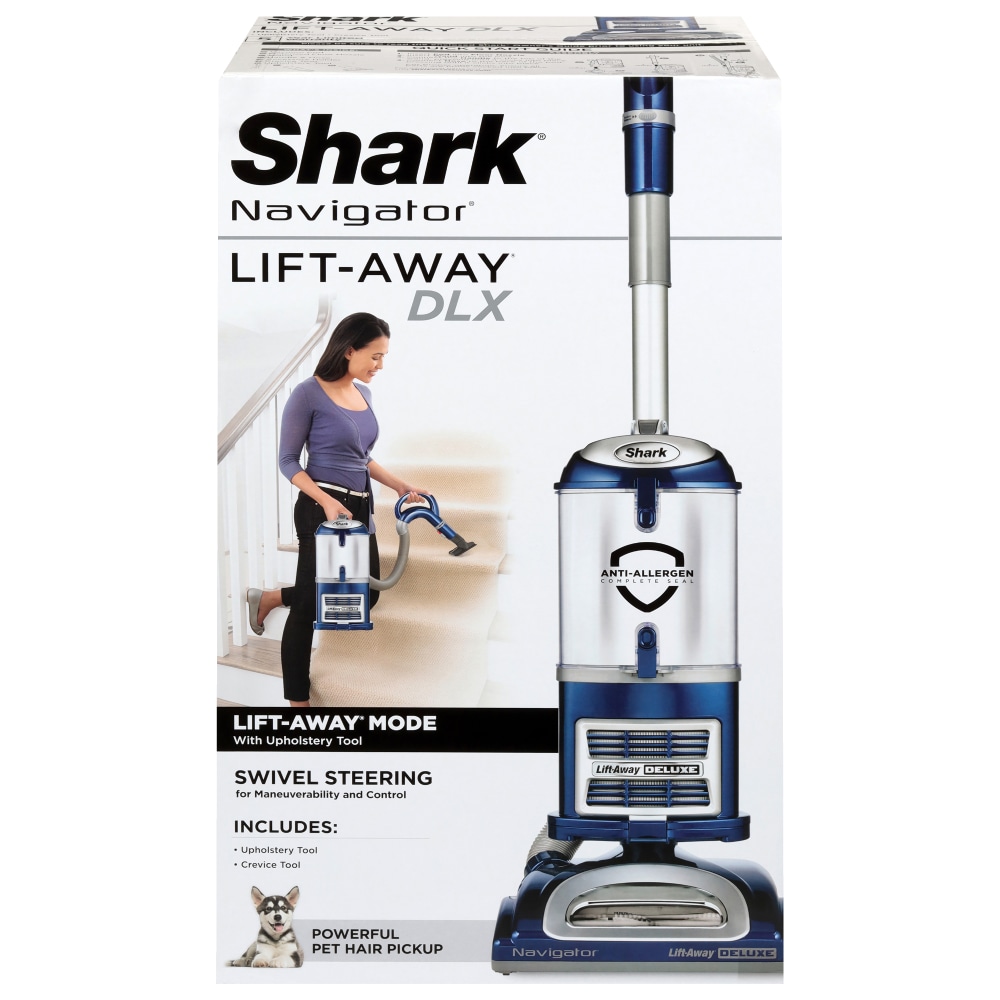
Shark Navigator models can vary. Some use foam and felt filters, while others include a post-motor HEPA filter. Check the label on your vacuum or its manual before washing a filter. When model instructions differ, follow the instructions for your exact model.
How Do You Clean a Shark Navigator Vacuum Cleaner?
The safest cleaning routine has seven main steps. Work slowly, and do not put the vacuum back together while any washable part is damp.
-
Unplug the vacuum from the wall.
-
Remove and empty the dust cup over a trash can. Tap it gently to release fine dust. Avoid shaking it hard indoors, since this can send allergens back into the air.
-
Remove the pre-motor filters. These are often found above or below the dust cup, depending on the model.
-
Remove the post-motor filter if your model has one. Some post-motor HEPA filters are washable, while others should only be tapped clean or replaced. Do not assume every HEPA filter can be rinsed.
-
Inspect the hose, wand, floor nozzle, and brush roll for blockages.
-
Wash only the parts that the manufacturer marks as washable. Use lukewarm water and a small amount of mild soap. Rinse until the water runs clear.
-
Leave every washed part to air-dry for at least 24 hours. Reassemble the vacuum only when the parts are completely dry.
This basic process answers how do you clean a Shark Navigator vacuum cleaner for routine care. A full clean may take 20 to 30 minutes, not counting drying time.
A common mistake is rushing the drying step. Even a small amount of moisture inside a filter can reduce suction, create a musty smell, or damage the motor. Think of the filter as a sponge at the front door: if it is wet, air cannot pass through it well.
How to Empty and Wash the Dust Cup
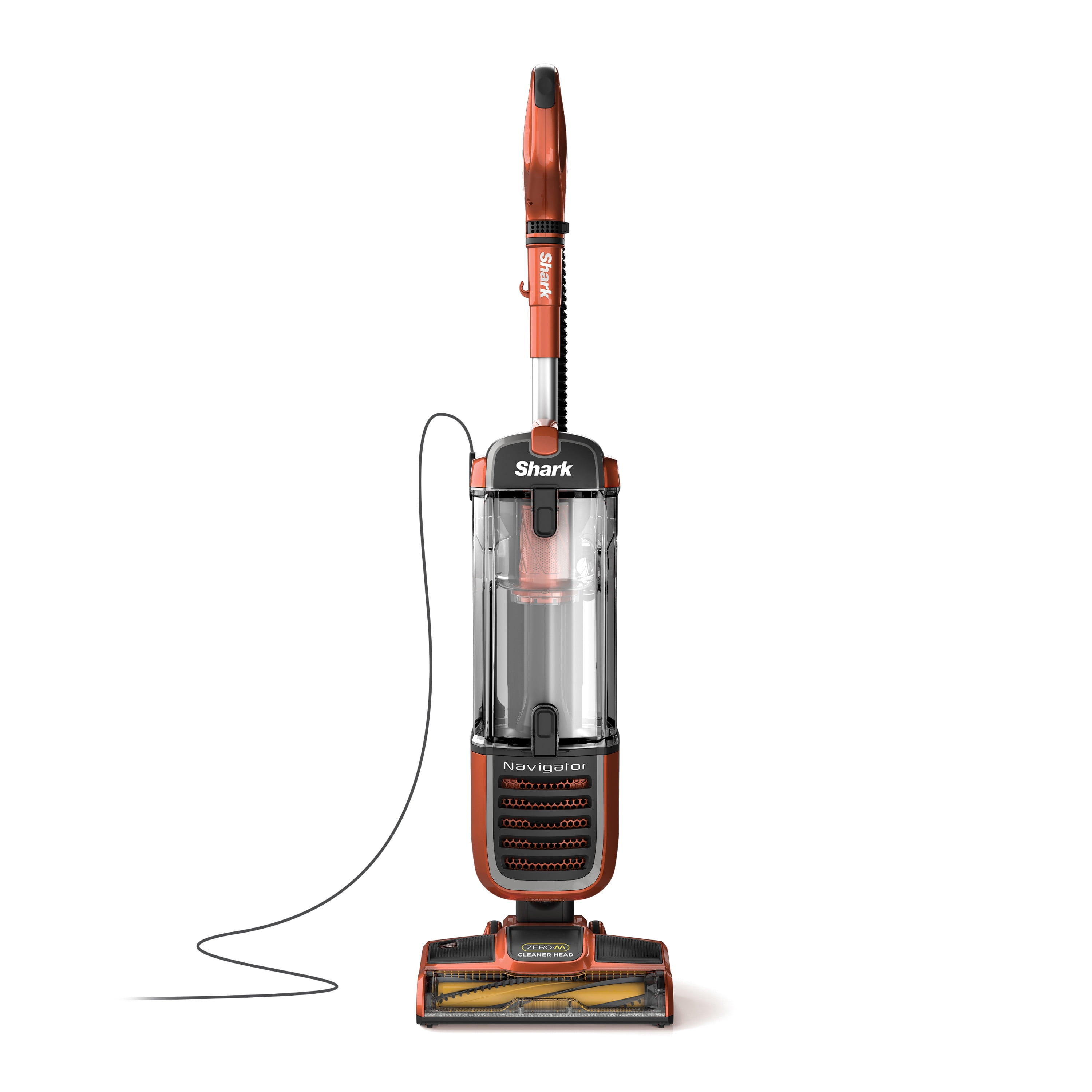
The dust cup collects dirt, hair, crumbs, and fine dust. Empty it after each use if you have pets, allergies, or large amounts of carpet. A full cup can limit airflow and make the vacuum feel weak.
To clean the dust cup:
-
Hold the dust cup over a trash can.
-
Press the release button and open the bottom door.
-
Tap the cup gently to remove trapped debris.
-
Check the upper screen for dust buildup.
-
If the manual allows washing, remove the cup and rinse it with lukewarm water.
-
Use mild dish soap for sticky dirt or pet residue.
-
Rinse the cup well and leave it open to dry.
Do not use bleach, strong sprays, or abrasive powders. These products can damage plastic and leave fumes inside the vacuum. Do not place the dust cup in a dishwasher unless the manufacturer clearly says it is safe.
For a dusty screen, a soft dry brush often works better than water. Fine powder can turn into mud when wet, which may block the screen more than before.
When people ask how do you clean a Shark Navigator vacuum cleaner, they often focus only on the dust cup. It matters, but clean filters and a clear brush roll are just as important.
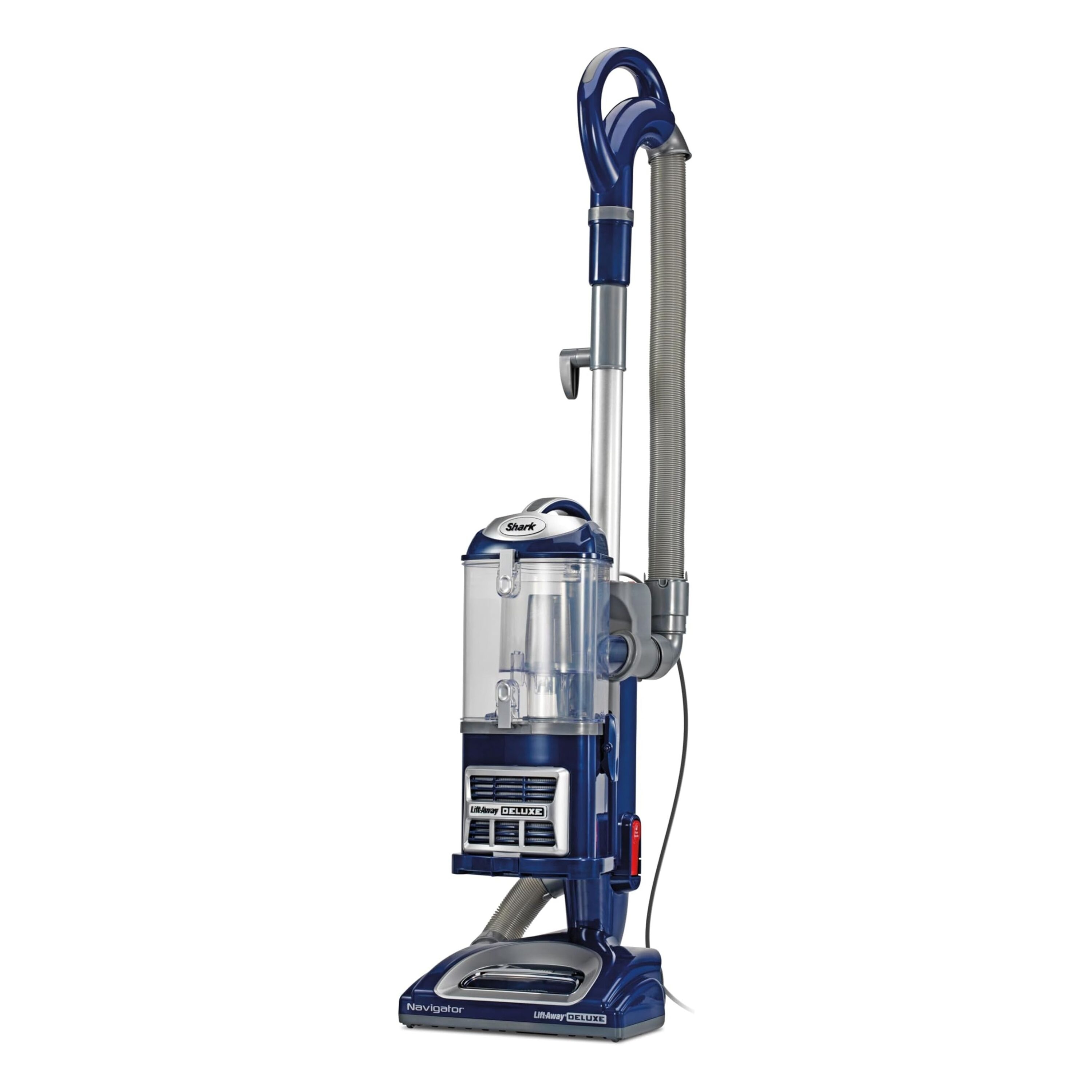
How to Clean Shark Navigator Filters
Filters protect the motor and help trap fine particles. They also need regular care because they collect the smallest dust. A clogged filter is one of the most common causes of low suction.
Most Shark Navigator vacuums have two types of filters:
• Pre-motor filters, which protect the motor from dust
• Post-motor filters, which clean the air before it leaves the vacuum
To clean foam or felt pre-motor filters:
-
Remove the filters from their housing.
-
Shake loose dust into a trash can.
-
Rinse the filters under cool or lukewarm running water.
-
Gently squeeze them without twisting or wringing.
-
Repeat until the water looks clear.
-
Place them on a towel in a well-ventilated area.
Foam filters may need several rinses. Do not use a hair dryer, radiator, clothes dryer, or direct high heat. Heat can shrink or deform the filter.
Some models include a washable HEPA filter. Others use a replaceable filter that should not be washed. If the filter label does not confirm that it is washable, clean it by gently tapping it outdoors or replace it according to the manual.
A useful routine is to inspect filters once a month. Homes with pets, children, fireplaces, or allergy concerns may need more frequent cleaning. Replace filters when they are cracked, permanently gray, misshapen, or still smell bad after washing.
Cleaning filters is the most important part of how do you clean a Shark Navigator vacuum cleaner because airflow begins with clean filtration.
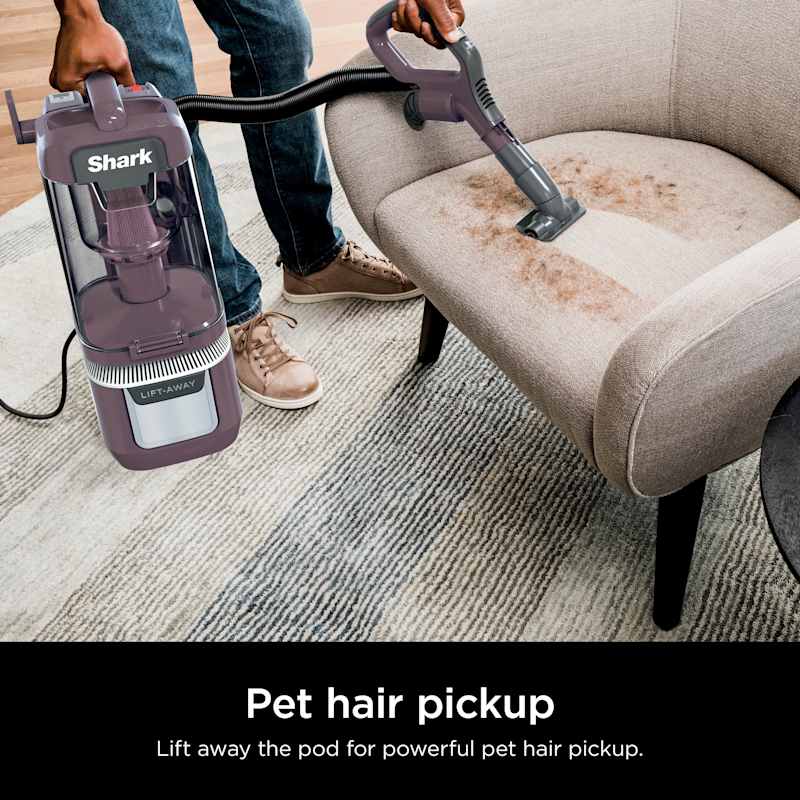
How to Clean the Brush Roll and Floor Nozzle
The brush roll gathers hair and thread as it moves across the floor. Over time, wrapped hair can slow the roll, increase noise, and reduce cleaning performance.
First, unplug the vacuum and place it on a flat surface. If your model has a brush-roll cover, release the tabs or screws as described in the manual.
Remove hair and fibers with scissors. Cut parallel to the brush roll, not toward the bristles or belt. Pull the material away with your fingers or a small brush.
Check these areas carefully:
• Both ends of the brush roll
• The drive belt area
• The sides of the floor nozzle
• The intake opening
• The air path behind the brush roll
Do not soak the powered floor nozzle. Water can reach electrical parts and damage the nozzle. Instead, wipe it with a lightly damp cloth and allow it to dry fully before use.
If the brush roll does not turn by hand after removing hair, stop and inspect it. A jammed bearing, damaged belt, or lodged object may need repair. Never operate the vacuum with a cracked brush roll or loose belt.
In my experience, long hair is the main problem in homes with pets or family members with long hair. A quick cut every few uses prevents a large, tight bundle that is much harder to remove later.
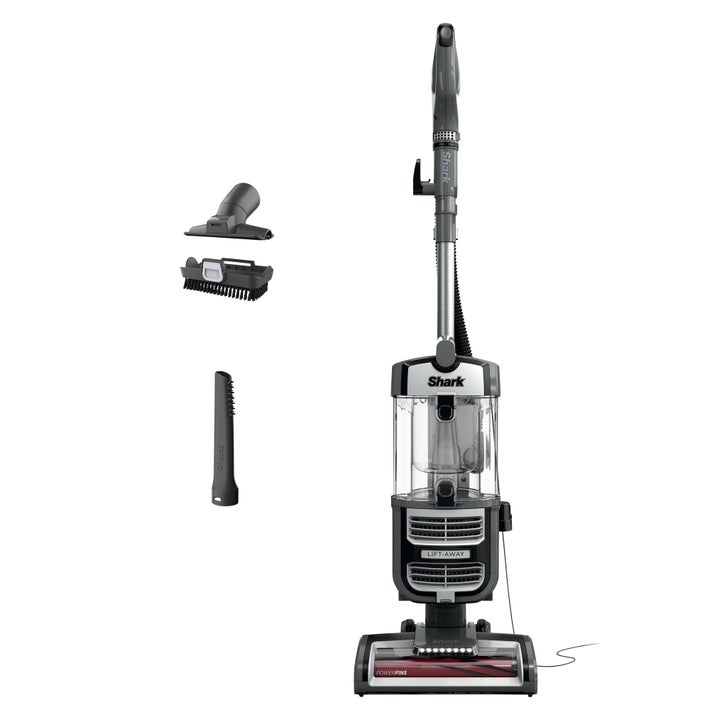
How to Clear the Hose, Wand, and Air Path
A blockage can hide inside the hose or wand. The vacuum may still turn on, but the suction will feel weak and the motor may sound strained.
Detach the hose and wand if your model permits it. Look through each piece toward a bright light. Remove visible debris with your fingers, a flexible cleaning tool, or the handle of a soft brush.
Never push a sharp object through the hose. It can puncture the material or damage a flap inside the air path. Do not force a large object through a narrow opening.
For a washable, non-powered hose, rinse it only if the manual permits this step. If you rinse it, stand it upright or hang it so water can drain from both ends. Let it dry for at least 24 hours.
Powered hoses and electrical connectors should not be submerged. Wipe them with a dry or slightly damp cloth instead.
A practical test is to shine a flashlight through the hose after cleaning. If you cannot see light clearly, there may still be a blockage.
This step is often missed when people search for how do you clean a Shark Navigator vacuum cleaner. A clean filter cannot restore suction if an object is stuck farther down the air path.
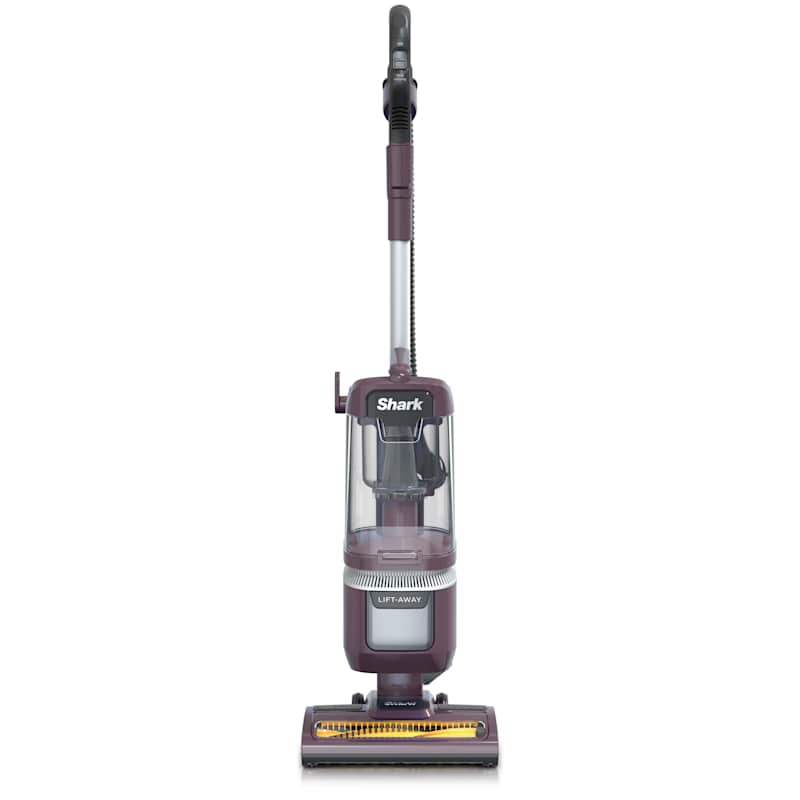
How to Clean the Vacuum Body and Attachments
Dust can collect around switches, wheels, seams, and attachment tools. Cleaning these areas helps keep the vacuum fresh and makes small problems easier to spot.
Wipe the main body with a dry microfiber cloth. For stuck dirt, use a cloth that is slightly damp, not wet. Keep water away from the motor housing, controls, cord connection, and electrical contacts.
Clean attachments in a sink with warm water and mild soap only when they contain no electrical parts. Rinse them well and let them dry completely.
Inspect the following areas:
• Crevice tools for compacted dust
• Upholstery tools for hair and lint
• Wheels for thread or grit
• Wand connections for cracks
• Cord and plug for fraying or damage
Never use the vacuum to collect wet spills, plaster dust, fireplace ash, or large amounts of fine construction dust unless your model is designed for that purpose. These materials can clog filters or harm the motor.
If the cord is frayed, stop using the vacuum. Tape is not a reliable repair for damaged electrical wiring.

How Often Should You Clean a Shark Navigator?
The best cleaning schedule depends on your home. A house with pets and carpet needs more care than a small home with mostly hard floors.
Use this general schedule:
• Empty the dust cup after each use or when it reaches the fill line.
• Check the brush roll every one to four uses.
• Inspect the hose and nozzle once a month.
• Wash washable filters about every three months.
• Replace filters when they remain dirty, damaged, or smelly.
• Give the full vacuum a deep clean every three to six months.