How To Open The Dyson Vacuum Cleaner: Simple Guide
To open a Dyson vacuum cleaner, unplug it, remove the bin, and release only the parts designed for user access.
Learning how to open the Dyson vacuum cleaner safely depends on the model and the part you need to reach. Dyson cordless, upright, canister, and wet vacuum models use different locks and release buttons. This guide explains the safe method, common mistakes, useful tools, and clear limits so you can clean or inspect your vacuum without causing damage.
Before You Open a Dyson Vacuum Cleaner
The first step in learning how to open the Dyson vacuum cleaner is to identify the model. Look for the model name on the handle, battery, cleaner head, or rating label. Common examples include the Dyson V8, V10, V11, V12, V15, Ball Animal, and Big Ball series.
Dyson designs many parts for regular care. These may include the dust bin, filters, brush bar, hose, wand, and cleaner head. However, the motor housing and battery pack are not always meant for casual removal.
Before starting, prepare a clean, bright work area. A white towel or tray can help you spot small screws, clips, and seals.
Follow these safety steps:
• Turn the vacuum off.
• Unplug corded models from the wall.
• Remove the battery from compatible cordless models when possible.
• Let the vacuum cool if it has run recently.
• Empty the dust bin before opening other parts.
• Keep water away from the motor, battery, and electrical contacts.
• Read the model-specific care instructions before removing screws.
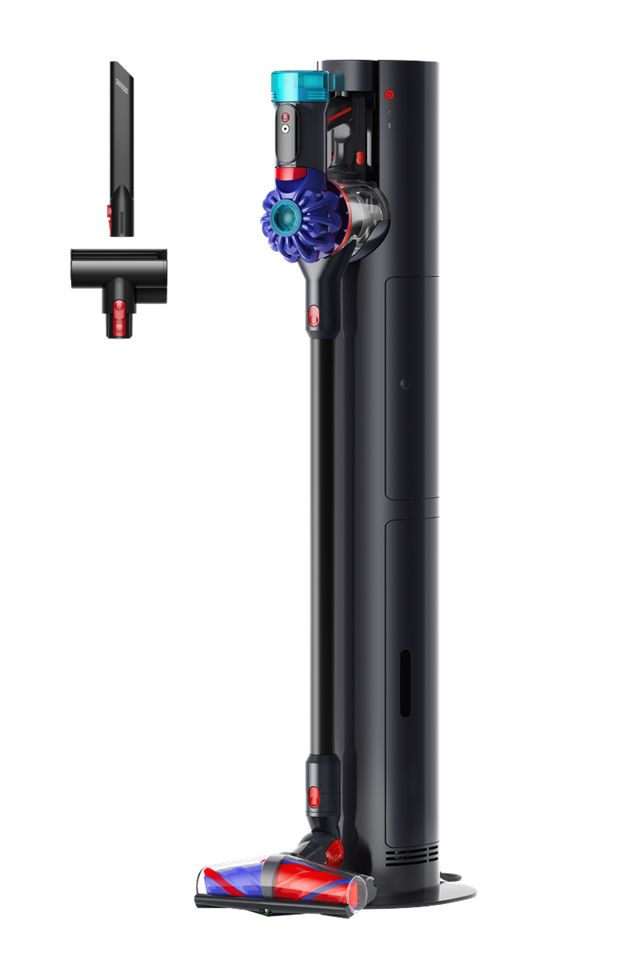
Tools You May Need
Most routine Dyson cleaning tasks need no tools. The dust bin, filters, wand, hose, and brush bar often use buttons or quarter-turn locks. For deeper work, you may need a few basic tools.
Useful items include:
• A soft, dry cloth
• A soft brush or old toothbrush
• A small flat tool for lifting hair, used with care
• A coin for some brush-bar locks
• A Phillips screwdriver
• A Torx screwdriver set for select Dyson models
• A small container for screws
Avoid sharp knives and metal picks. They can cut rubber seals, scratch plastic, or damage wires. A blunt plastic tool is safer for lifting packed dust from tight areas.
One practical lesson from working with vacuum cleaners is to take a photo before removing a complex part. The photo acts like a map when you put the vacuum back together.
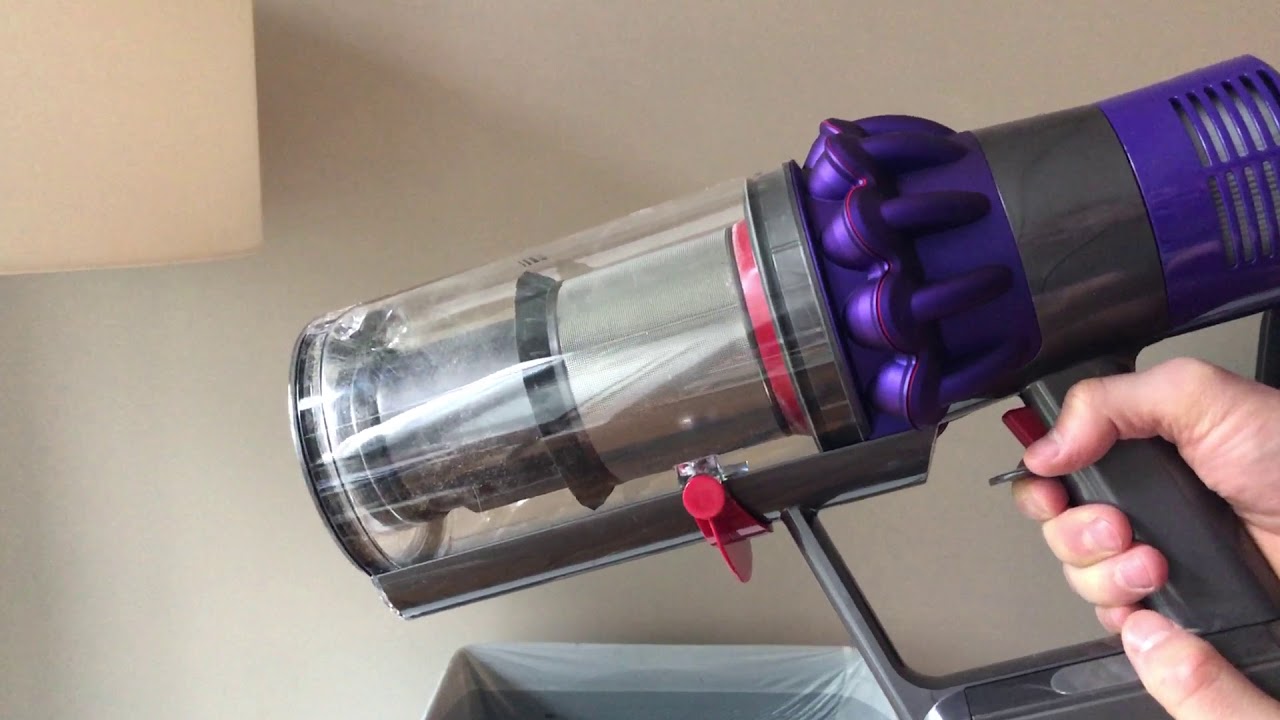
How to Open the Dyson Vacuum Cleaner for Routine Cleaning
For most owners, opening the vacuum means reaching the bin, filters, brush bar, or cleaner head. These parts are made for routine care and should be opened first.
Remove the Wand
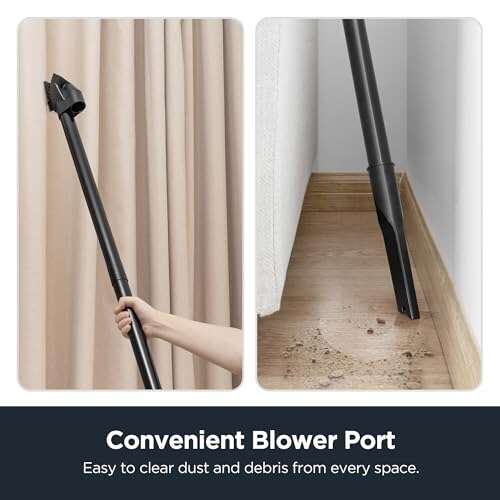
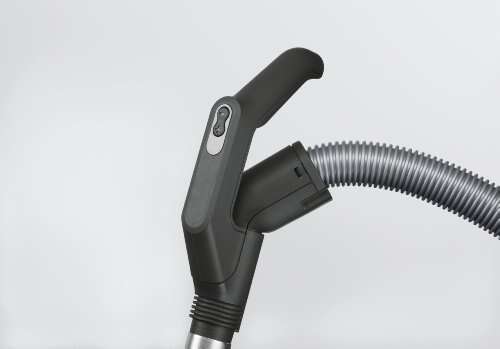
On many Dyson cordless models, press the red wand release button where the wand meets the main body. Pull the wand straight away from the vacuum.
To remove the wand from the cleaner head, press the release button near the connection point. Do not twist hard. If the wand does not release, check whether the button is fully pressed.
Remove the Dust Bin
Point the bin over a trash can. Press the bin release button or slider, depending on the model. The bin should open at the bottom and release dust.
Some Dyson models allow the bin to slide off the main body after pressing a second red release. Move it slowly. Dust can collect around the track and make the bin feel stuck.
Wipe the bin with a dry or slightly damp cloth. Do not submerge the bin unless the manual for your exact model says it is washable. Water inside the cyclone area can reach sensitive parts and may cause lasting damage.
Remove the Filters
Most cordless Dyson vacuums have at least one washable filter. Some have a rear filter and a filter near the cyclone or motor area.
Turn the filter counterclockwise, then lift it out. A filter that will not move may need a firm, even grip. Do not use pliers, as they can crush the plastic.
Rinse washable filters with cold water only. Do not use soap unless Dyson specifically allows it. Shake out excess water and let the filter dry in a warm, ventilated place for at least 24 hours. Never reinstall a damp filter.
Open the Cleaner Head
Turn the cleaner head over. Look for a lock, coin slot, or release button near the brush bar. Turn the lock to the open position, then slide or lift out the brush bar.
Remove hair, thread, and pet fur from the brush bar. Check the end caps as well. Hair often hides under these caps and can increase resistance.
Do not run the vacuum with the brush bar removed unless the manual says it is safe. Some cleaner heads use electrical contacts that should remain dry and aligned.
How to Open the Dyson V-Series Cordless Vacuum
The Dyson V-series includes models such as the V6, V7, V8, V10, V11, V12, and V15. Their release systems look similar, but they are not identical. This is why learning how to open the Dyson vacuum cleaner by model matters.
Dyson V6, V7, and V8
For these models, the bin usually opens by pulling the red bin release. On some versions, a second release lets the clear bin slide away from the cyclone.
The washable filter may sit on top of the motor. Pull it straight up. A second filter can sit behind the motor and may twist out from the rear.
The brush bar usually has a coin-operated lock. Turn it counterclockwise, then remove the brush bar from the side of the cleaner head.
Dyson V10 and V11
The V10 and V11 often use a sliding bin release. Move the red lever down to open the bin. Continue the release motion only if you need to remove the bin from the main unit.
The rear filter commonly twists counterclockwise. The filter near the cyclone may also use a twist-lock design. Check the filter symbols before turning.
Some V11 versions include a display and a removable battery. If you need to work near the battery, remove it only when the battery design and model instructions support removal.
Dyson V12 and V15
The V12 and V15 use a compact bin and a dust-release slider. Slide the release forward over the trash can. Keep your face away from the bin because fine dust may rise as it opens.
These models may include a particle sensor and advanced cleaner head. Do not pull on sensor wires or force the head apart. Routine user cleaning should focus on the bin, filters, brush bar, and blockages.
A useful rule is simple: if a part has no clear release button, arrow, or twist symbol, stop and check the manual before forcing it.

How to Open a Dyson Upright Vacuum
Dyson upright models, including Ball and Animal versions, have a larger body than cordless models. Users can normally access the hose, wand, bin, filters, and brush bar without opening the motor casing.
Start by unplugging the vacuum. Press the wand or hose release button and pull the hose away from the connection point. Inspect the hose for socks, paper, toys, and compacted hair.
To remove the clear bin, press the bin release button and lift it from the machine. Empty the bin and wipe it with a dry cloth. Keep the cyclone assembly dry unless the model guide clearly states that washing is allowed.
The filter location differs by model. One filter may sit near the ball or lower body, while another may sit near the top of the cyclone. Look for a filter cap with a turn symbol.
For the cleaner head, recline the vacuum and turn it over. Some upright brush bars have a lock that opens with a coin. Others require access through a small cover. Remove only the cover that matches the instructions for your model.
Do not lay a full upright vacuum on a wet floor. Water can run into the motor or electrical area. Place a towel under the machine instead.
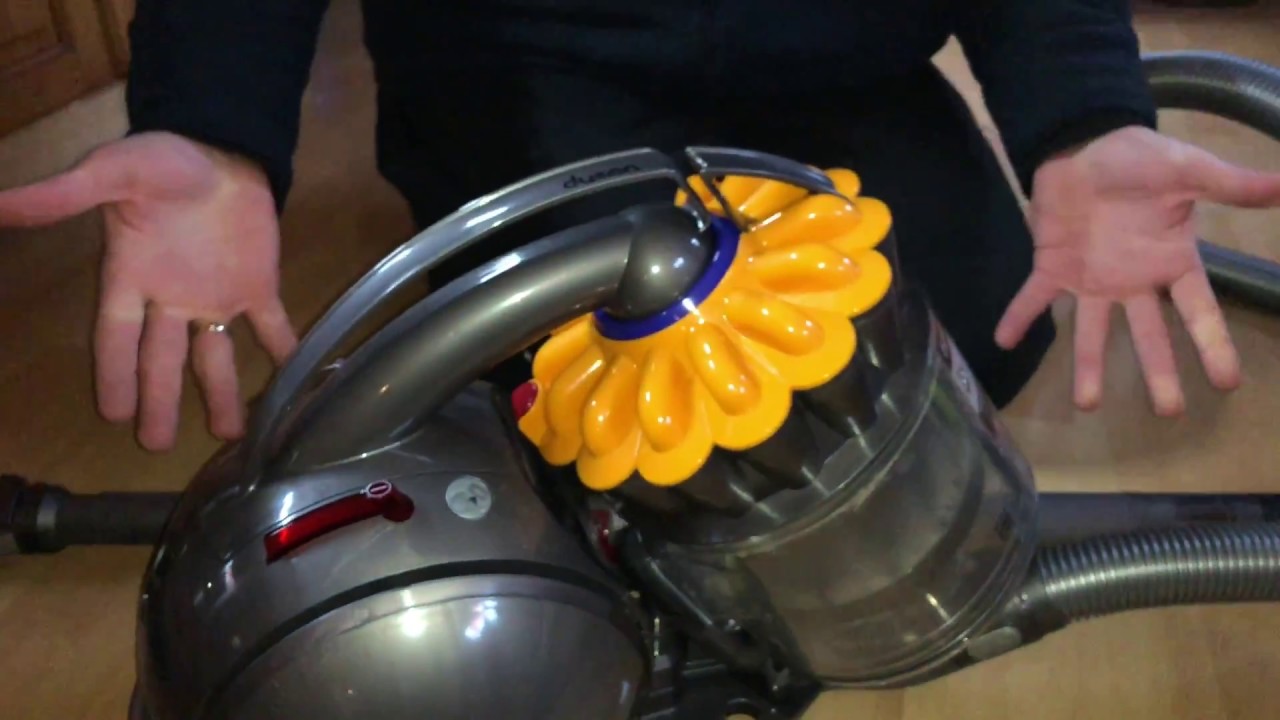
How to Open a Dyson Canister Vacuum
Dyson canister models, such as Big Ball designs, usually allow access to the bin, filters, hose, wand, and cleaner head. Their round body can make the release buttons harder to see at first.
Disconnect the hose by pressing the release button at the canister connection. Pull the hose straight out. Do not yank the flexible hose, since its inner ribs can stretch or split.
Open the bin according to the release mark. Empty it before removing filters. If dust has packed around the cyclone, use a dry brush instead of water.
Many canister vacuums have a washable pre-motor filter and a post-motor filter. Remove each filter with its designed twist or pull action. Mark their positions with a quick phone photo if you are unsure which filter goes where.
The cleaner head may have a brush-bar lock on its underside. Remove hair from the roller and inspect the end bearings. A roller that feels rough or does not spin freely may need replacement rather than more cleaning.
How to Open the Dyson Vacuum Cleaner for a Blockage
A blockage can cause weak suction, a pulsing motor, or a warning light. To find it, open the Dyson vacuum cleaner in sections rather than dismantling the whole machine.
Use this order:
-
Remove the wand and look through it toward a light.
-
Check the hose from both ends.
-
Inspect the cleaner head and brush bar.
-
Empty the dust bin.
-
Check the inlet near the cyclone.
-
Inspect the filter only after the airflow path is clear.
A broom handle can help push a soft blockage from a wand, but use care. Never force a hard object through the tube. It may puncture the wand or damage a hidden seal.
For a hose blockage, gently bend the hose while looking for a crushed area. If the hose has split, tape may provide only a short-term fix. A replacement hose is usually safer and restores the correct seal.
A blockage in the cleaner head can stop the brush bar. Remove hair with scissors, keeping the blades away from the belt and wires. If the motor still pulses after cleaning, the cause may be a clogged filter, overheating, battery trouble, or an internal fault.