How To Fix Vacuum Cleaner Overheating: Blocked Filter Fix
Clean or replace the clogged filter, clear airflow paths, and let the motor cool before restarting.
I’ve spent years repairing small appliances and training homeowners on quick fixes. This guide on how to fix vacuum cleaner overheating due to blocked filter will walk you through clear steps, safety tips, and prevention. You’ll learn why overheating happens, how to diagnose it fast, and how to fix it safely—whether you have a bagged, bagless, or robotic vacuum.
Understanding why a blocked filter makes your vacuum overheat
A vacuum works by creating airflow. The motor pulls air through the intake, across the filter, and out through vents. If the filter is blocked, airflow falls. The motor keeps working hard and gets hot.
Blocked filters reduce suction and trap heat. The motor needs airflow to cool itself. Without it, parts run hotter than designed. This can shorten motor life, trip thermal cutouts, or cause odors and smoke.
This article focuses on practical fixes for how to fix vacuum cleaner overheating due to blocked filter, using clear steps and safety-first advice. Expect simple troubleshooting, tools you likely have, and tips to avoid repeat problems.
Common causes and warning signs
- Reduced suction: Floors take longer to clean and debris remains behind.
- Burning smell: A hot, plastic, or burnt odor can mean overheating.
- Loud or strained motor noise: The motor sounds stressed or higher pitched.
- Thermal cut-out trips: The vacuum shuts off and won’t restart until cool.
- Visible dust in HEPA or pre-filters: Filters look clogged or dark.
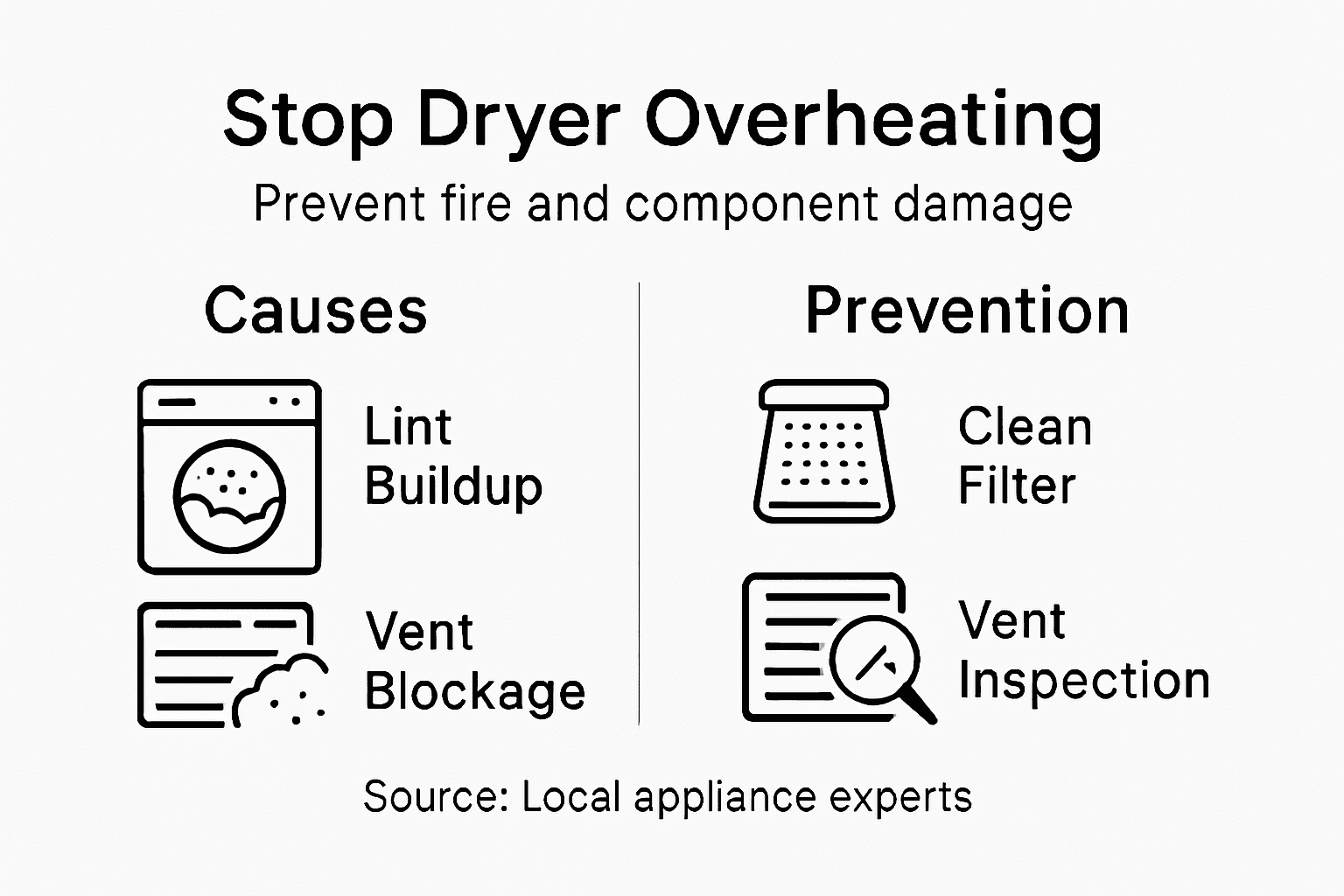
Causes often include a deeply clogged filter, blocked hoses, full dustbin, or clogged exhaust. Pets, hair, fine dust, and long-term neglect are frequent culprits. Understanding these signs helps you decide if you can fix it yourself or need professional help.

Tools and safety checklist
- Soft brush or old toothbrush for cleaning filters and crevices.
- Compressed air can or a low-power vacuum for blowing dust out.
- Replacement filters specific to your model.
- Screwdrivers or clips to open housings.
- Gloves and eye protection for dusty jobs.
- A timer or thermometer if you want to check motor temps.
Safety steps:
- Unplug the vacuum before any work. For cordless models, remove the battery.
- Wait 30 minutes after shutdown so the motor cools.
- Work in a ventilated area or outdoors when cleaning very dusty filters.
Step-by-step: How to fix vacuum cleaner overheating due to blocked filter
Below are the practical steps I use and recommend. Read them once, then follow in order.
- Power down and wait
- Unplug or remove the battery. Let the motor cool for at least 20–30 minutes.
- Empty the dustbin or replace the bag
- A full bin reduces airflow. Dispose of contents outdoors to avoid dust cloud.
- Remove and inspect filters
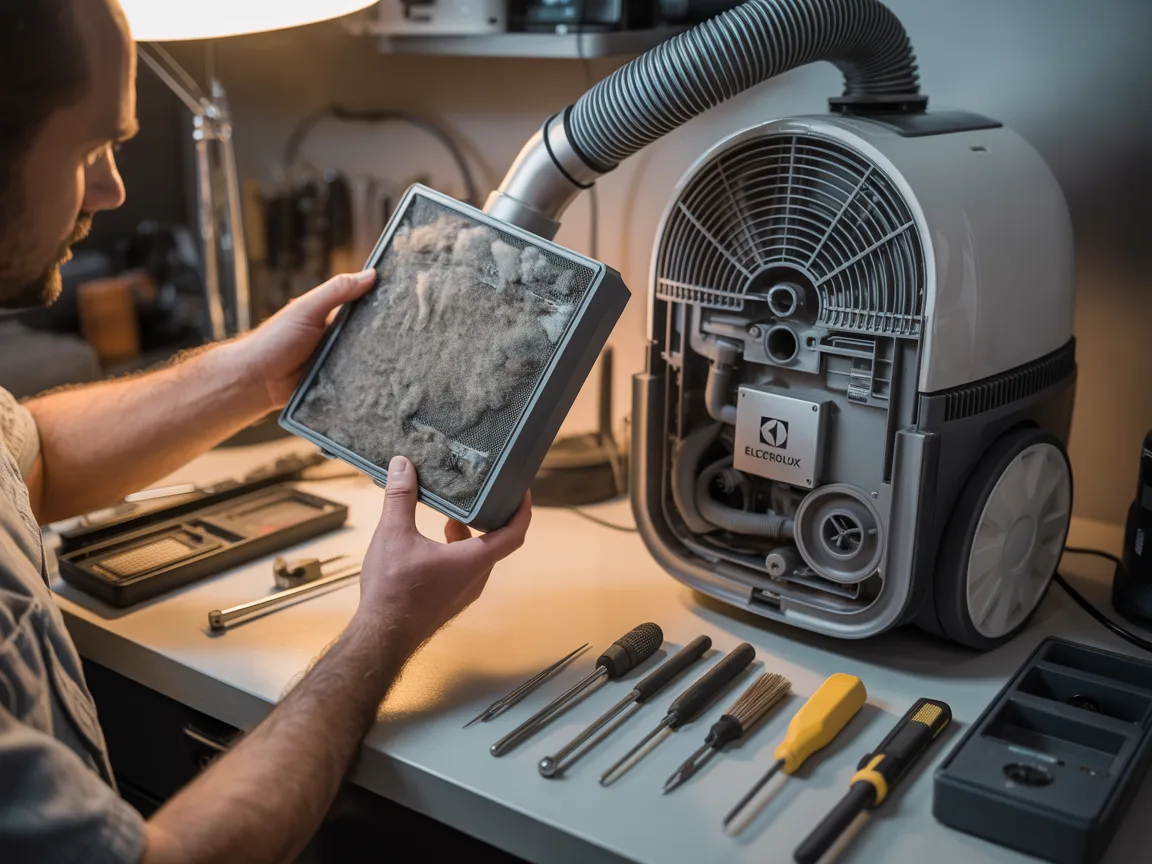
- Take out pre-filters, HEPA filters, foam filters, and cyclone parts. Look for visible clogs.
- Clean or replace the filter
- Wash washable filters with water and let them air dry fully (24 hours). Replace non-washable or damaged filters.
- Check hoses and wand
- Detach and look through hoses for clogs. Use a broom handle or flexible brush to clear blockages.
- Inspect exhaust vents and motor housing
- Clear lint or debris from exhaust grills. Do not open sealed motor housings unless you know the model.
- Reassemble and test in short bursts
- Put cleaned or new filters back. Run the vacuum 1–2 minutes, check temperature and smell.
- Monitor and repeat if needed
- If overheating continues, shut down and recheck for hidden clogs or a failing motor.
If you follow these steps for how to fix vacuum cleaner overheating due to blocked filter, most overheating issues will be resolved quickly.

Quick tips while cleaning filters
- Never use a washing machine or dryer on filters.
- Tap out large debris outside before washing.
- Replace HEPA filters every 6–12 months for heavy use.
Filter types and replacement guidance
- Foam pre-filters
- Often washable. Dry completely before reinstalling.
- Paper bag filters
- Disposable. Replace when full or if damaged.
- HEPA filters
- Traps fine particles. Many are non-washable and need replacement.
- Cyclone and mesh filters
- Usually rinse with water and let air dry.
Always use manufacturer-approved parts when possible. Mismatched filters can reduce protection and worsen overheating. When choosing replacements, match model numbers or filter codes. Keeping extra filters on hand makes fixes faster and reduces downtime.

Preventive maintenance to avoid overheating
- Empty the dustbin after each major use.
- Rinse washable filters monthly. Replace when they show wear.
- Remove hair and debris from brushes weekly.
- Inspect hoses and wand for obstructions monthly.
- Store your vacuum in a cool, dry place.
A small routine prevents most overheating. Set calendar reminders. I once fixed a neighbor’s vacuum that overheated monthly; a quick monthly clean stopped the problem entirely.
When to call a professional
- Persistent overheating after cleaning filters and clearing hoses.
- Burning smells with smoke or visible damage.
- Motor runs but the vacuum cycles on and off repeatedly.
- You detect electrical sparking or a blown fuse inside the unit.
If you suspect motor bearings or internal electrical faults, a trained technician should inspect the machine. Attempting complex motor repairs without experience can be dangerous and may void warranties.

Troubleshooting checklist and quick fixes
- Still overheating? Re-check filter seating and seals. A misaligned filter blocks airflow.
- If suction is poor but filters are clean, check the belt and brushroll for jams.
- Listen for bearing noise; a grinding sound can mean motor failure.
- Reset thermal cut-out by letting the unit cool fully for at least 30 minutes.
- Replace the filter even if it only looks slightly clogged; old filters trap less airflow.
Using this checklist helps you fix most cases of how to fix vacuum cleaner overheating due to blocked filter. It also speeds up diagnosing more complex issues.
Personal experience and lessons learned
I’ve repaired dozens of vacuums for friends and clients. Early in my career I missed a small lint ball deep in a hose. The motor kept overheating after a “clean.” Now I always remove the wand and check the whole airflow path. My biggest lessons:
- Take your time. Rushing leaves small clogs behind.
- Replace cheap filters with higher-quality ones that maintain airflow better.
- Keep a spare washable filter to rotate while one dries.
These habits cut service calls and extended the life of machines I maintain.
Quick questions (PAA-style)
Q: How fast will the vacuum cool down?
A: Most vacuums need 20–30 minutes to cool. Allow longer if the unit smells hot.
Q: Can I run the vacuum after cooling without fixing the filter?
A: You can test briefly, but do not run for long. The motor can overheat again without proper airflow.
Q: Are all filters washable?
A: No. Some HEPA and paper filters are not washable and must be replaced.
Frequently Asked Questions of how to fix vacuum cleaner overheating due to blocked filter
What causes vacuum overheating besides a blocked filter?
A blocked hose, full dustbin, tangled brushroll, or failing motor can all cause overheating. Any restriction in airflow will make the motor work harder and heat up.
How often should I replace vacuum filters?
Replace disposable or non-washable filters every 6–12 months for normal use. Washable filters should be cleaned monthly and replaced when torn or weakened.
Can a clogged filter permanently damage the vacuum?
Yes. Prolonged overheating can damage motor windings and bearings. Repair costs can exceed replacement for older models.
Is it safe to use compressed air to clean filters?
Compressed air is fine for pre-filters and exterior parts but can push dust deeper into HEPA filters. Use low-pressure air and wear protection.
My vacuum trips the breaker when it overheats. What should I do?
Unplug and let the vacuum cool. Check for clogs and remove them. If it still trips a breaker, a certified technician should inspect electrical components.
Conclusion
You can fix most cases of how to fix vacuum cleaner overheating due to blocked filter by cleaning or replacing filters, clearing hoses, and following safe restart steps. Regular maintenance and using the right replacement filters will prevent repeat issues. Try the steps here, note what works, and set a simple cleaning routine to keep your vacuum running cool and long. If problems persist, contact a qualified technician or service center.
Take action today: empty your dustbin, check the filter, and schedule a monthly quick clean. Share your experience or questions below to help others troubleshoot their vacuums.

Liora Pennings is a seasoned chef and kitchen enthusiast with a passion for turning everyday cooking into an effortless experience. With years of hands-on culinary expertise, she specializes in practical techniques, ingredient know-how, and smart kitchen solutions that help home cooks elevate their meals. At KitchFlair.com, Liora shares her best tips, time-saving tricks, and honest product reviews to guide readers toward a more efficient, enjoyable, and inspired cooking routine. Whether you’re a beginner or a seasoned home chef, Liora’s friendly, knowledge-packed insights make every visit to the kitchen a little easier—and a lot more delicious.