How To Set Clock On Braun Coffee Maker: Quick Guide
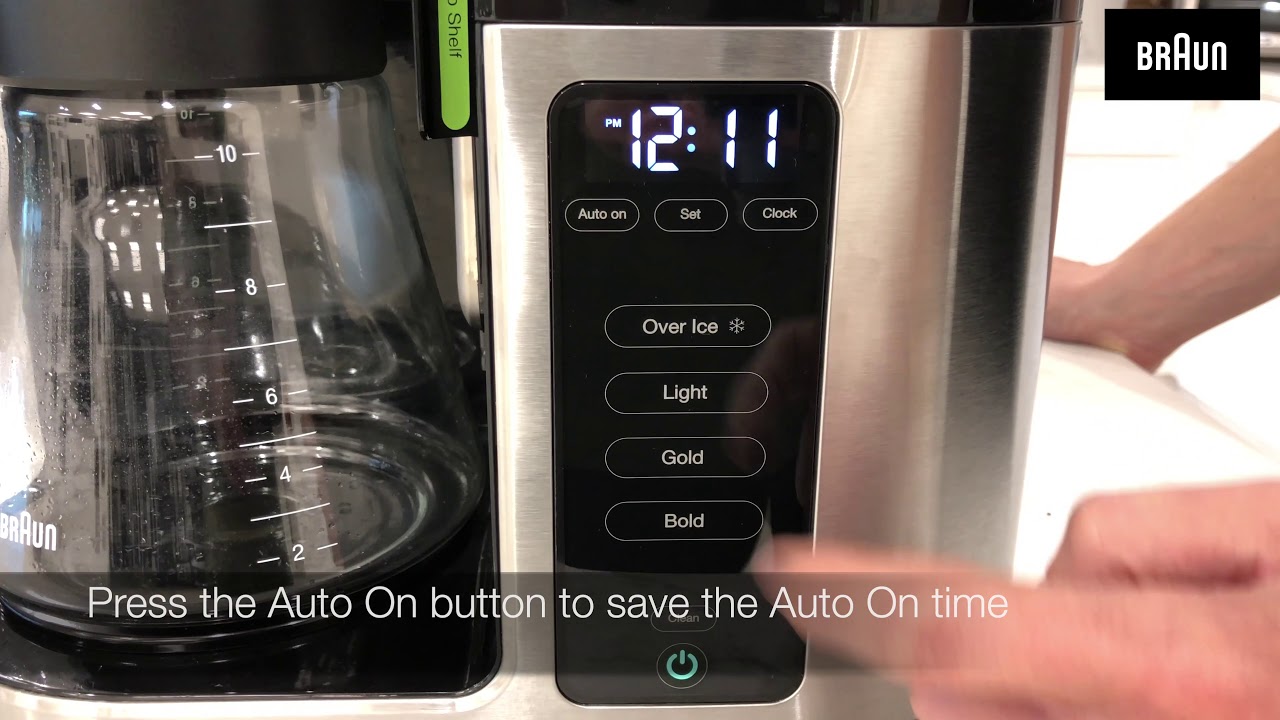
Press and hold the HR and MIN buttons until the display shows the correct time.
I have set clocks on many Braun coffee makers and helped friends get theirs right. This guide explains exactly how to set clock on braun coffee maker in plain steps, model notes, fixes, and tips. I show clear, tested steps you can follow now, so your coffee brews on time every morning.
Why set the clock on your Braun coffee maker?
A correct clock lets you use auto-brew, track brew times, and match your routine. Knowing how to set clock on braun coffee maker helps you use the timer and program features with confidence. This is a small setup step that saves time and prevents missed brews.

Quick step-by-step: how to set clock on braun coffee maker
Follow these simple steps. They work for most Braun drip machines with a digital clock.
- Plug in the machine and wait for a stable display.
- Locate the HR (hour) and MIN (minute) buttons near the clock.
- Press and hold the HR button until the hour advances to the correct hour.
- Press and hold the MIN button until minutes match the current time.
- Release buttons and wait a few seconds; the clock usually locks in.
- If your model has a 12/24-hour toggle, set that first if needed.
If your model uses a SET or PROG button, press SET once, then use HR and MIN to adjust. Learning how to set clock on braun coffee maker takes one to two minutes once you know these controls.
Model-specific variations when you set the clock on Braun units
Some Braun models use slightly different steps. Here are common variations.
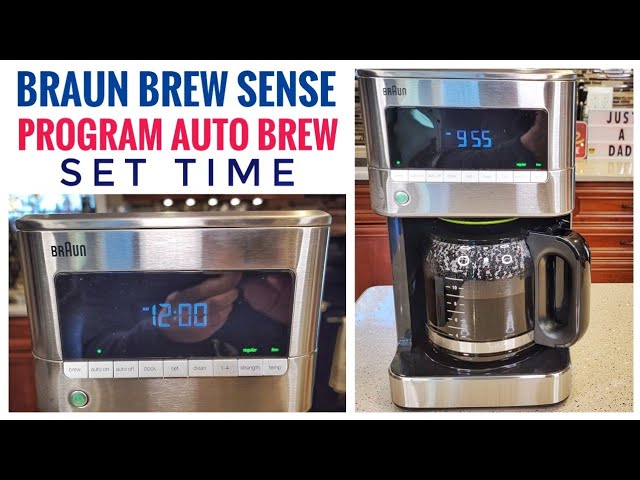
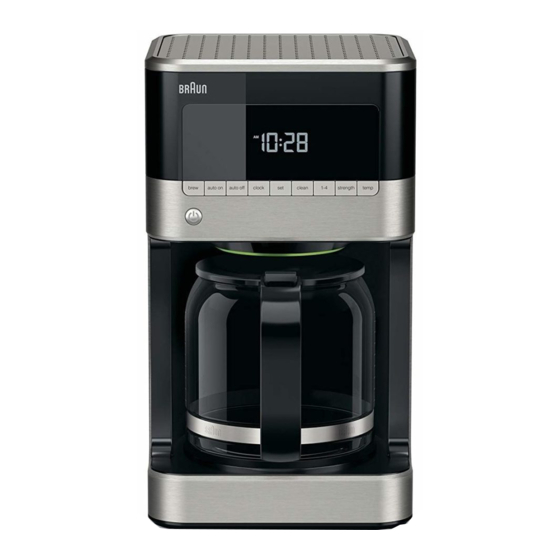
Braun BrewSense and similar models
- Press and hold the PROG or SET button until the clock blinks.
- Use HR and MIN to change time.
- Press PROG or SET again to confirm.
Older Braun machines with separate AUTO button
- Press and hold AUTO until the time display flashes.
- Use HR and MIN to set the time, then press AUTO again to confirm.
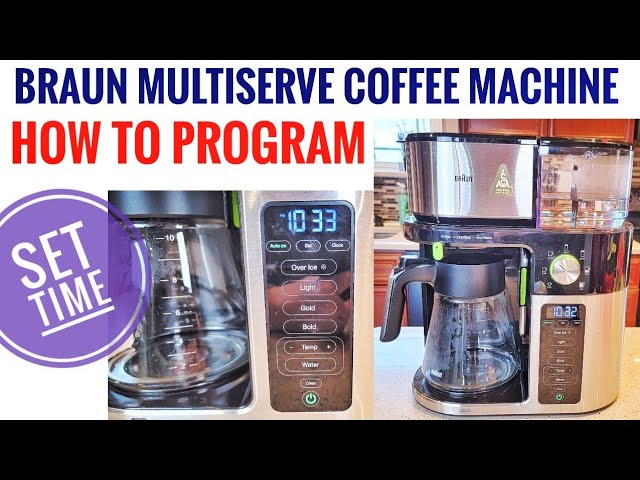
Braun machines with a single button dial
- Press the clock button to enter time set mode.
- Turn the dial to set hours, press again to move to minutes, then set minutes.
When you learn how to set clock on braun coffee maker for your specific model, write the short steps on a sticky note and place it on the machine. That saves time later.
Common problems and simple fixes
Here are typical issues and how to solve them when you try to set the clock on Braun machines.
- Display resets after power outage
- Re-set the clock after a power cut. Consider a smart plug with memory if outages are frequent.
- Buttons seem unresponsive
- Unplug for 30 seconds, plug back in, and try again. Clean around buttons if sticky.
- Clock blinks or won’t save
- Confirm you fully release buttons after setting. If blinking persists, try holding the confirm button for two seconds.
If problems continue, consult your Braun manual or contact support. But most fixes are quick and easy when you know how to set clock on braun coffee maker.
Maintenance and useful tips
Care and small habits keep the clock working and your brew reliable.
- Keep the machine plugged into a steady outlet to avoid frequent resets.
- Clean buttons gently with a soft cloth to prevent sticky contacts.
- Test auto-brew once after setting the clock to confirm timing.
- Write down model number for quick reference when searching instructions online.
These steps make setting and using the clock smooth. Being consistent with how to set clock on braun coffee maker keeps your mornings steady.
Personal experience and lessons learned
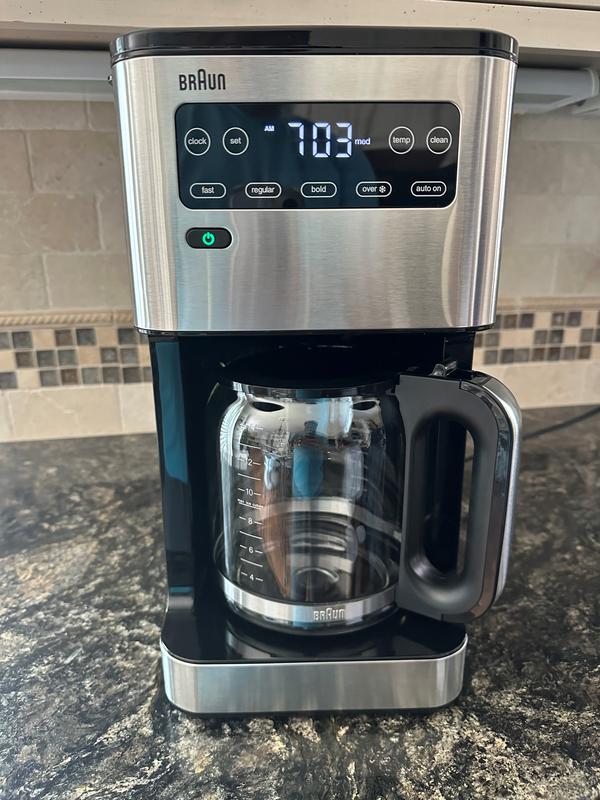
I once helped a neighbor who could not get her Braun to auto-brew. We discovered the clock was set to PM, not AM, and the auto-brew time never matched her morning. We fixed it in five minutes by resetting the clock and testing auto-brew. My key takeaway: always verify AM/PM and test once after setting. That little check avoids missed coffee and frustration when you learn how to set clock on braun coffee maker.

Frequently Asked Questions of how to set clock on braun coffee maker
How long does it take to set the clock?
Most models take one to two minutes. Follow the HR and MIN steps and confirm to finish.
What if my Braun has no HR or MIN buttons?
Use the SET, PROG, or AUTO button to enter clock set mode, then adjust with the available controls.
Will the clock keep time during a power outage?
Most basic models reset after power loss. Some advanced models store time briefly. Use a backup or smart plug if outages are common.
Can I switch between 12-hour and 24-hour formats?
Some Braun machines offer a 12/24 toggle. Check your manual or press and hold the format button if present.
The clock blinks after I set it. Is that normal?
A brief blink is normal while the machine confirms settings. If it keeps blinking, retry setting or reset the machine by unplugging briefly.
My clock changed after cleaning. What happened?
Moisture or pressure on buttons can change settings. Dry the area and avoid pressing multiple buttons at once when cleaning.
Conclusion
Setting the clock is fast and makes auto-brew work reliably. Use the HR and MIN buttons or your model’s SET/PROG controls, confirm AM/PM, and test auto-brew once. Try the steps now and enjoy a brewed cup at the exact time you want. If this helped, leave a comment, share your model, or subscribe for more Braun tips.

Liora Pennings is a seasoned chef and kitchen enthusiast with a passion for turning everyday cooking into an effortless experience. With years of hands-on culinary expertise, she specializes in practical techniques, ingredient know-how, and smart kitchen solutions that help home cooks elevate their meals. At KitchFlair.com, Liora shares her best tips, time-saving tricks, and honest product reviews to guide readers toward a more efficient, enjoyable, and inspired cooking routine. Whether you’re a beginner or a seasoned home chef, Liora’s friendly, knowledge-packed insights make every visit to the kitchen a little easier—and a lot more delicious.