How To Program A Black & Decker Coffee Maker: Easy Steps
Program your Black & Decker coffee maker in minutes by setting the clock and auto-brew time.
I’ve programmed many Black & Decker machines over the years, and I’ll walk you through exactly how to program a Black & Decker coffee maker step by step. This guide covers model basics, setting the clock, programming auto-brew, customizing brew strength, troubleshooting, and maintenance. Read on to save time and get reliably great coffee every morning.
Know your model and controls before you start
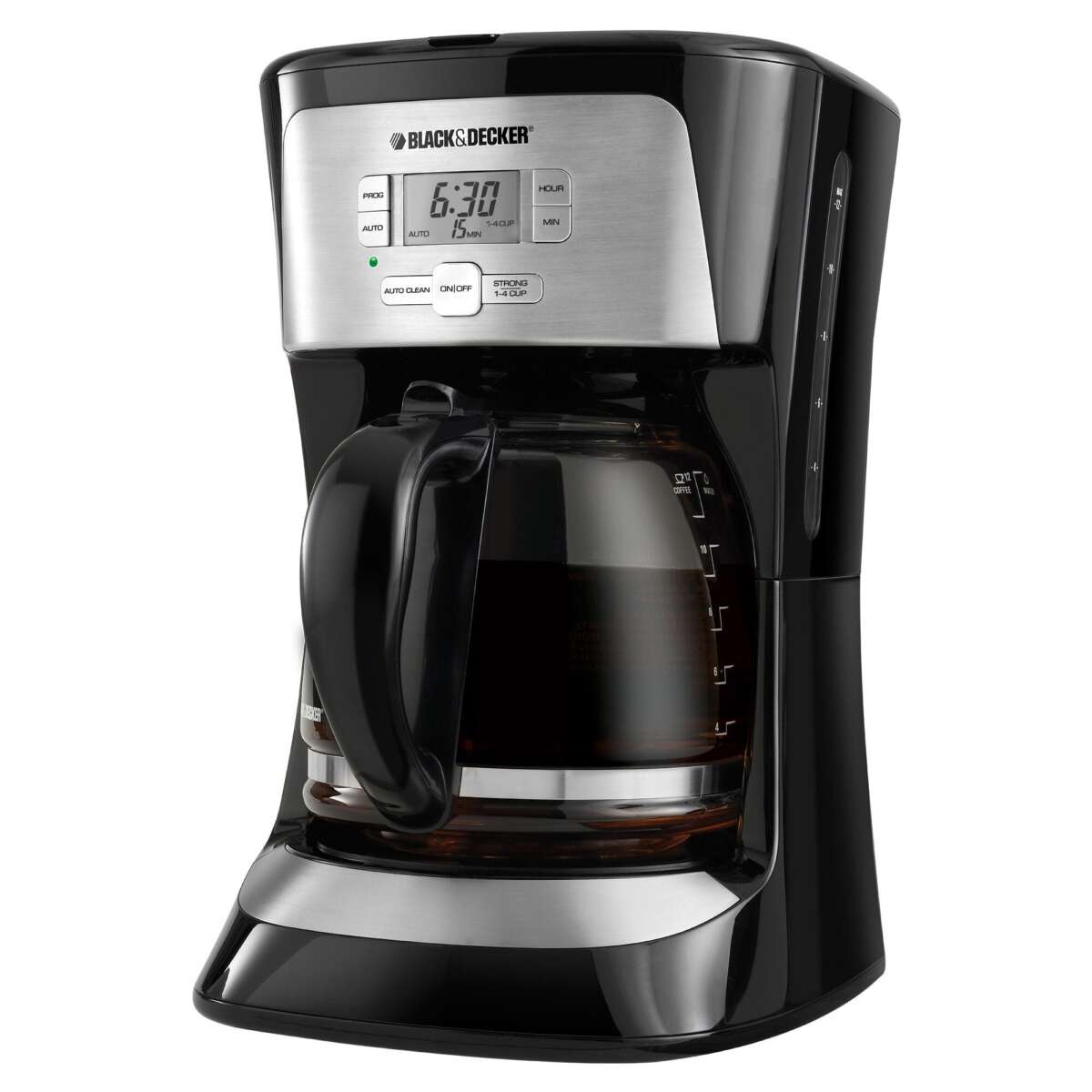
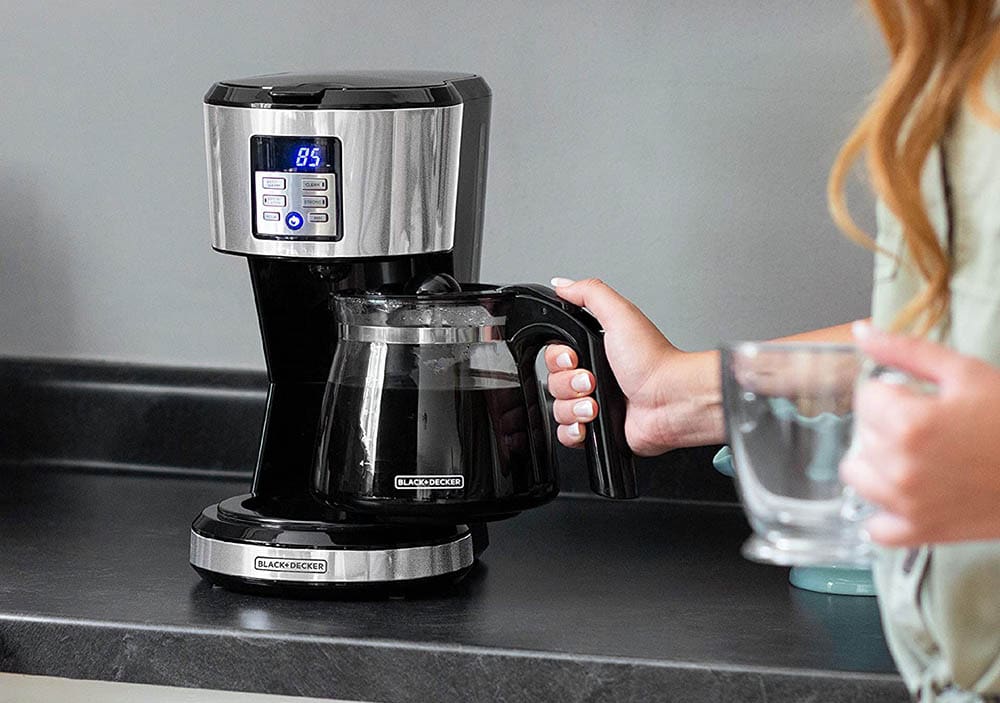
Black & Decker machines share similar controls, but button names vary by model. Learn the layout first. Check the manual or the sticker under the machine for model number.
Common buttons you’ll see:
- Clock or Prog for setting time and program.
- Hour and Min for adjusting time.
- Auto Brew or Brew Time to set the scheduled brew.
- Strength or Bold for brew strength.
- On/Off or Brew Start to begin brewing.
Knowing how to program a Black & Decker coffee maker starts with locating these controls. If you can identify the clock and program buttons, you can program almost any model.

Step-by-step: setting the clock
Setting the clock is the first step in learning how to program a Black & Decker coffee maker. A correct clock lets auto-brew run when you want.
Steps to set the clock:
- Plug in the coffee maker. The display will flash or show 12:00.
- Press the Clock or Prog button once to enter clock mode.
- Press Hour repeatedly to set the hour. Pay attention to AM/PM if shown.
- Press Min to set minutes.
- Press Clock or Prog again to save the time.
I learned to always set the clock right after unpacking. A wrong clock means missed brew times. It takes under a minute to set.

Step-by-step: programming auto-brew
Auto-brew lets the machine start brewing at a preset time. Here’s how to program a Black & Decker coffee maker for automatic brewing.
Steps to program auto-brew:
- Fill the water reservoir and add coffee grounds to the filter.
- Press the Prog or Auto Brew button once to enter program mode.
- Use Hour and Min to set the desired brew time.
- Press Prog or Auto Brew again to confirm the scheduled time.
- Press Auto On or the On button to activate the auto-brew function. A light usually indicates it’s set.
Tip from experience: Set the auto-brew time 1–2 minutes after your wake-up time. This ensures fresh coffee when you get to the kitchen.

Adjusting brew strength and cup settings
Many Black & Decker models offer strength control or small-cup settings. Here’s how to use them when you program a Black & Decker coffee maker.
Common options and how to use them:
- Strength or Bold button: Press before brewing to choose a stronger cup. Use one press for bold brewing.
- Single-serve or Cup button: Use when brewing a small amount to improve taste.
- Pause-and-Serve: Lift the carafe slightly to pause and pour mid-brew. Replace quickly to resume.
Note that strength options may change brew time and flavor. Test settings across a few mornings to find your favorite.

Troubleshooting programming issues
If the machine won’t program or auto-brew, try these fixes. They are common and usually simple.
Quick fixes:
- Reset the clock by unplugging for 10 seconds, then plug back in and set the clock.
- Make sure Auto Brew or Prog is activated after you set the time.
- Check for a blinking display; it often means the machine lost power or the clock wasn’t saved.
- Ensure the carafe is seated correctly; some models won’t brew if the carafe is misplaced.
- Clean the filter basket and reservoir. Clogs can stop functions.
I once spent ten minutes troubleshooting a no-auto issue. The carafe was slightly off-center. A tiny shift fixed it.

Maintenance and care to keep programming features reliable
Good care keeps programming features working well. Regular cleaning prevents errors and extends life.
Routine maintenance tips:
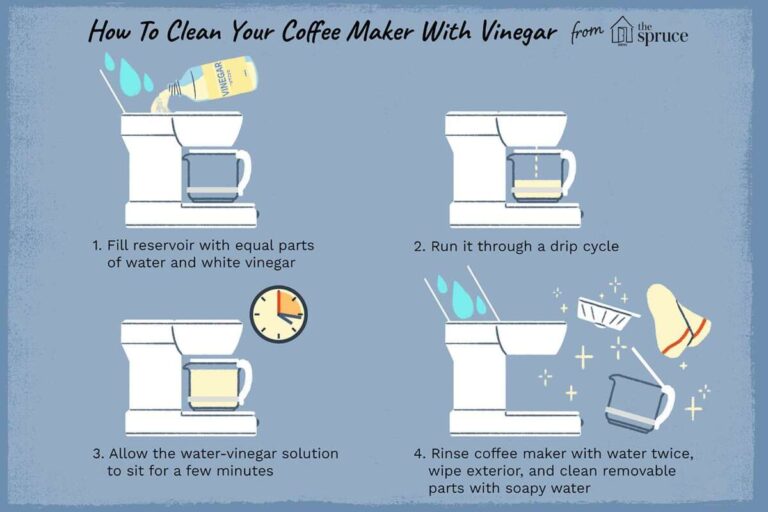
- Descale every 1–3 months using a vinegar solution or descaling product.
- Clean removable parts after each use to avoid buildup.
- Wipe the control panel gently with a damp cloth.
- Replace paper filters and use the correct grind for drip coffee.
- Store the machine in a dry space to avoid electrical issues.
Simple maintenance prevented stubborn programming errors for me. It’s a small time investment for consistent morning coffee.

Personal tips, common mistakes, and pro tricks
I’ll share practical tips I use and common mistakes to avoid when you program a Black & Decker coffee maker.
Personal tips:
- Test your scheduled time the first night by setting it one minute ahead. Watch it start to confirm everything works.
- Use a timer app until you trust the clock and auto-brew.
- Label the underside of the machine with the model number and a note of the control layout. It’s handy later.
- Avoid overfilling the reservoir. It can trigger overflow sensors on some models.
Common mistakes:
- Not saving the program after setting time. Press the confirm button.
- Forgetting AM/PM settings on 12-hour displays.
- Not plugging in the machine to a stable outlet, causing resets.
These small fixes saved me morning frustration and are easy to do.
How to program a Black & Decker coffee maker for travel or power outages
If you move the machine or expect power issues, follow these steps to keep programming intact.
Steps and precautions:
- Unplug before travel and store the water and filter separately.
- After relocation, set the clock and test auto-brew with a short timer.
- Use a surge protector if your outlet is unstable.
- If power outages are common, consider a model with a backup battery feature.
A backup routine helped me avoid missed brews during storms. It’s a practical habit for reliable programming.
Frequently Asked Questions of how to program a black & decker coffee maker
How do I set the auto-brew time on a Black & Decker coffee maker?
Press the Prog or Auto button, then use Hour and Min to choose your time. Confirm by pressing Prog or Auto again, then activate the auto-brew function.
Why won’t my Black & Decker coffee maker save the program?
Power interruptions or not confirming the program are common causes. Reset the clock, set the program again, and press the confirm button to save.
Can I program the brew strength and time together?
Yes. Set the clock and auto-brew time first, then choose Strength or Bold before saving the program. The machine will use both settings when brewing.
My machine shows a blinking display after a power outage. What should I do?
Unplug the machine for about 10 seconds, plug it back in, then reset the clock and auto-brew time. That usually clears the blinking display.
Does every Black & Decker model have an auto-brew feature?
Most modern Black & Decker drip models include auto-brew, but some basic or single-serve models may not. Check the control panel or manual for Prog, Auto, or Clock buttons.
Conclusion
You can reliably set up and control your morning routine once you know how to program a Black & Decker coffee maker. Follow the clock setup, auto-brew steps, and maintenance tips here to get consistent coffee every day. Try the steps tonight by setting the clock and scheduling a test brew. If this guide helped, leave a comment or subscribe for more practical appliance tips.

Liora Pennings is a seasoned chef and kitchen enthusiast with a passion for turning everyday cooking into an effortless experience. With years of hands-on culinary expertise, she specializes in practical techniques, ingredient know-how, and smart kitchen solutions that help home cooks elevate their meals. At KitchFlair.com, Liora shares her best tips, time-saving tricks, and honest product reviews to guide readers toward a more efficient, enjoyable, and inspired cooking routine. Whether you’re a beginner or a seasoned home chef, Liora’s friendly, knowledge-packed insights make every visit to the kitchen a little easier—and a lot more delicious.